Buying Guides
The HP 23.8-inch All-in-One 24-cr1049nh is a good fit if you want a clean office, school, reception or home-work desk PC at an Ogabassey checked price of ₦1,064,900, with catalog availability currently marked in stock under unmanaged catalog stock. It is strongest for productivity, not gaming or touch-first work.
The HP 23.8-inch All-in-One 24-cr1049nh makes most sense for buyers who want a full desktop setup without buying a separate monitor, mini PC, webcam, speakers and keyboard bundle one by one. In a Nigerian office or school environment, that matters because the total desk footprint, cable clutter, setup time and support burden can be just as important as the processor name.
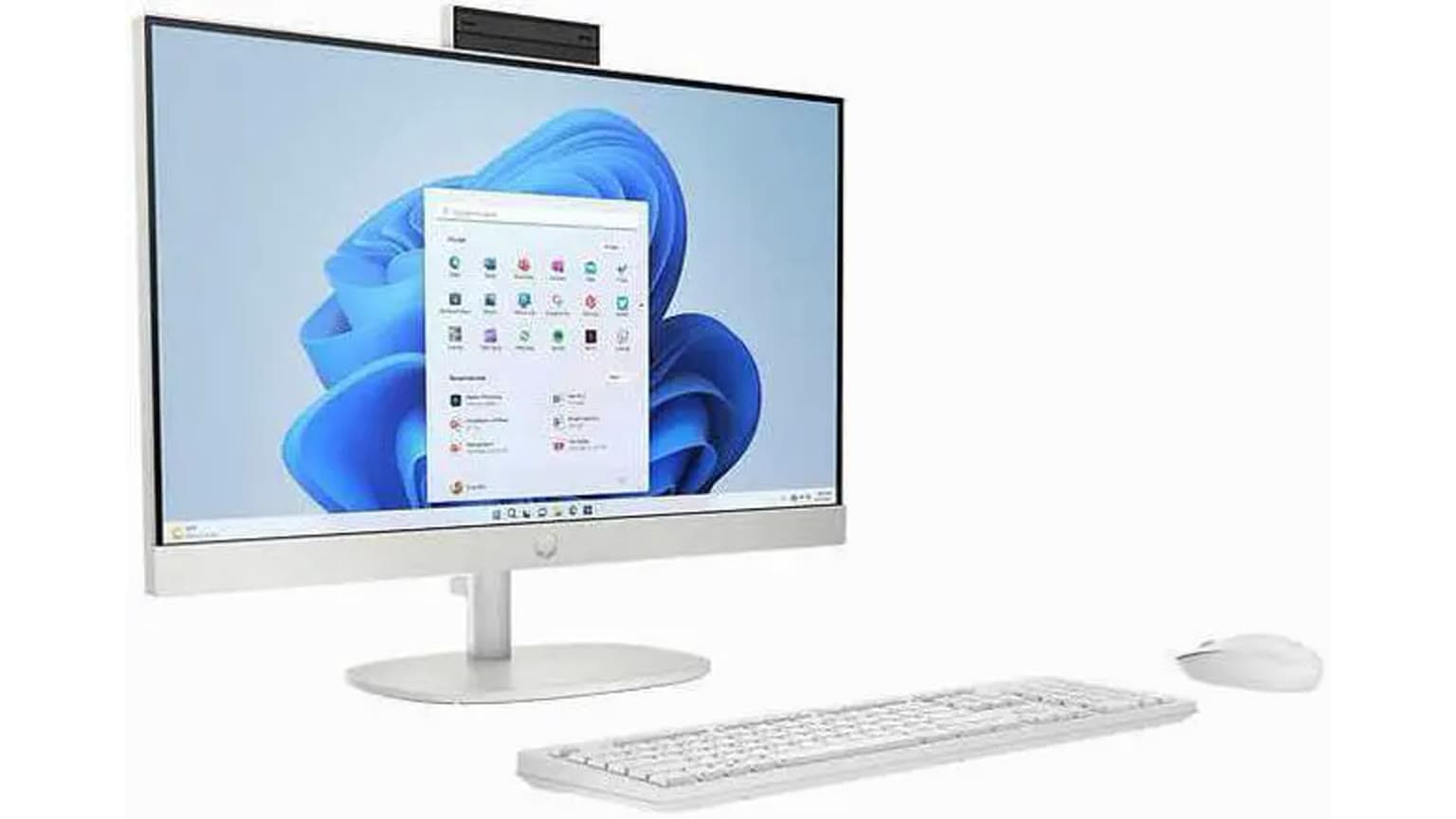
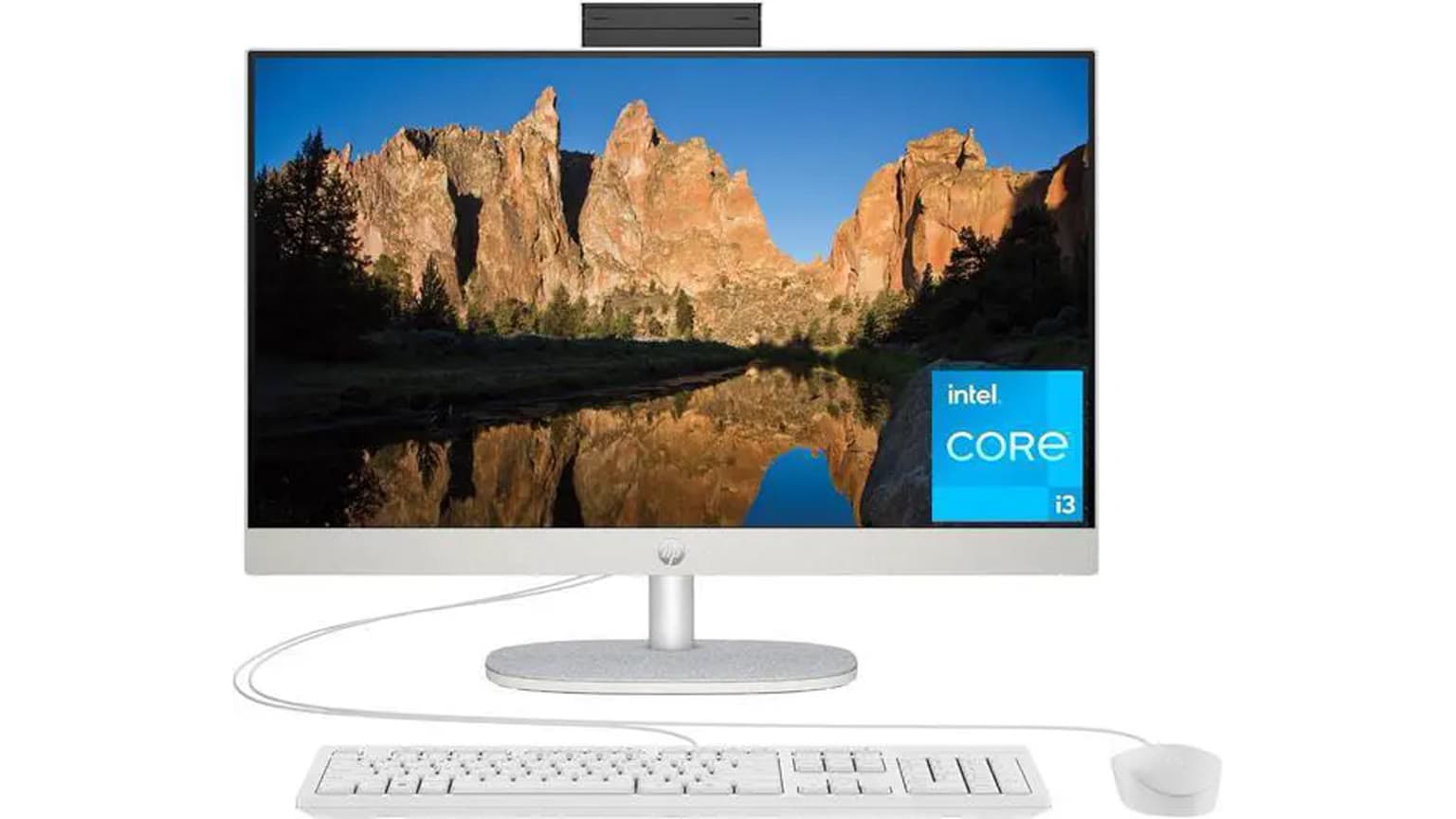
This configuration is catalog-verified as a new HP all-in-one desktop with Intel Core Ultra 5 125U, 8GB RAM, 512GB SSD, Intel Graphics, FreeDOS and a 23.8-inch FHD IPS non-touch display. HP official product data for C36Y5EA also backs the Core Ultra 5 125U platform, 8GB DDR5 memory, 512GB SSD, 23.8-inch FHD IPS display, Jet Black finish, Wi-Fi 6 class wireless and a wired HP keyboard and mouse bundle.
Choose it for front-desk staff, admin work, school computer rooms, medical reception desks, POS-adjacent office tasks, browser-heavy work, Microsoft Office, Google Workspace, accounting packages, video calls and everyday research. It is also practical where a laptop battery is not needed and where a bigger fixed screen is more comfortable than a 14-inch or 15.6-inch notebook.
Do not buy it as a gaming desktop, a portable computer, or a creative workstation for heavy 4K editing, 3D rendering or GPU-accelerated production. The integrated Intel Graphics can handle normal display output and media playback, but the catalog does not list a dedicated NVIDIA or AMD graphics card. If gaming is the main job, start from Gaming Laptops instead of an office all-in-one.

The important question is not only whether the HP 24-cr1049nh has modern specs. It is whether its specific configuration removes enough buying friction to justify choosing an all-in-one over a separate desktop tower, a mini PC, or a laptop from Ogabassey Laptops.
| Entity | Attribute | Value and buyer meaning |
|---|---|---|
| HP 23.8-inch All-in-One 24-cr1049nh | Ogabassey price | ₦1,064,900 checked from the supplied Ogabassey catalog snapshot as of 2026-09-07. Use the live product card before payment because prices can change. |
| HP 23.8-inch All-in-One 24-cr1049nh | Availability | Marked InStock in the catalog. The inventory policy is unmanaged catalog stock, so availability is not capped by the visible numeric stock count. Confirm delivery timing before checkout. |
| HP 23.8-inch All-in-One 24-cr1049nh | Condition | New. |
| HP 23.8-inch All-in-One 24-cr1049nh | Category | Desktop / all-in-one PC. Browse the wider Ogabassey Desktops category if you want tower or mini-PC alternatives. |
| Display | Size and resolution | 23.8 inches, 1920 x 1080. Good for documents, browser tabs and reception dashboards; not a high-resolution creator monitor. |
| Display | Panel type | FHD IPS non-touch display. IPS is useful for shared viewing angles; non-touch means it is not the right choice for kiosk-style finger input. |
| Platform | Processor | Intel Core Ultra 5 125U. Good modern productivity class for office workloads, multitasking and video calls. |
| Graphics | GPU | Intel Graphics. Treat this as integrated graphics for everyday display and media use, not dedicated gaming or workstation graphics. |
| Memory | RAM | 8GB DDR5. Enough for basic work, but multitaskers should ask about upgrade path and cost before buying. |
| Storage | Internal storage | 512GB PCIe NVMe SSD. Practical for Windows, office apps and documents; confirm backup plans for shared office use. |
| Connectivity | 5G support | No. This is a desk PC, so plan for Wi-Fi or Ethernet rather than SIM-based mobile data. |
| Camera | Optical image stabilization | No. OIS is not a meaningful requirement for a fixed all-in-one webcam, but buyers should still confirm webcam privacy and call quality expectations. |
| Warranty and trust | Pre-payment checks | Confirm local warranty handling, return eligibility, FreeDOS/Windows setup cost, package contents, keyboard layout and delivery timeline with Ogabassey before checkout. |
| Alternatives | When to compare | Compare against touch-screen HP all-in-ones, tower desktops, business laptops and gaming laptops depending on desk permanence, graphics needs and upgrade expectations. |
The Core Ultra 5 125U is the main reason this model feels more current than older entry all-in-ones. It gives you a newer Intel productivity platform while keeping the machine in a slim fixed-screen desktop form. For office buyers, that is useful when several users may share the computer and when the system needs to stay in one location.
The 8GB RAM is the main spec to think through before payment. For a single user running browser tabs, email, Word, Excel and a video call, 8GB can be workable. For a business that expects many Chrome tabs, WhatsApp Web, accounting software, cloud dashboards and antivirus running together, it is better to ask Ogabassey about the RAM upgrade path before delivery. HP official specs list SODIMM memory slots, but the article should not be read as a hands-on upgrade confirmation; it is an official-source and catalog-backed buying guide.
The 512GB SSD is a sensible base capacity for school and office work. It should feel much faster than an older hard-drive desktop for booting, opening apps and saving documents. Still, shared offices should plan cloud backup or external backup, because a fast SSD is not the same thing as a backup strategy.
The 23.8-inch FHD IPS non-touch display is the centre of the product. It gives a larger work area than most laptops while keeping the PC, webcam and speakers in one body. For reception desks, small offices and school labs, this reduces the number of devices that can be misplaced or mismatched.
Full HD at 23.8 inches is a familiar office resolution. It is sharp enough for documents, spreadsheets, browser work, video calls and learning platforms, but it is not a premium high-density display. If your staff spend all day in large spreadsheets, a second screen can still be useful. HP official specs list HDMI-out, which matters because some all-in-ones are poor at display expansion. Before buying, confirm whether your exact package and operating-system setup support your intended second-monitor workflow.
The non-touch detail is important. Some buyers hear “all-in-one” and assume it behaves like a giant tablet. This one should be treated as a normal desktop monitor with keyboard and mouse control. That is fine for admin work, but it is not ideal for retail kiosks, interactive school displays, design sketching or touch-signature workflows. If touch is required, compare with a touch-enabled HP all-in-one guide such as HP All-in-One 24-cr0063nh touchscreen desk PC value before choosing.
Ports matter more on an all-in-one than many buyers expect because the computer is also the monitor. You want enough USB ports for keyboard, mouse, printer, scanner, external drive, webcam accessories and possibly a UPS management cable. HP official product data lists USB-C, multiple USB-A ports, RJ-45 Ethernet and HDMI-out for this model family, while the Ogabassey snapshot marks 5G, NFC, radio and card slot support as not available.
There is one port detail worth checking directly before payment: the Ogabassey structured snapshot marks the 3.5mm jack as “No,” while HP official data for the C36Y5EA page lists a headphone/microphone combo port. Because port layouts can be region or SKU sensitive, use the live product card and package confirmation as the deciding evidence if wired headset support matters for calls.
FreeDOS is another practical Nigeria buying point. It usually means the computer does not include a ready Windows installation out of the box. That can be fine for organisations with their own licensed Windows deployment, Linux setup, or IT technician. For a household, school admin office, church office or SME without IT support, confirm the Windows version, activation cost, driver setup and handover state before checkout. The cheapest usable setup is not always the lowest sticker price if you still need software installation afterwards.

The first trade-off is portability. A laptop can move between home, class, office and travel. This HP all-in-one is meant to stay on a desk. That is a benefit when the device is shared by multiple workers or students, but a limitation if one person needs the same computer on the road.
The second trade-off is repair and upgrade flexibility. A tower desktop is usually easier to open, easier to cool, easier to upgrade and easier to pair with any monitor. An all-in-one is neater, but more integrated. If the screen, stand, webcam or main board has an issue later, support handling can be more specialised than a generic tower-and-monitor setup. Ask Ogabassey about warranty channel, return eligibility and local after-sales process before payment.
The third trade-off is graphics. Intel Graphics is appropriate for office work, media playback, online classes and regular video calls. It is not the right signal for gaming, CUDA workflows, heavy 3D modelling or serious video production. If your search question is “which laptop should I buy for school, work, gaming or design?”, the answer depends on the workload: this HP all-in-one is for school and work desks, not gaming and not demanding design.
The fourth trade-off is RAM headroom. 8GB DDR5 keeps the price and configuration simple, but heavy browser multitasking can expose the limit. For a business buying several units, the smarter move is to decide the RAM policy once: either accept 8GB for fixed light-duty roles or price the upgrade before deployment so all units are consistent.
If you want a cleaner desk than a tower but still need a large screen, this HP all-in-one is the natural option. If you want maximum service flexibility, compare regular tower desktops in Desktops. A tower plus monitor may take more space, but it can be easier to repair, expand and keep in service for many years.
If one person will carry the device between work and home, buy a laptop instead. The same budget may put you near stronger business notebook choices depending on current Ogabassey stock. For example, Ogabassey’s HP business-laptop coverage can help you compare fixed-desk simplicity against portable work machines such as the HP EliteBook 840 G11 Core Ultra work guide or the HP Elite Tower 600 G9 office desktop guide.
If touch input is the deciding feature, do not assume this model has it. The catalog and HP official data identify this 24-cr1049nh configuration as non-touch. A touch-screen all-in-one may be better for reception check-ins, retail counters, interactive learning and customer-facing forms. If you do not need touch, skipping it can be sensible because keyboard-and-mouse office work is usually faster and cleaner.
If gaming is the requirement, this is the wrong category. Look at Gaming Laptops or a desktop with dedicated graphics. The HP all-in-one design prioritises low desk clutter and general productivity, not GPU performance.
Buy the HP 23.8-inch All-in-One 24-cr1049nh if your main problem is building a tidy, modern, fixed desk workstation for office, school or home productivity. The strongest points are the integrated 23.8-inch FHD IPS screen, modern Intel Core Ultra 5 125U platform, 512GB SSD, compact all-in-one footprint and current Ogabassey catalog availability at ₦1,064,900 as of 2026-09-07.
Pause before buying if you need touch input, dedicated graphics, frequent internal upgrades, battery-backed portability, or a guaranteed ready-to-use Windows setup. The smartest checkout questions are simple: confirm live price, live availability, warranty and return eligibility, Windows installation status, exact ports, included keyboard and mouse, and whether an 8GB-to-higher-RAM upgrade is available before delivery.
For Nigerian buyers, the value is not only the processor. It is the reduced setup complexity. One box gives you the PC, display and basic desk peripherals, which can save time for offices deploying multiple workstations. But if your team has IT support and expects long-term hardware changes, a tower desktop may still be the more flexible buy.
Yes. Its Core Ultra 5 125U, 8GB RAM, 512GB SSD and 23.8-inch FHD IPS display fit normal school, admin, reception, browser, document and video-call work. It is less suitable for gaming, heavy design, 3D rendering or workloads that need a dedicated GPU.
The supplied catalog and HP official specs list FreeDOS, so buyers should not assume Windows is installed and activated. Confirm Windows installation, licence cost, drivers and handover setup with Ogabassey before checkout if you need a ready-to-use Windows PC.
No. The catalog and HP official product data identify this configuration as a 23.8-inch FHD IPS non-touch display. If touch input is required for kiosk, classroom or reception use, compare with a touch-enabled all-in-one before buying.
Buy this all-in-one for a fixed desk, larger screen and cleaner shared workstation. Buy a laptop if one user needs portability, built-in battery backup or work-from-anywhere flexibility. For gaming, choose a gaming laptop or desktop with dedicated graphics instead.
Catalog-linked prices update automatically. Historical and other quoted prices remain as written. Open the product page to confirm the current price, selected variant and availability before buying.