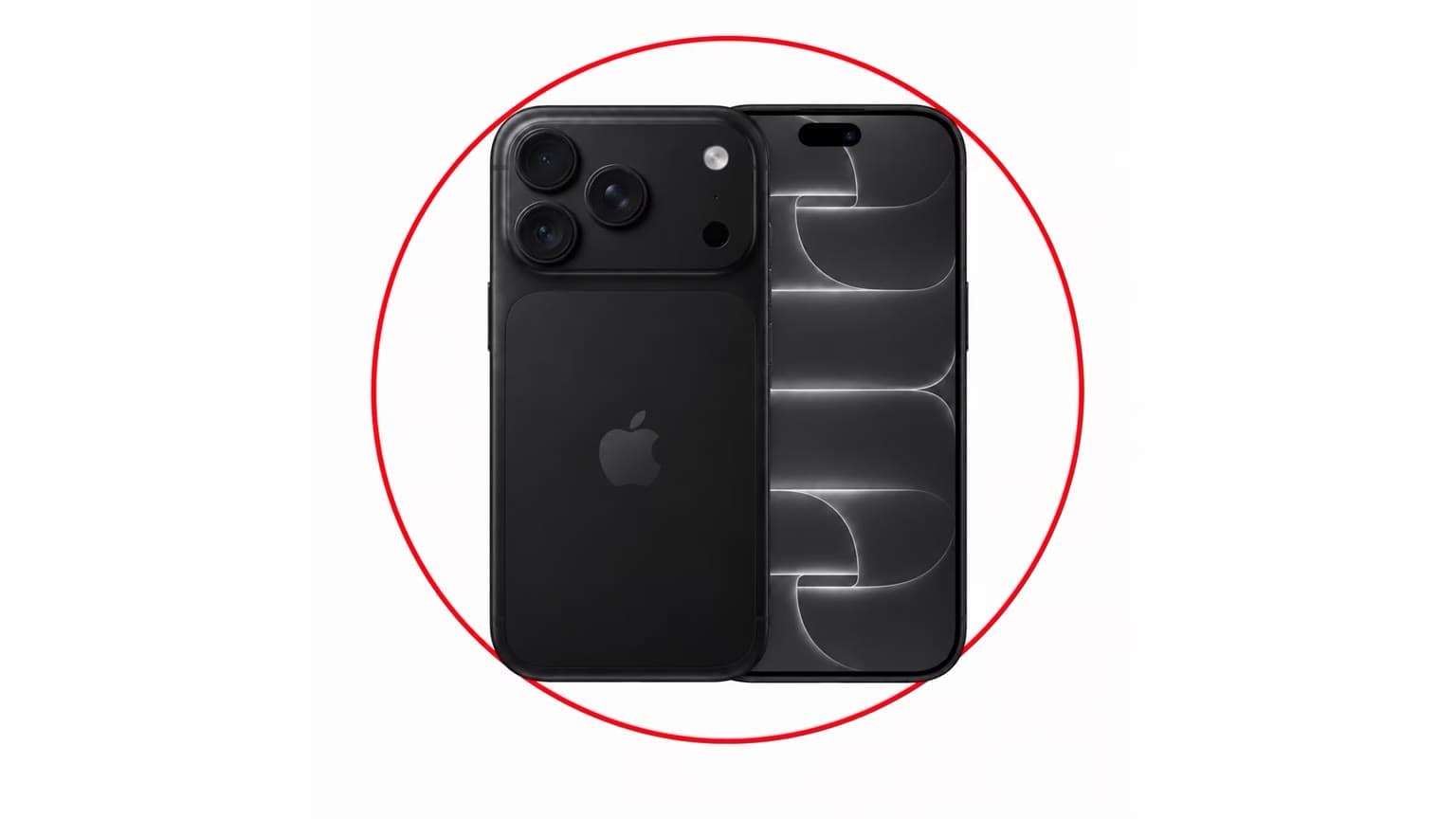
If your iPhone is frozen, stuck on the Apple logo, ignoring touch, or refusing to wake, a force restart is usually the first safe fix to try. It cuts power to the running software and starts the phone again without erasing your data, so it is useful before you book a repair, reset the phone, or start shopping for a replacement.
The important detail in 2026 is model compatibility. Apple still uses three different button methods across supported and older iPhones, and the correct steps depend on whether your phone has Face ID, a Home button, or the iPhone 7 button layout. Use the section below that matches your model.
Quick Verdict: Try This Before Paying for Repair
A force restart is worth trying when the phone is temporarily frozen, an app has locked the screen, the display is black but the phone seems powered, or the iPhone is stuck during normal use. It is not a cure for a failing battery, damaged charging port, cracked display, storage corruption, or repeated overheating. If the same fault keeps returning, treat the force restart as a diagnostic step rather than a permanent fix.
If you are using an older iPhone such as the iPhone X, iPhone 8, iPhone 7, or iPhone 6s, force restart steps can help you recover the phone long enough to back up data, check battery health, or decide whether repair still makes financial sense.
Before You Start
- Do not force restart during an iOS update unless the phone has clearly been stuck for a long time. Interrupting an update can lead to recovery-mode troubleshooting.
- Connect power if the battery may be flat. Let the iPhone charge for at least 10 to 15 minutes before assuming it is frozen.
- Remove thick cases if buttons feel stiff. Failed button timing is a common reason the newer iPhone method does not work.
- Back up after the phone restarts. A freeze can be harmless, but repeated freezes are a warning sign.
How to Force Restart iPhone 8 or Later
Use these steps for iPhone 8, iPhone 8 Plus, iPhone X, iPhone XR, iPhone XS, iPhone 11, iPhone 12, iPhone 13, iPhone 14, iPhone 15, iPhone 16, newer Face ID models, and iPhone SE 2nd and 3rd generation.
- Quickly press and release the Volume Up button.
- Quickly press and release the Volume Down button.
- Press and hold the Side button.
- Keep holding the Side button when the power-off slider appears.
- Release the Side button only when the Apple logo appears.
The timing matters. The two volume presses should be quick taps, followed immediately by holding the Side button. If Siri appears, the phone takes a screenshot, or Emergency SOS starts to appear, wait a moment and repeat the sequence more deliberately.
How to Force Restart iPhone 7 and iPhone 7 Plus
- Press and hold the Volume Down button and the Side button at the same time.
- Keep holding both buttons while the screen changes.
- Release both buttons when the Apple logo appears.
The iPhone 7 uses a separate method because its Home button is not the same mechanical button design used on older models. If your iPhone 7 repeatedly needs a force restart, also check battery health and available storage before deciding the phone itself is beyond use.
How to Force Restart iPhone 6s, iPhone SE 1st Gen, and Earlier
- Press and hold the Home button and the Top button or Side button at the same time.
- Keep holding both buttons until the Apple logo appears.
- Release both buttons and allow the iPhone to finish starting up.
This applies to the iPhone 6s, iPhone 6s Plus, original iPhone SE, and older Home-button iPhones. These models are now old enough that frequent freezing is often linked to battery age, limited storage, unsupported apps, or iOS support limits rather than a one-off software glitch.
What a Force Restart Does and Does Not Do
A force restart does not delete your photos, messages, apps, eSIM, passcode, Apple ID, or settings. It is different from erasing all content and settings, restoring with a computer, or entering recovery mode. Think of it as a hard reboot, not a factory reset.
It also does not repair hardware. If the screen is physically damaged, the battery is swollen, the phone will not charge with a known-good cable, or the buttons do not click reliably, you may need parts or professional service. For battery-specific symptoms, Ogabassey’s guide to checking iPhone battery health is a better next step.
If the iPhone Still Will Not Restart
- Charge and retry: use a known-good cable and charger, then repeat the correct button sequence.
- Check the buttons: remove the case and confirm Volume Up, Volume Down, Side, and Home buttons are not jammed.
- Try a computer update: if the iPhone starts but loops on the Apple logo, you may need to update or restore it through Finder on Mac or Apple Devices/iTunes on Windows.
- Use service support: if the device remains black, overheats, shows liquid damage, or will not charge, book Apple or authorised repair support.
2026 Buying and Repair Context for Older iPhones
For a modern iPhone still receiving current iOS updates, a force restart is usually just a troubleshooting step. For older models, the value decision is different. A low-cost battery replacement, screen repair, or storage cleanup may be sensible if the phone is a backup device, a child’s phone, or used mainly for calls and messaging. It is harder to justify major repair spending on models that are no longer a good long-term app and security-support bet.
The iPhone X and iPhone 8 use the same force restart method as newer iPhones, but they are best treated as budget or backup phones in 2026. The iPhone 7 and iPhone 6s are even more repair-sensitive: if the cost of battery, screen, or board repair approaches the price of a newer used iPhone, replacement is usually the better value.
Alternatives to a Force Restart
- Normal restart: best when the screen still responds and you can use the power-off slider.
- App update or reinstall: best when only one app keeps freezing.
- Free up storage: best when the whole phone feels slow, apps crash often, or iOS cannot complete updates.
- Battery service: best when shutdowns happen under load or battery health is degraded.
- Upgrade or replace: best when an old iPhone has repeated faults, weak battery life, limited storage, and poor app compatibility.
If the problem is general lag rather than a fully frozen iPhone, start with Ogabassey’s broader guide to fixing a lagging smartphone. If your phone is stable again and you mainly want better day-to-day performance, the guide to maintaining iPhone battery health is more useful than repeatedly force restarting.
Final Verdict
Force restart your iPhone when it is frozen, stuck, or temporarily unresponsive, using the button sequence that matches your model. It is safe for your data and should be your first troubleshooting step before a reset or repair visit. If the same issue returns, look deeper: battery health, storage, iOS support, app behaviour, and repair cost matter more than the restart itself, especially on older iPhones in 2026.
Sources