Bassey John is a Performance Marketing Specialist at Ogabassey with cross-industry experience spanning e-commerce, gaming, and real estate. He focuses on paid acquisition, conversion-rate optimisation, and data-driven growth strategy, turning campaign performance into measurable revenue. At Ogabassey he writes about consumer technology, product buying guides, and the Nigerian gadget market to help shoppers make confident, informed decisions.
A Google Pixel that will not charge through USB-C is not automatically a dead phone. The fault can be as simple as pocket lint blocking the connector, a weak cable, moisture detection, a damaged charging board, or a wider power-management issue. This guide helps Pixel owners decide when to clean, when to stop using the port, and when to book a professional charging port inspection with Ogabassey.
If you are in Nigeria or buying and repairing imported Pixel phones, the practical issue is usually not just the repair itself. You also need to confirm parts availability, avoid water-damaged or previously opened units, and decide whether the phone is still worth repairing compared with replacing it. You can start from the Ogabassey repairs page or use the repair booking page when you are ready to submit the device details.
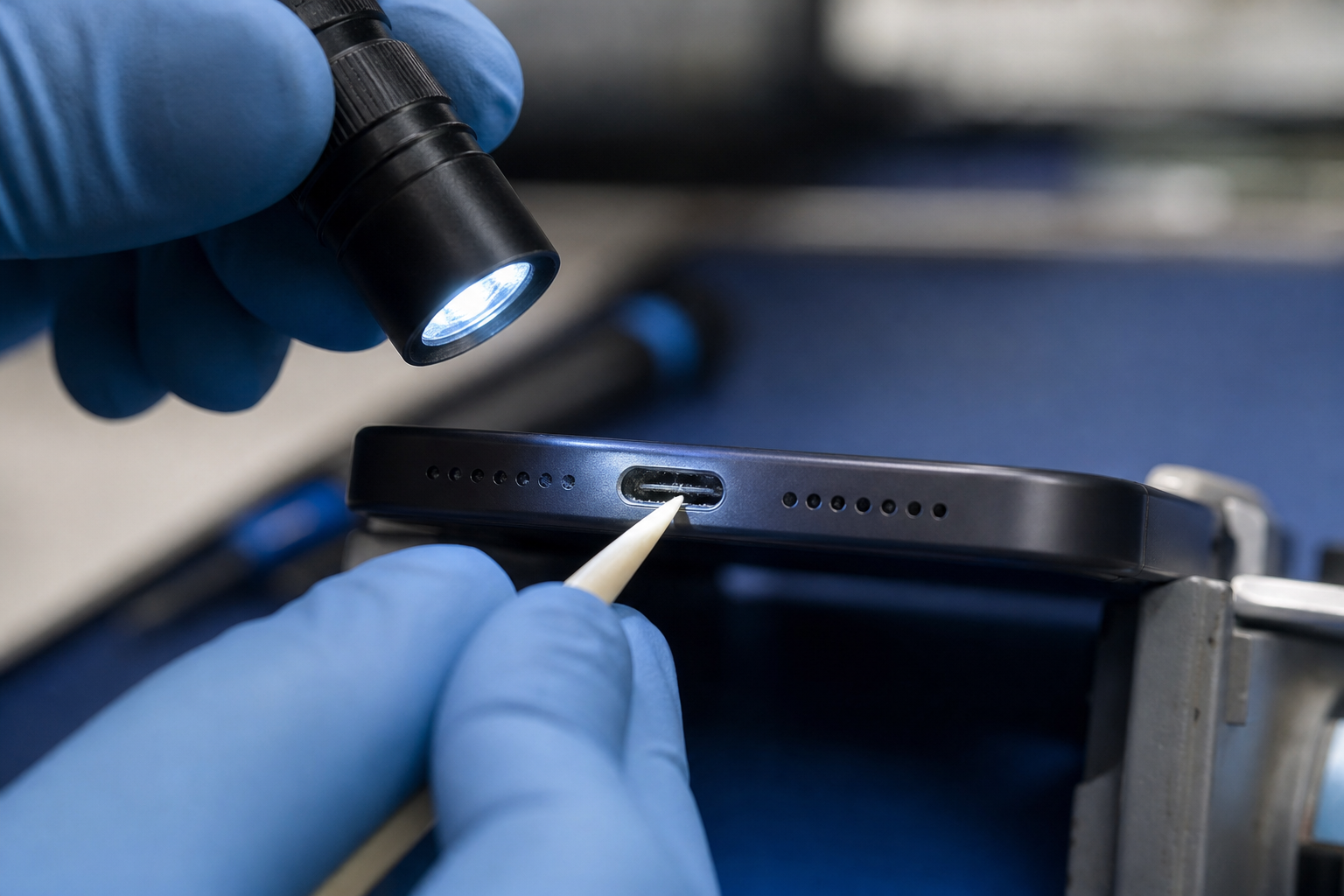
Intermittent charging can come from lint, cable wear, moisture, or a damaged USB-C connector.
Symptoms: when a Pixel charging port may need repair
Common signs include a USB-C cable that only works at a certain angle, slow or intermittent charging, a loose-feeling connector, failure to connect to a computer, or repeated moisture/debris warnings after the phone has had time to dry. Wireless charging working normally can point attention back to the port area on compatible Pixel models, but it does not prove the port alone is bad.
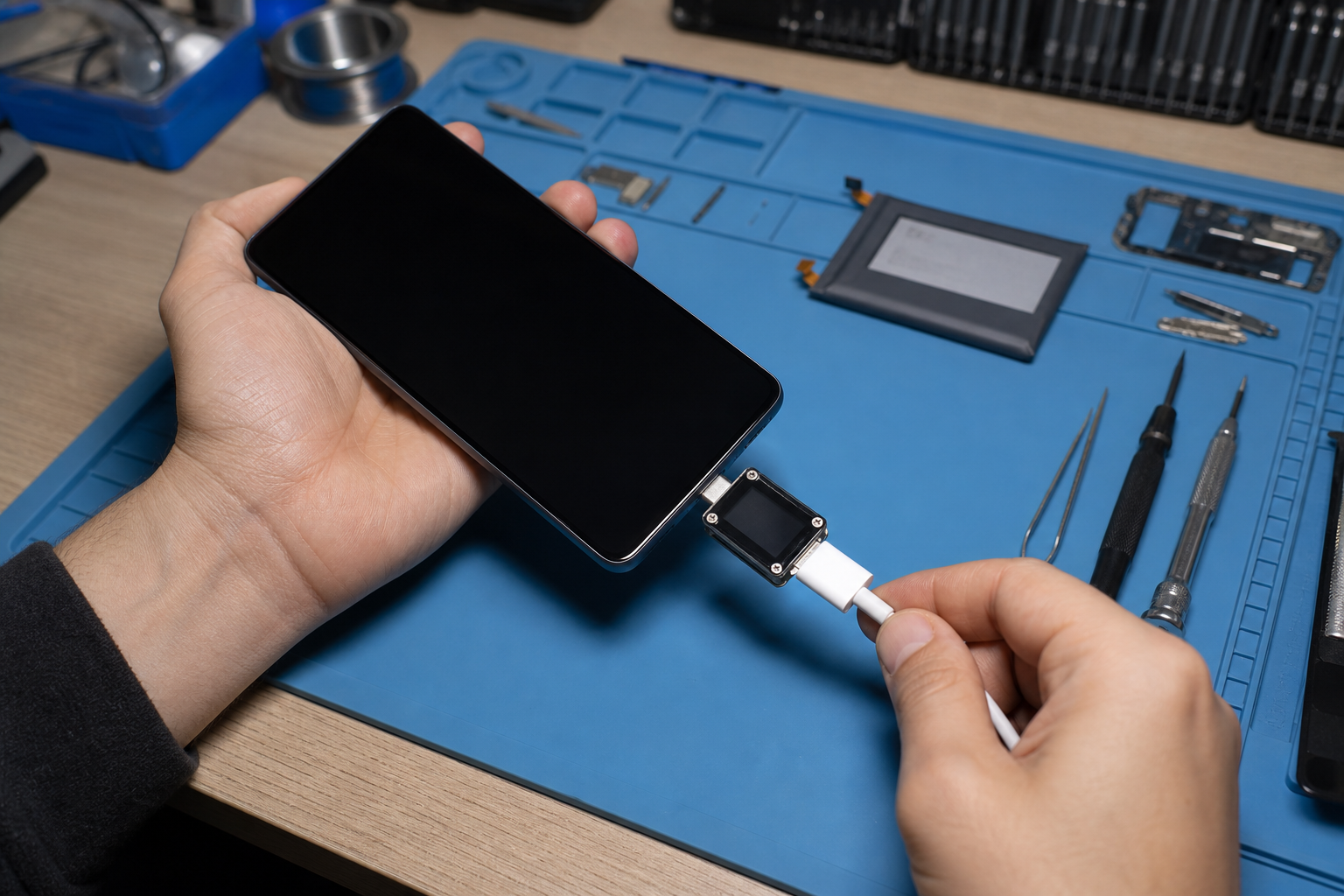
Before assuming hardware failure, test with a known-good USB-C cable and a charger that supports USB Power Delivery. Also check whether the phone charges while powered off. If the Pixel shows a liquid or debris warning, stop charging by cable until the port is dry and visibly clean. If the port looks burnt, melted, corroded, or physically bent, do not keep forcing cables into it.
Repair options: cleaning, diagnostics, port replacement, or board-level work
The best repair path depends on what the technician finds. A compacted lint blockage may only need careful cleaning. A worn USB-C receptacle, damaged flex assembly, or corrosion around the port may need parts replacement. If the phone still refuses to charge after a good port assembly is fitted, the fault may sit deeper in the charging circuit, battery, or motherboard.
For Ogabassey customers, the correct first step is an inspection rather than a fixed quote. Pixel models differ internally, and some versions are easier to service than others. Use the Ogabassey repair request form with your exact Pixel model, fault history, and whether there has been liquid exposure, a fall, or previous repair work. That gives the repair team enough context to confirm eligibility and advise the next step.
Parts and warranty cautions
Do not treat every USB-C issue as a cheap socket swap. Google’s own repair guidance tells users to check warranty status and confirm repair options for their region, and it advises contacting repair centers to confirm parts availability before visiting. That same caution matters locally: parts supply for imported Pixel phones can vary by model, color, region, and generation.
If your Pixel is still under Google warranty or a separate protection plan, check that path before paying for an independent repair. Opening the phone outside the approved channel can affect later warranty claims. If the device was bought used, ask whether it has already been repaired, whether the frame is bent, and whether the charging issue started after liquid exposure. Those details change the risk and the likely repair route.
A proper diagnosis helps separate port faults from battery or board-level charging problems.
When replacement is better than charging port repair
Repair makes sense when the Pixel is otherwise healthy: the screen is good, the battery still lasts, the cameras work, and the storage size still fits your needs. It becomes harder to justify when the phone also has a cracked screen, swollen battery, severe water damage, weak signal, or a history of failed previous repairs.
As a decision rule, compare the likely repair value against the cost of a clean replacement phone with stronger battery life and dependable charging. For older Pixel models, spending heavily on port and board-level work may not be smart if you also need a battery soon. For newer Pixel models, a proper repair can be worthwhile because software support, camera quality, and resale value may still be strong.
Booking path: what to send before you visit
When booking, include the exact model name, whether the phone charges wirelessly, what cables you tested, whether the cable feels loose, and whether you have seen liquid or debris warnings. Add clear photos of the charging port if possible, especially if there is visible corrosion or heat damage.
Start with the main Ogabassey repair services overview if you want to see available repair categories. If you already know the issue is a Pixel charging fault, go straight to book a repair assessment. Ogabassey should confirm service eligibility, parts availability, and any warranty or inspection terms before the repair proceeds.