Bassey John is a Performance Marketing Specialist at Ogabassey with cross-industry experience spanning e-commerce, gaming, and real estate. He focuses on paid acquisition, conversion-rate optimisation, and data-driven growth strategy, turning campaign performance into measurable revenue. At Ogabassey he writes about consumer technology, product buying guides, and the Nigerian gadget market to help shoppers make confident, informed decisions.
Google Pixel phones are valued for clean Android, strong cameras and long software support on newer models, but an ageing battery can quickly make an otherwise useful phone difficult to trust through a Lagos workday, campus schedule, road trip or generator-light evening. If your Pixel drains unusually fast, switches off at 20% or 40%, becomes hot during light use, charges slowly after you have tested a known-good charger, or has a lifted screen or back panel, the decision is not simply “buy another phone”. The better question is whether a battery replacement can restore dependable use without creating new safety, warranty or water-resistance problems.
As of 31 May 2026, Pixel repair planning in Nigeria needs extra care because Google’s own repair-support countries do not list Nigeria for Pixel mail-in or walk-in service. That does not mean a Pixel cannot be repaired locally, but it does mean you should be more deliberate about diagnosis, parts quality, post-repair testing and warranty expectations before approving work.
Quick verdict: when battery replacement makes sense
A Google Pixel battery replacement usually makes sense when the phone is otherwise healthy: the display is not cracked, the cameras work, the charging port is stable, Face Unlock or fingerprint unlock still works where supported, and performance still meets your needs. It is often worth considering for Pixel 6, Pixel 7, Pixel 8 and newer models because many are still within Google’s software-support windows, and Pixel 8 or later models have especially long official update commitments.
Replacement becomes less attractive when the phone has several faults at once. If your Pixel also needs a screen, charging port, earpiece, back glass or board-level repair, compare the total repair bill against the cost of a clean used or newer Pixel. If you are still deciding whether the whole Pixel experience is worth keeping, Ogabassey’s broader guide to why Google Pixel phones appeal to Nigerian buyers can help you weigh camera quality, Android updates and local support trade-offs.
Signs your Pixel battery needs attention
Battery life naturally declines after repeated charging cycles, but some symptoms deserve a proper repair assessment. Common warning signs include a sharp drop in screen-on time, sudden percentage jumps, unexpected shutdowns, very slow charging, overheating during basic tasks, the phone refusing to power on unless plugged in, or the screen/back panel lifting from the frame.
A swollen battery is urgent. Do not press the screen or back cover down, do not keep charging the phone overnight, and do not attempt to puncture or flatten the battery. Keep the device away from heat and arrange a professional inspection. Google has acknowledged battery swelling in some Pixel 7a units through an extended repair program in supported markets, which is a useful reminder that swelling is not just an inconvenience; it is a safety issue.
Fast drain, excess heat and swelling are signs that warrant a professional check.
Rule out software drain before paying for parts
Not every Pixel battery complaint is a bad battery. Google’s own battery guidance points users toward checking battery diagnostics, app usage, Adaptive Battery, battery optimization and recent software changes. After major updates, temporary drain can happen while the phone indexes files and optimizes apps. In 2026, that matters because Pixel owners have continued to report update-related battery drain episodes across different generations, so a repair shop should not treat every complaint as a parts job on sight.
Before booking a replacement, check Settings > Battery and review battery usage. Look for one app staying active in the background, poor mobile signal causing constant network searching, hotspot use, GPS navigation, video calls, camera recording, gaming, high brightness and always-on display. If the drain began immediately after an update, give it a few days where safe to do so, update apps, restart the phone and check whether the pattern settles. If the battery is swollen, hot, leaking, or pushing the display open, skip this waiting period and seek service immediately.
Pixel model and software support matter in 2026
Battery value depends partly on how long the phone remains useful after repair. Google’s current support policy gives Pixel 8 and later phones seven years of updates from first availability on the Google Store in the US. Pixel 6, Pixel 7 and Pixel Fold generation devices have shorter but still meaningful support windows. That means a sound Pixel 8, Pixel 8 Pro, Pixel 8a, Pixel 9 or newer device may justify a better-quality battery job because the phone should remain viable for longer.
Older models need stricter math. If a Pixel 4, Pixel 4a, Pixel 5 or other older device is already outside regular update support, a battery replacement may still be useful as a spare phone, camera, banking backup or child’s device, but it is harder to recommend as a primary phone unless the repair cost is low and the phone is in excellent condition. For the Pixel 6 and Pixel 7 families, also check whether your storage size still suits you; a new battery will not fix a phone that is already too full, too slow for your apps, or physically worn out.
Repair options for Pixel owners in Nigeria
In supported countries, Google lists official mail-in or walk-in repair routes, but Nigeria is not currently one of the listed Pixel repair locations. For Nigerian Pixel owners, the practical options are usually local independent repair, service through the seller if the phone was bought with a store warranty, or support through the original purchase country where that is possible. Imported Pixels can be excellent value, but warranty routes often depend on where the device was purchased and what support channel is available for that market.
When using a local repairer, ask direct questions before handing over the phone: what exact Pixel model is this, what battery type will be used, is the part new or pulled from another device, what adhesive will be replaced, what functions will be tested after repair, and what warranty covers the battery and workmanship? Avoid any repair that cannot identify your model correctly. Pixel 6, Pixel 6 Pro, Pixel 7, Pixel 7 Pro, Pixel 8, Pixel 8 Pro, Pixel 8a and foldable Pixels do not all open or reassemble the same way.
Parts, warranty and water-resistance cautions
Battery quality is the difference between a useful repair and a new problem. Genuine or high-quality replacement parts reduce the risk of poor runtime, swelling, percentage misreads and overheating. iFixit remains a recognized source for genuine Google Pixel parts and repair guides in markets where parts are available, but local Nigerian availability can vary by model. A repairer should be able to explain the part source, expected capacity, warranty period and what happens if the replacement battery fails early.
Water resistance should not be assumed after a Pixel has been opened. Even if new adhesive is fitted, the phone should be treated carefully around rain, bathrooms, pools, beach trips and sweaty gym use. Also confirm whether opening the phone may affect any remaining seller warranty. If your Pixel was bought recently from a Nigerian retailer or importer, contact the seller before third-party repair so you do not accidentally lose a valid local warranty claim.
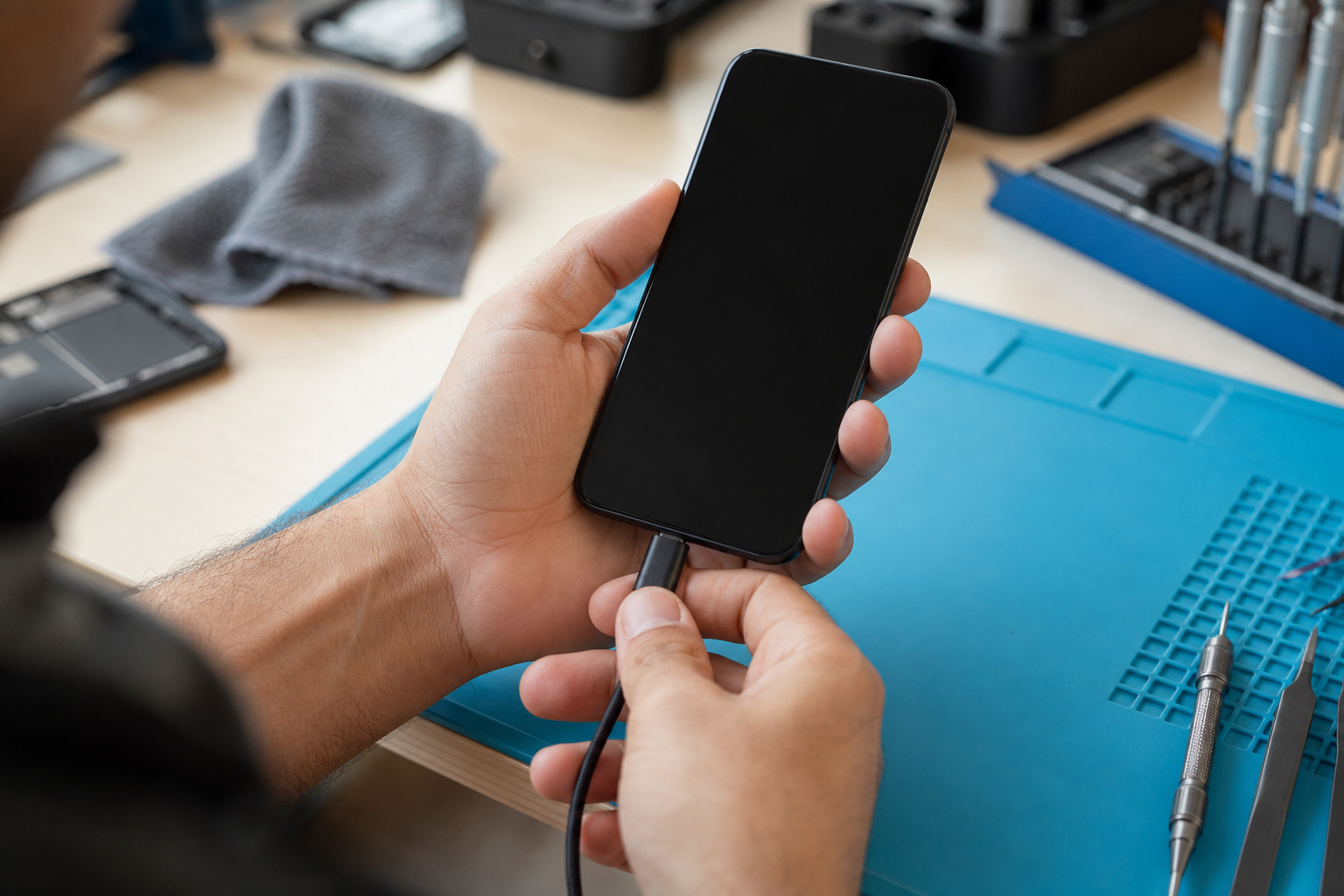
Charging and daily-use functions should be tested after battery replacement.
What a proper post-repair test should include
Do not collect the phone after only seeing it power on. A sensible Pixel battery replacement check should include charging from a low percentage, stable USB-C connection, wireless charging where the model supports it, touch response across the display, fingerprint or face unlock, loudspeaker, microphone, cameras, mobile data, Wi-Fi, Bluetooth, vibration, proximity sensor and a short heat check under normal use. If the display was lifted because of swelling, the repairer should also inspect the screen and frame for stress damage.
If your problem was fast drain rather than swelling, ask for a short explanation of what was observed: battery health estimate where available, charging current, visible battery condition, signs of liquid damage, or whether an app/software issue may still be involved. This helps you avoid paying twice for the same unresolved symptom.
When replacing the phone is the better option
Choose phone replacement over battery repair when the total repair cost is approaching the cost of a cleaner device, when the phone has liquid damage, when the motherboard or charging circuit is suspect, when a cracked OLED screen must be replaced at the same time, or when the model is already too old for secure daily use. If your battery drain is linked to a damaged USB-C port rather than the battery itself, read Ogabassey’s Google Pixel charging port repair checklist before approving the wrong repair. If the screen is cracked or lifting, also compare the battery job with the advice in Google Pixel screen repair: what to check before you replace the display.
For users comparing ecosystems, the decision is similar to iPhone battery service: the right repair depends on battery condition, software support, resale value and the rest of the device. Ogabassey’s guide to iPhone battery health issues and replacement timing is useful if you are deciding between repairing a Pixel and switching platforms.
Preparing your Google Pixel for service
Back up important photos, WhatsApp chats, contacts, banking access, authenticator apps and work files before handing in your phone. Record the exact model, IMEI or serial number, battery symptoms and existing cosmetic damage. Remove your SIM and memory of sensitive notifications where practical, and confirm whether the technician needs your unlock code for diagnostics. If unlocking is required, stay present where possible or use a temporary screen lock that you can change immediately after collection.
After collection, monitor the phone for the first few charge cycles. Some calibration settling is normal, but rapid drain, heat, swelling, random shutdowns or charging warnings after replacement should be reported immediately within the repair warranty period.
Where to start
If your Google Pixel is struggling to last through your workday or commute, start with assessment rather than guessing the fault. Visit the Ogabassey repairs page to review repair support options, or use the repair service request page to begin a battery replacement enquiry for your specific Pixel model. Include your Pixel model, symptoms, whether the phone is swollen or hot, and whether any screen, charging-port or liquid damage is already present.
Sources
Google Pixel Phone Help: Get your device repaired
Google Pixel Phone Help: Fix battery drain problem
Google Pixel Phone Help: Learn when you'll get software updates on Google Pixel phones
Google Pixel Phone Help: Extended Repair Program for Pixel 7a