Bassey John is a Performance Marketing Specialist at Ogabassey with cross-industry experience spanning e-commerce, gaming, and real estate. He focuses on paid acquisition, conversion-rate optimisation, and data-driven growth strategy, turning campaign performance into measurable revenue. At Ogabassey he writes about consumer technology, product buying guides, and the Nigerian gadget market to help shoppers make confident, informed decisions.
If you are choosing between these two 14-inch Dell laptops in Nigeria, the Dell Inspiron 14 Plus 7440 is the better value for display quality, storage, and everyday creative work, while the Dell Latitude 5450 is the safer business pick if upgradeability, Ethernet-class office practicality, and long-term fleet support matter more.
Decision summary
This is not a simple newer-versus-older comparison. Both listings are new Dell laptops on Ogabassey, both use Intel Core Ultra 7 processors, both carry 16GB RAM, and both are compact 14-inch machines. The real decision is whether you want the higher-spec consumer configuration of the Dell Inspiron 14 7440 Plus or the business-focused design priorities of the Dell Latitude 5450.
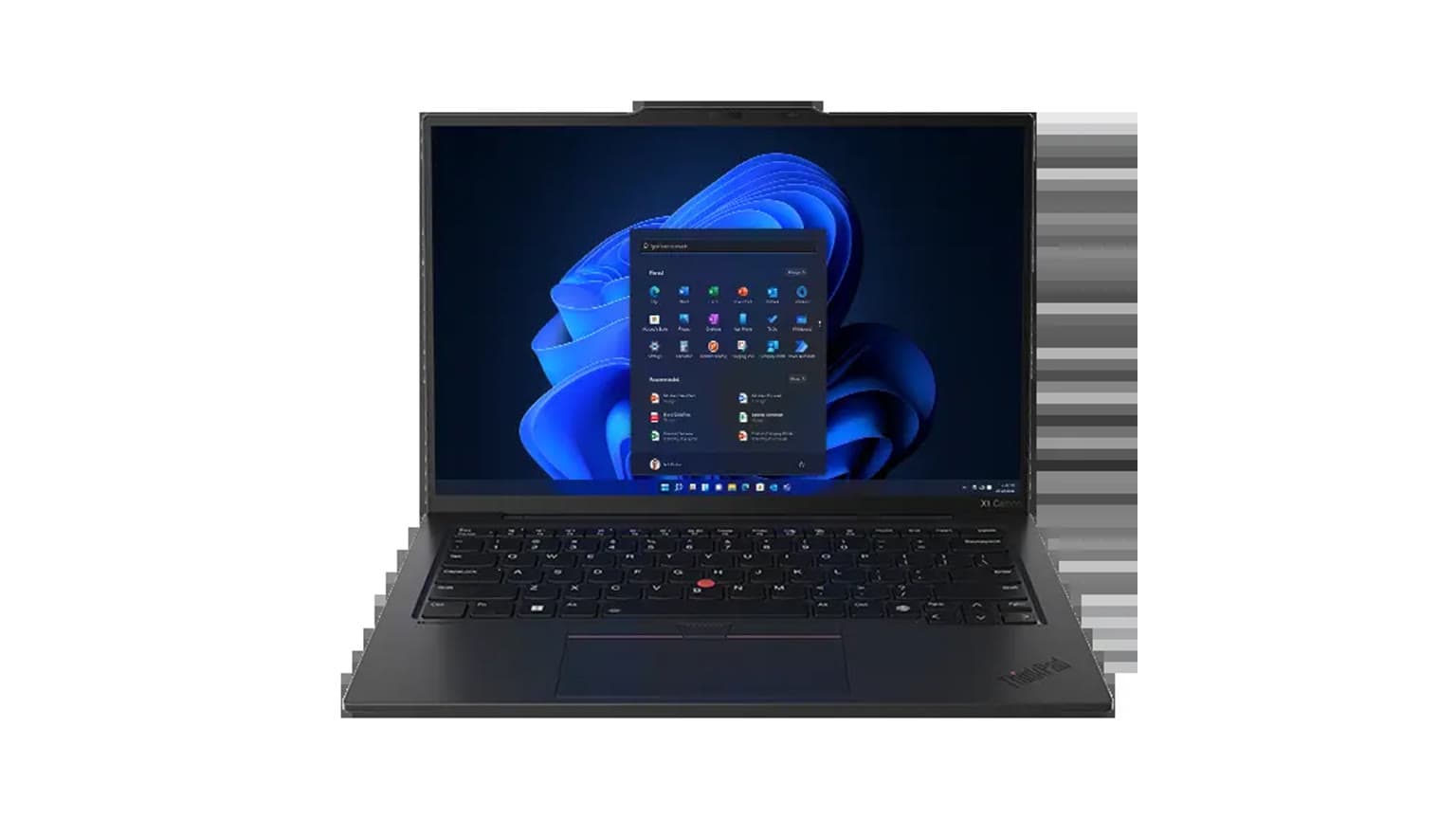
Based on the catalog snapshot, the Inspiron has the stronger visible specification story: Intel Core Ultra 7 155H, Intel Arc graphics, a 14-inch 2.8K anti-glare display, 16GB onboard memory, and a 1TB PCIe NVMe SSD. Its listed Ogabassey price is also lower than the Latitude 5450 in this snapshot. That makes it attractive for students, remote workers, analysts, light creators, and anyone who wants a sharper screen without moving up to a larger creator laptop.
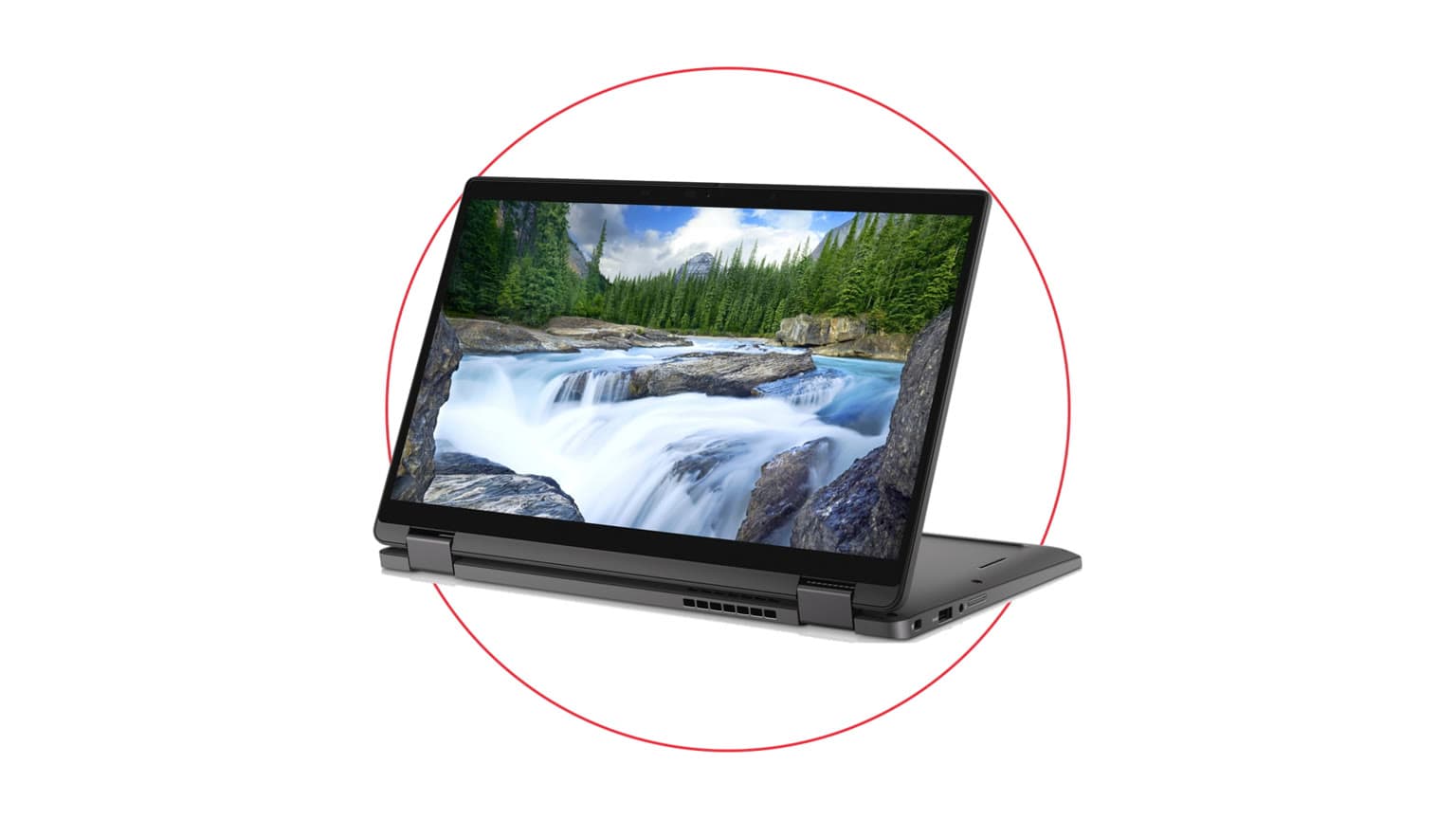
The Latitude 5450 makes a different argument. Its listed configuration uses Intel Core Ultra 7 155U, 16GB DDR5, 256GB PCIe NVMe SSD, and a 14-inch FHD IPS display. The official Dell support/spec context also points to business-friendly details such as DDR5 SODIMM memory support up to 64GB, Thunderbolt 4, HDMI 2.1, Ethernet, and M.2 storage slots in the Latitude 5450 family. Those details matter for offices, IT buyers, and buyers who expect repairs or upgrades to be easier over a longer ownership period.
The Inspiron has the sharper display and stronger storage story, while the Latitude targets daily office use.
Side-by-side catalog comparison
The table below uses catalog-verified Ogabassey fields and official Dell source notes supplied with the product snapshot. It should be treated as a buying guide, not a hands-on benchmark. Confirm the exact variant, charger, keyboard layout, warranty terms, and live stock before checkout because Dell laptop configurations can vary by region and seller batch.
Decision point
Dell Inspiron 14 7440 Plus
Dell Latitude 5450
Buyer meaning
Ogabassey listed price
₦1,163,000
₦1,405,000
The Inspiron is cheaper in this snapshot despite stronger display and storage specs.
Condition
New
New
Both avoid the battery-health and cosmetic-risk questions common with used imports.
Stock in snapshot
0 units
0 units
Both require live availability confirmation before checkout.
Processor
Intel Core Ultra 7 155H
Intel Core Ultra 7 155U
The Inspiron has the higher-power H-series class chip; the Latitude uses the lower-power U-series class chip.
Graphics
Intel Arc Graphics
Intel integrated graphics
The Inspiron has the clearer advantage for light creative work and GPU-assisted tasks, though this is not a gaming-laptop replacement.
RAM
16GB onboard memory
16GB DDR5
The Latitude family has the better official upgrade story; the Inspiron listing should be bought as a 16GB machine.
Storage
1TB PCIe NVMe SSD
256GB PCIe NVMe SSD
The Inspiron is far more comfortable out of the box for large files, media, software, and offline work.
Display
14-inch 2.8K anti-glare, 2880 x 1800, 300 nits, 60Hz
14-inch FHD IPS, 1920 x 1080, 60Hz
The Inspiron is sharper and better suited to dense documents, design previews, and multitasking.
Weight
Not listed
1,400g listed
The Latitude has the clearer catalog weight data for buyers who commute often.
Card reader
microSD card reader
Not listed
The Inspiron is friendlier for quick camera, drone, or creator file transfers.
Business ports from official source notes
HDMI, Thunderbolt 4, USB-A, microSD listed in source note
Thunderbolt 4, HDMI 2.1, Ethernet and M.2 slots listed in source note
The Latitude has the more office-ready port story, especially where wired networking still matters.
Price and value in Nigeria
For a Nigerian buyer looking at naira value first, the Inspiron 14 Plus 7440 is hard to ignore from this snapshot. It is listed at ₦1,163,000 compared with ₦1,405,000 for the Latitude 5450, and it brings a higher-resolution panel plus four times the listed SSD capacity. If both are available at those same prices when you check out, the Inspiron gives more visible specification per naira.
That does not automatically make the Latitude overpriced. Latitude models are business laptops, and buyers often pay for manageability, serviceability, port selection, predictable office deployment, and a design philosophy built around corporate use. For an individual student or freelancer, those advantages may be less important than storage and screen quality. For a small business buying laptops for staff, the Latitude may be easier to justify if future RAM or storage work, wired LAN, and support familiarity reduce downtime.
Availability matters as much as price. The supplied snapshot shows stock quantity as 0 for both products, so this draft should not imply that either model is ready to ship today. Use the product pages for the Dell Inspiron and Dell Latitude options, then browse the broader Ogabassey laptops category if either configuration is unavailable or if the live price has changed.
Performance and daily use
The Inspiron 14 Plus 7440 is the more performance-leaning configuration on paper. Its Intel Core Ultra 7 155H sits in a higher-power class than the Latitude 5450 listing's Intel Core Ultra 7 155U. Without hands-on benchmarks, we should not claim exact speed gaps, fan behavior, or battery results. The practical buyer takeaway is simpler: the Inspiron is the better fit if your work includes heavier browser sessions, Excel files, coding tools, photo editing, light video work, and occasional creative apps.
The Latitude 5450 is aimed at a different daily rhythm. The Core Ultra 7 155U class is more efficiency-oriented, and the laptop's business positioning suits email, Microsoft Office, browser-based dashboards, accounting tools, Zoom or Teams calls, and travel between office locations. It may not look as exciting on the spec sheet, but for a work laptop that must be predictable and serviceable, those priorities can be more important than peak performance.
Neither machine should be treated as a gaming laptop. Intel Arc graphics in the Inspiron gives it the stronger graphics story, but buyers searching for gaming should compare against dedicated-GPU models in the Gaming Laptops section. For buyers considering Dell creator value, Ogabassey also has a related comparison on Dell Latitude 5450 or XPS 15 9520, which is useful if you are deciding between a new business laptop and a used higher-performance Dell.
Before checkout, confirm charger, battery option, keyboard layout, warranty terms, and live availability.
Battery, display, and build priorities
The display difference is one of the strongest reasons to choose the Inspiron. Its 2880 x 1800 2.8K anti-glare panel gives more pixel density than the Latitude's 1920 x 1080 FHD IPS screen. That matters when you spend long hours reading PDFs, editing documents, working in spreadsheets, managing multiple browser panes, or reviewing creative work. The listed 300-nit brightness is not a premium outdoor-display claim, but it is enough context to understand the panel class.
The Latitude's FHD IPS display is less sharp, but it is also a practical business choice. FHD remains common in office fleets because it is simple, readable, and less demanding than higher-resolution panels. If your laptop spends most of its day connected to an external monitor, the Latitude's lower internal display resolution may not be a serious drawback.
Battery capacity is not listed in the product_key_specs for either exact Ogabassey row. The official Dell source note for the Inspiron family mentions 54Wh and 64Wh battery options, but the exact battery in this listed variant should be confirmed before purchase. For the Latitude, the supplied source note focuses more on system guide details than a confirmed exact battery for the row. For buyers in Nigeria dealing with power cuts, inverter use, or long commutes, ask for the exact battery option and charger wattage before paying.
Upgradeability, warranty trust, and after-sales practicality
This is where the Latitude 5450 pushes back strongly. The Inspiron listing records 16GB onboard memory. That is enough for many buyers in 2026, but onboard memory means you should treat 16GB as the long-term RAM ceiling unless the exact variant proves otherwise. If your workload may grow into virtual machines, heavier development environments, very large spreadsheets, or multiple business apps running all day, that should give you pause.
The Latitude 5450's official source note validates DDR5 SODIMM memory support up to 64GB in the family, plus M.2 slots. That does not mean every Ogabassey unit will arrive with a specific upgrade already installed, but it does mean the platform has a stronger upgrade and serviceability story. In Nigeria, that can matter because local repair practicality often depends on whether technicians can access standard parts without replacing a whole board.
Warranty trust is also about documentation. Both product descriptions tell buyers to confirm selected configuration, condition, price, and live availability before checkout. For either laptop, ask about local support terms, charger type, keyboard layout, return window, and whether the invoice identifies the exact CPU, RAM, SSD, and display variant. Those details reduce the risk of receiving a different configuration from the one you compared.
Who should buy each option?
Choose Dell Inspiron 14 Plus 7440 if display, storage, and value come first
Buy the Inspiron if you want the sharper 2.8K screen, larger 1TB SSD, stronger listed graphics, and lower snapshot price. It is the better fit for university work, remote work, research, content planning, light design, coding, and buyers who want one compact laptop that feels modern without paying extra for business-fleet features.
Choose Dell Latitude 5450 if business support and upgrade path matter more
Buy the Latitude if you are choosing for an office, small business, field staff, or a buyer who cares more about maintainability than display sharpness. Its FHD screen and 256GB SSD look modest beside the Inspiron, but the Latitude family support notes around DDR5 SODIMM memory, Ethernet, Thunderbolt 4, HDMI 2.1, and M.2 expansion make it more practical for long ownership.
Alternatives worth checking
If both laptops are out of stock when you check, start with the broader Dell and Windows laptop options inside Ogabassey Laptops. If you want a used Dell with more creator power, the Ogabassey comparison of Latitude 5450 versus XPS 15 9520 gives a useful next step. If you are comparing business Latitude generations, also read Dell Latitude 3540 vs Latitude 5450.
MacBooks are relevant only if your software stack supports macOS and you value battery life, screen quality, and resale over Windows-specific software. For buyers asking whether a MacBook is worth it in Nigeria, the short answer is that macOS can be excellent, but Dell remains the safer path when your work depends on Windows-only apps, easier local parts access, or corporate IT compatibility. Browse Macbooks only after confirming your software fit.
Verdict
The Dell Inspiron 14 Plus 7440 is the better buy for most individual shoppers in this exact comparison because it costs less in the snapshot, has the sharper 2.8K display, includes a much larger 1TB SSD, and uses the higher-power Core Ultra 7 155H with Intel Arc graphics. The Dell Latitude 5450 is the better specialist choice when the buyer values business-laptop serviceability, DDR5 SODIMM upgrade potential, Ethernet-class office practicality, and a platform that is easier to standardize across a workplace. If you are buying one laptop for yourself, start with the Inspiron. If you are buying for a business or expect upgrades and repairs to matter over several years, give the Latitude a serious look.
FAQ
Which laptop should I buy for school, work, gaming, or design?
For school, remote work, coding, and light design, the Inspiron 14 Plus 7440 is the stronger fit because of its 2.8K display, 1TB SSD, and Intel Arc graphics. For office deployment and long-term serviceability, choose the Latitude 5450. For gaming, compare dedicated-GPU gaming laptops instead.
Is the Dell Latitude 5450 worth paying more for?
It can be worth paying more for if you need a business laptop with better upgrade and office-support potential. The catalog snapshot makes the Inspiron look better for raw value, but the Latitude has the stronger official-source upgradeability and business-port story.
What specs matter before buying a new or open-box laptop in Nigeria?
Confirm exact CPU, RAM type, SSD capacity, display resolution, battery option, charger, keyboard layout, warranty terms, and live stock. For imported or open-box units, also check battery health and cosmetic condition, but both products in this comparison are listed as new.
Should I choose a MacBook instead of these Dell laptops?
Choose a MacBook only if your apps and workflow support macOS. These Dell laptops are safer for Windows software, corporate IT setups, easier local compatibility, and buyers who need familiar repair or upgrade paths in Nigeria.
Catalog-linked prices update automatically. Historical and other quoted prices remain as written. Open the product page to confirm the current price, selected variant and availability before buying.