Tech News
Infinix • ₦108,000
Tecno • ₦108,400
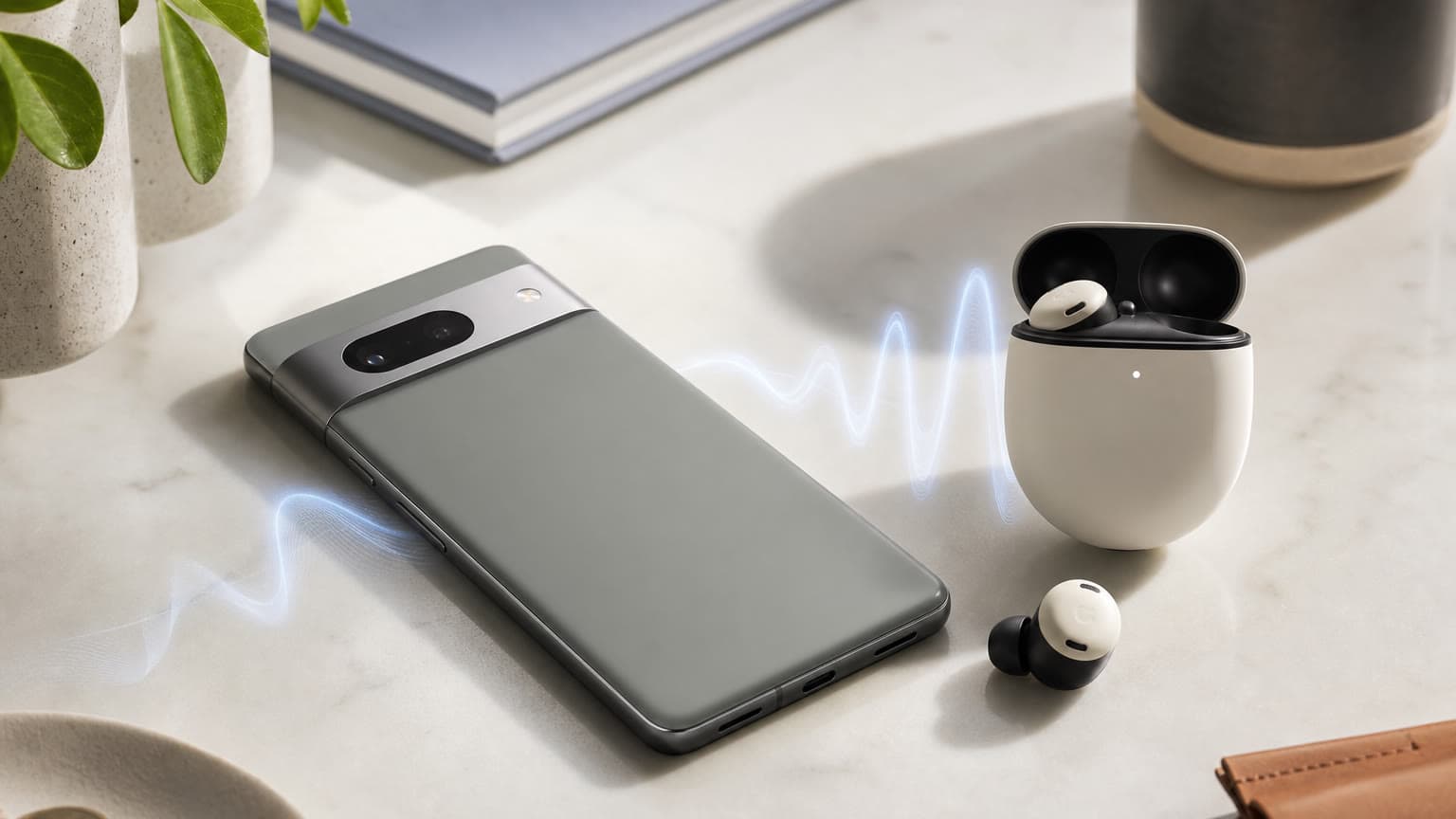
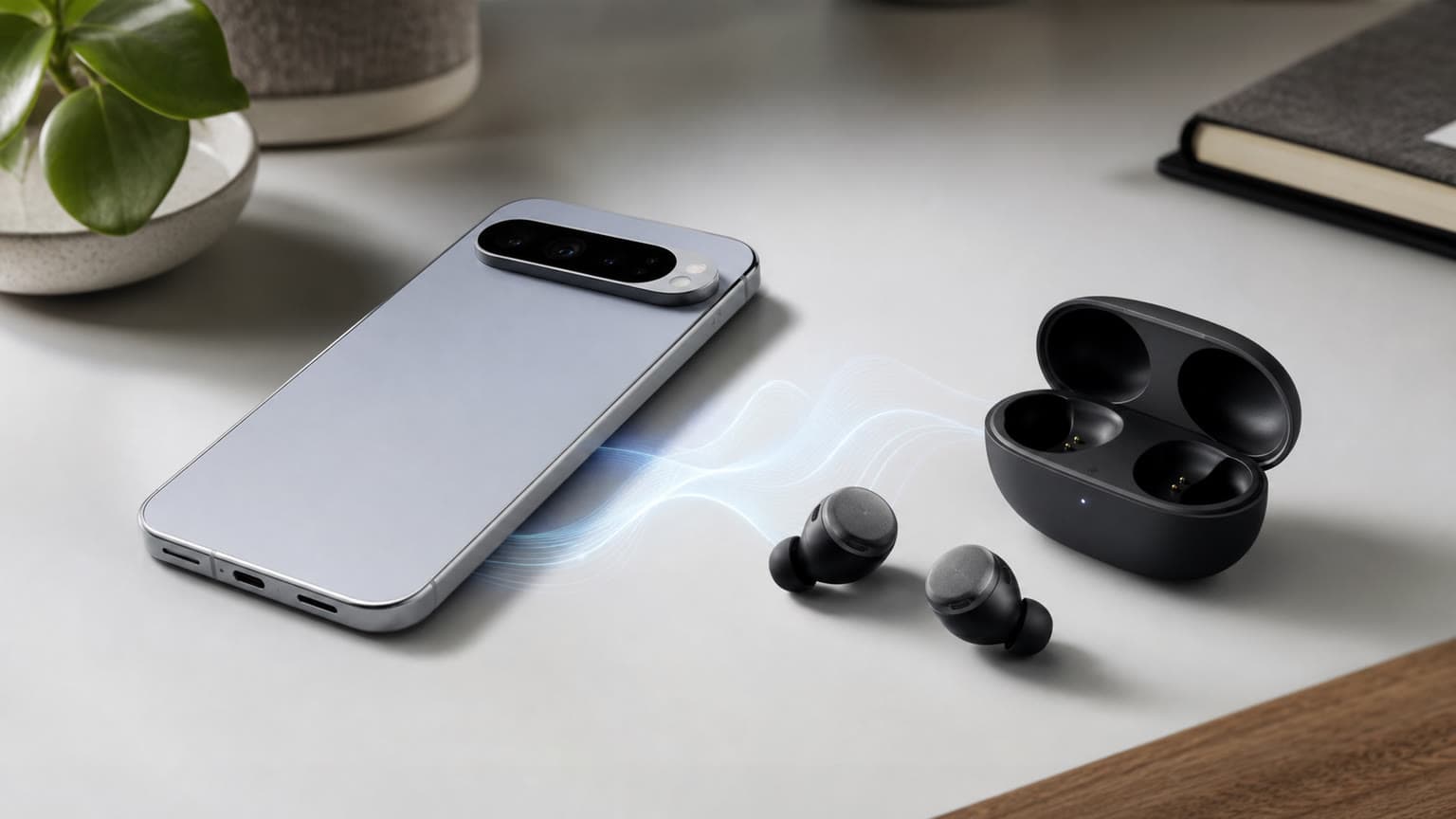
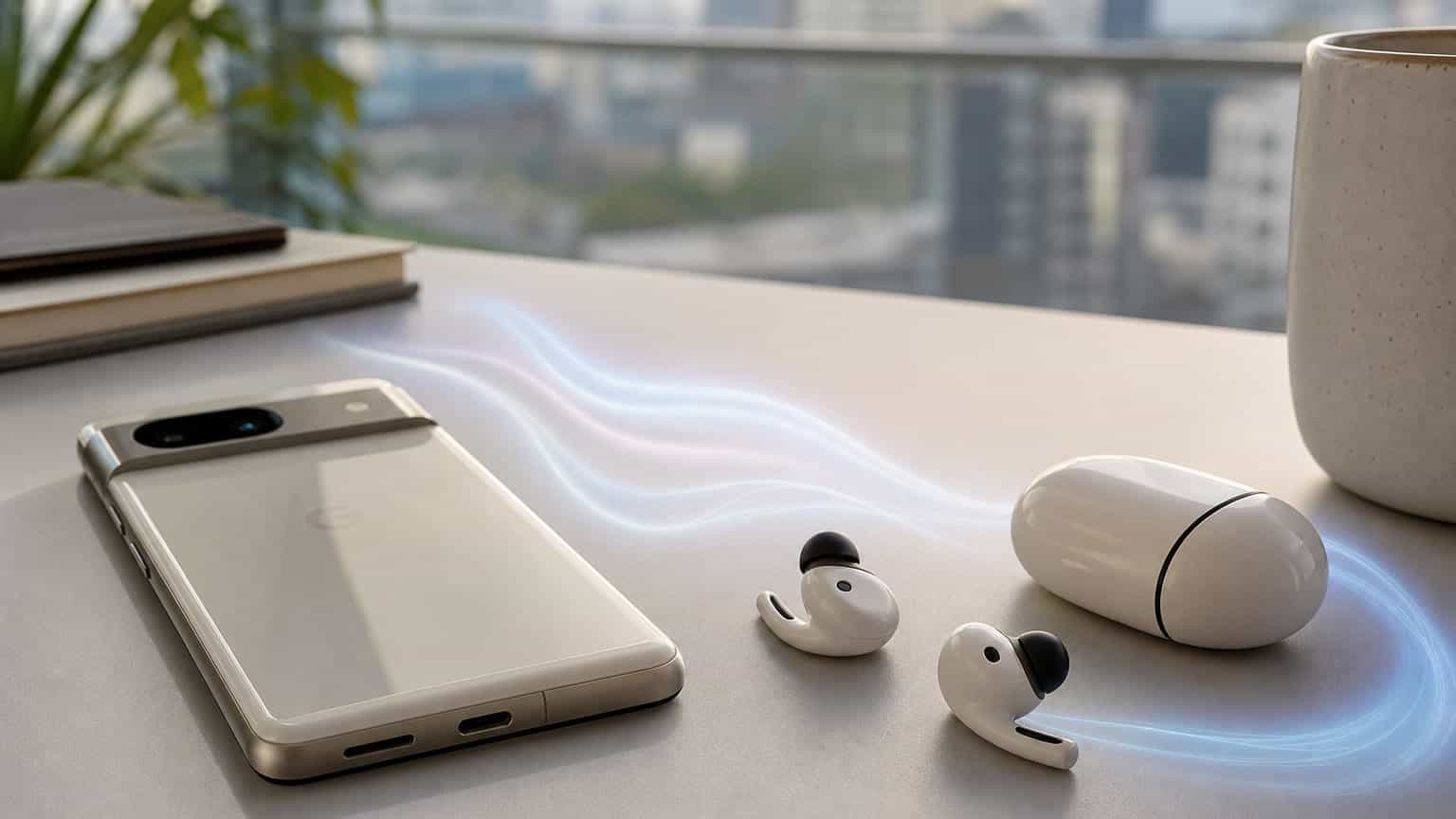
Android 17 appears to give compatible Google Pixel phones a new high-resolution Bluetooth audio route through LHDC support, but Nigerian buyers should treat it as a compatibility upgrade rather than a reason to replace good earbuds immediately. The real value depends on your Pixel model, your earbuds, the codec setting, and warranty-safe buying.
The fresh audio angle is simple: after Android 17 started rolling out to Pixel phones in June 2026, early reports found that Pixel users could access LHDC, the Low Latency High-Definition Audio Codec, in Bluetooth audio settings. That matters because Pixel phones already work with common Bluetooth codecs such as SBC, AAC and, on many models, LDAC. LHDC adds another route for higher-bitrate wireless listening when the connected earbuds or headphones also support it.
This is source-backed news, not an Ogabassey lab test. We have not measured bitrate stability, latency, battery drain, microphone quality or real-world Lagos commute performance on a local Pixel unit. The buyer takeaway is more practical: if you own a Pixel that receives Android 17 and you use compatible premium earbuds, there may now be an extra audio setting worth checking before you blame the earbuds for flat sound or limited codec options.
For shoppers browsing the Ogabassey Audio category, the update also changes the questions to ask before paying. Instead of only asking whether earbuds have active noise cancellation, transparency mode, app support or wireless charging, Pixel users should ask which Bluetooth codecs the earbuds support and whether those codecs are actually available on their phone after the software update.

LHDC can be useful because it is designed for higher-quality Bluetooth audio than basic fallback codecs. On paper, that helps listeners who stream better-quality files and use earbuds that can receive the codec properly. In real use, however, the chain has to line up. Your Pixel must expose the codec, the earbuds must support it, the companion app may need a high-resolution audio toggle, and the music source must be good enough to make the difference meaningful.
That is why this Android 17 update is not the same thing as a guaranteed sound upgrade for every Pixel Buds owner. Google Pixel Buds Pro 2 and Pixel Buds Pro 1 buyers should still judge the earbuds on fit, ANC, call quality, battery life, replacement tips, and ecosystem features. Codec support is only one part of the experience. Many people will notice a bigger day-to-day difference from better ear tips, cleaner microphones, stronger ANC, or more stable multipoint pairing than from switching codec labels in developer settings.
There is also a naming trap. Pixel Buds are the most obvious audio products for Pixel phone shoppers, but the reported LHDC option may be most relevant to third-party earbuds that already support LHDC. Buyers should not assume that every Google Pixel Buds model gains a new sound mode just because the Pixel phone menu changes. Before buying, check the product specification sheet, the companion app, and the phone's Bluetooth audio codec menu after pairing.
If you are comparing across categories, the Ogabassey Earbuds page is the more relevant place to start than a generic phone search. If you need over-ear isolation, longer wearing comfort, or stronger passive seal for travel, the Ogabassey Headphones category may still make more sense than chasing a codec feature on small earbuds.
For Nigerian buyers, the best response is cautious, not excited buying. Android 17 is a software rollout, so the feature may arrive on eligible Pixel phones before local retailers update product descriptions or before import units are clearly labeled by region. Ogabassey catalog data already lists Google Pixel Buds Pro 2 and Google Pixel Buds Pro 1 as peer Pixel audio products, but the candidate data shows both with unmanaged stock and zero stock quantity at the time of this draft. That means this article should not promise immediate local availability.
The local commerce angle is warranty and authenticity. A codec menu is not worth buying a risky import with no clear return route. If you are paying a naira premium for Pixel ecosystem accessories, verify sealed condition, region, warranty handling, replacement ear tips, charging case condition, and whether the seller will support a return if the earbuds do not match the advertised codec or app features. This is especially important for open-box earbuds, because battery health and hygiene are harder to judge than on phones.
Price should also be separated from software news. Android 17 may make a compatible setup more attractive, but it does not reduce the cost of a Pixel phone, Pixel Buds, or third-party LHDC earbuds in Nigeria. Exchange rate movement, import timing, and stock scarcity can matter more than the codec for actual value. A buyer with solid Pixel Buds Pro 2 performance today may be better off waiting for stable user reports than replacing earbuds just to test LHDC.

Use this as a practical checklist before spending money. First, confirm your Pixel phone is eligible for Android 17 and has received the update through the normal system update route. Second, pair the earbuds and check Bluetooth audio codec options only after pairing, because Android can show different codec choices depending on the connected device. Third, open the earbuds companion app and look for high-resolution, HD audio, or codec-specific settings. Fourth, test calls and ANC separately from music playback, because music codec quality does not guarantee good microphone performance.
For people who use Pixel phones for work calls, call quality remains a separate buying decision. The best music codec will not rescue weak microphones in traffic, windy streets, market noise, or generator hum. If calls are your priority, ask for microphone samples, return terms, and real-world feedback. If commuting is your priority, ANC strength, transparency mode, secure fit, water resistance and case battery life should sit above codec support.
There is also a support angle. Developer Options can expose advanced settings, but casual users should avoid changing unrelated Bluetooth values just because they appear next to the codec menu. If audio becomes unstable, return to default settings, forget and re-pair the earbuds, and test with another phone where possible. For a buyer deciding between Pixel Buds and non-Google earbuds, the safest question is not "does it support LHDC?" but "which features are confirmed to work on my exact Pixel model?"
If you are already in the Pixel ecosystem, Pixel Buds remain the cleanest route for pairing convenience and Google feature integration, while third-party earbuds may be more interesting if codec support is your priority. The Google Pixel Buds Pro 2 page should be reconciled after stock and catalog details are refreshed, while Pixel Buds Pro 1 remains a previous-generation reference point for buyers who care about ANC and price more than the newest software conversation.
Buyers who searched Ogabassey for "google pixel" are likely trying to connect phone price, software support and accessory fit into one purchase decision. The useful answer is that Android 17 makes Pixel phones more interesting for audio enthusiasts, but it does not remove the need to check catalog stock, warranty route and compatibility. For now, treat LHDC as a bonus feature to verify, not the headline reason to buy.
No. The reported LHDC option is a phone-side Bluetooth audio change, but sound quality still depends on the earbuds, codec support, settings, source quality and fit. Do not assume every Pixel Buds model gets a new mode without checking the paired-device codec menu.
Wait if the main reason is LHDC. Buy only when the earbuds already meet your needs for ANC, calls, comfort, battery life, warranty and price. The codec update is useful, but local availability and return support matter more.
Microphone quality matters more for calls. LHDC is mainly a music listening feature. For WhatsApp, Zoom, Teams or regular phone calls in noisy places, prioritize microphone performance, wind handling, fit and return policy.
Start with the Audio and Earbuds categories, then compare Google Pixel Buds Pro 2 and Pixel Buds Pro 1 if those product pages match your budget and stock needs. Check catalog availability before treating any product as ready to buy.