Bassey John is a Performance Marketing Specialist at Ogabassey with cross-industry experience spanning e-commerce, gaming, and real estate. He focuses on paid acquisition, conversion-rate optimisation, and data-driven growth strategy, turning campaign performance into measurable revenue. At Ogabassey he writes about consumer technology, product buying guides, and the Nigerian gadget market to help shoppers make confident, informed decisions.
Dell’s 2026 Alienware 15 is a useful reality check for gaming laptop buyers: a more accessible Alienware is still not automatically a budget bargain. As of 31 May 2026, Dell’s US store lists the AMD Alienware 15 from $1,299.99 with a Ryzen 5 220, RTX 4050, 16GB DDR5 memory, 512GB SSD and a 15.3-inch WUXGA 165Hz display. The Intel version Dell surfaced in current US listings starts higher, at $1,499.99 with a Core 7 240H and RTX 5050.
That makes the Alienware 15 less of a simple “cheap Alienware” story and more of a configuration story. The badge gets you Alienware styling, a modern 16:10 gaming display, usable ports and official Dell support, but the value depends heavily on the GPU, memory layout, screen quality, warranty path and landed price available to you. Nigerian and African buyers should be especially careful because a US starting price can change dramatically after exchange rate movement, import costs, delivery fees and local warranty handling.
Lower starting prices can come with configuration trade-offs, especially around GPU tier, memory layout and storage.
Who The Alienware 15 Is For
The Alienware 15 makes the most sense for a buyer who wants a new Windows gaming laptop from a premium gaming brand, plays mostly at 1080p or 1200p, and values official support over the lowest possible price. It is a reasonable shortlist device for esports titles, mainstream PC games, school work, office work, light streaming and occasional creative tasks.
It is less convincing for buyers who need maximum frames per naira, a color-accurate creator display, long unplugged battery life, or the thinnest travel laptop. If your main work is design, photo editing or video color work, the current Dell specification of 300 nits and 62.5% sRGB coverage is a warning sign. If your priority is battery life and quiet daily productivity rather than gaming, a non-gaming laptop or a Windows-on-Arm option may be a better fit; Ogabassey’s Snapdragon X Elite laptop guide is useful context for that different kind of buyer.
Key Specs And Buying Context
The confirmed 2026 Alienware 15 spec sheet gives buyers several checkpoints. Dell lists AMD Ryzen 200 Series and Intel Core Series 2 configurations depending on model, NVIDIA RTX 4050, RTX 5050 and RTX 5060 laptop GPU options, Windows 11 Home, 16GB or 32GB DDR5 memory, 512GB or 1TB PCIe Gen 4 SSD storage, and a 15.3-inch 1920 x 1200 165Hz display. The current Dell US AMD page shows the RTX 4050 version at $1,299.99, a Ryzen 7 260 and RTX 4050 version at $1,399.99, and a Ryzen 7 260 with RTX 5050 at $1,459.99. Dell’s Intel listing shows an RTX 5050 configuration at $1,499.99 and RTX 5060 configurations around $2,289.99 and above.
The display is good enough on paper for smooth indoor gaming because of the 165Hz refresh rate and 16:10 resolution. It is not a premium panel. The 300-nit brightness and 62.5% sRGB coverage mean it should not be treated as a serious creator screen. For buyers comparing laptops for school, work and creative use, that matters more than the Alienware logo.
Ports are a practical strength. Dell lists two USB-A ports, two USB-C ports, HDMI 2.1, RJ45 Ethernet, a universal audio jack and a power-adapter port. One USB-C port supports DisplayPort 1.4a and up to 100W charging, which is helpful for desk setups, monitors and emergency charging. Wireless is Wi-Fi 6 and Bluetooth 5.2 on the listed configurations, so buyers who expected Wi-Fi 7 should note the difference.
The Trade-Offs Buyers Should Check
The biggest trade-off is value against other RTX gaming laptops. PCWorld’s current coverage frames the Alienware 15 as a solid machine that becomes difficult to justify when the base RTX 4050 model starts at $1,299. Tom’s Guide’s hands-on preview was more forgiving, describing it as a reliable mainstream gaming option, but still noted the non-premium display and chassis. Those two views are not really contradictory: the laptop can be decent while still being expensive for its hardware tier.
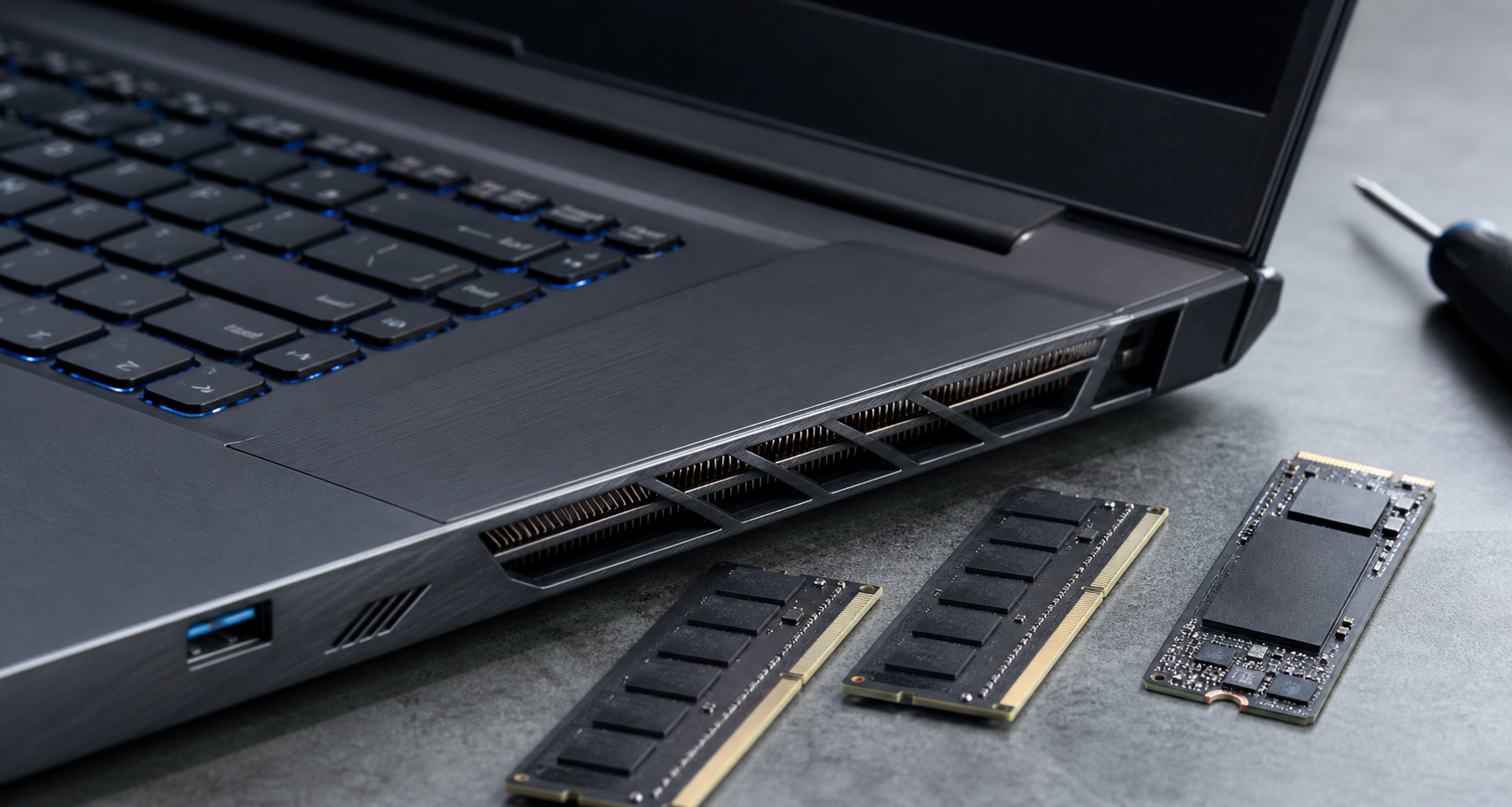
Memory configuration deserves close inspection. Dell’s current listings show 16GB as 1x16GB DDR5 and 32GB as 1x32GB DDR5 on configurable pages, meaning buyers should check whether the exact unit they are buying ships in single-channel form and whether a second matching SODIMM can be added. Single-channel memory can reduce performance in some workloads, especially CPU-limited gaming and integrated tasks. The presence of upgradeable memory is useful, but needing an upgrade soon after purchase changes the real price.
Storage is the other practical limit. A 512GB SSD can fill quickly once Windows, game launchers and a few large games are installed. If you buy the entry model, budget for storage management or an upgrade. For students, this may be acceptable. For a gamer who keeps several large titles installed, 1TB should be the comfort baseline.
Battery life should also be viewed realistically. Dell lists integrated battery options on configuration pages, but gaming laptops are still built to perform best on wall power. For lectures, browsing and documents, expect usable mobility; for gaming unplugged, expect reduced performance and short sessions. Buyers who mainly need all-day class or travel use should compare non-gaming alternatives before paying for a discrete GPU.
Why It Matters In Nigeria And Africa
For Nigerian and African buyers, the listed US price is only the beginning. Exchange rates, card charges, freight, clearing, reseller margin and warranty route can turn a “starting at $1,299.99” laptop into a much more expensive purchase. If local stock arrives only in RTX 5050 or RTX 5060 trims, the Alienware 15 may compete against stronger Lenovo LOQ, ASUS TUF, Acer Nitro, HP Victus or Dell G-series deals rather than against true entry-level laptops.
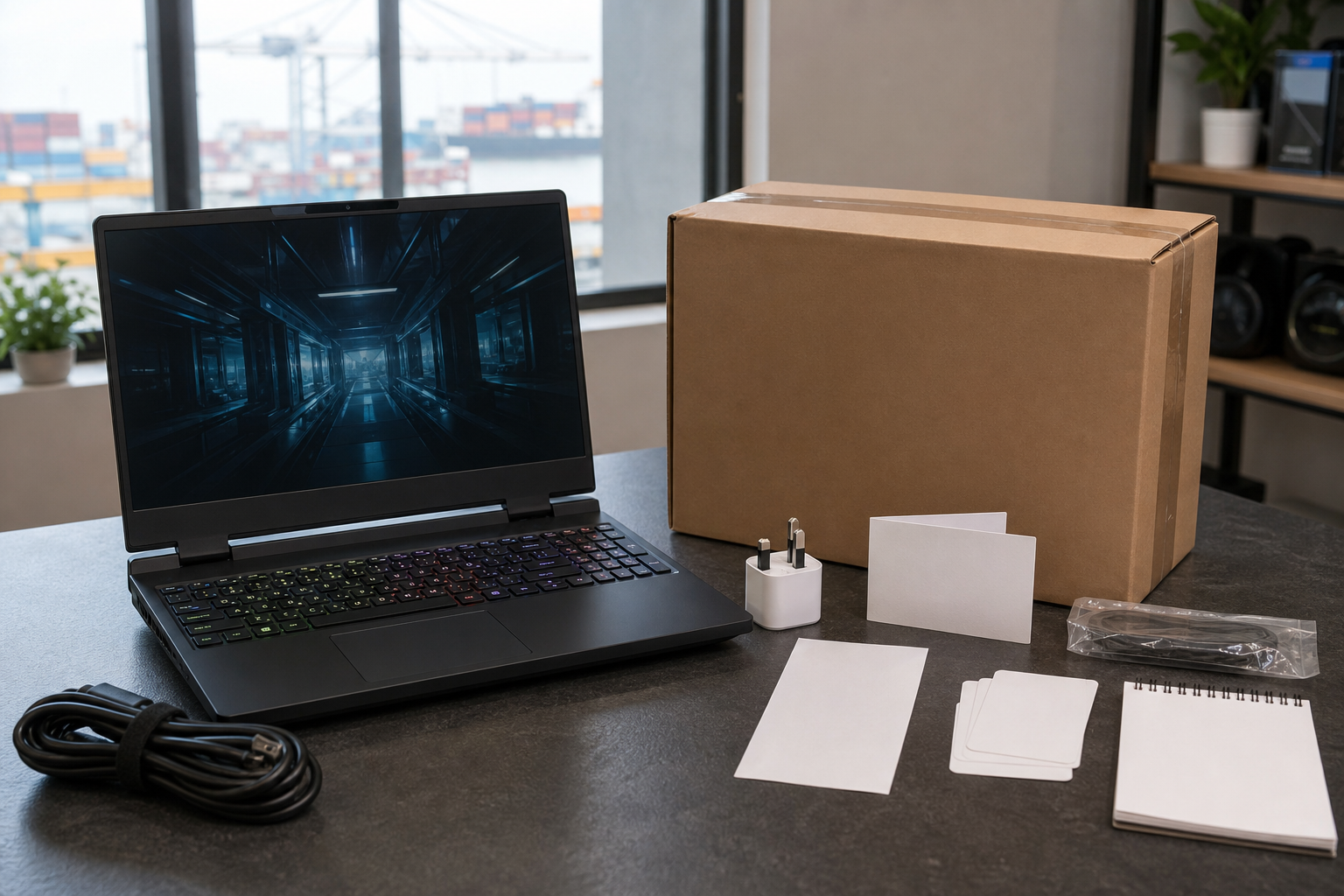
Before buying, ask for the exact model, processor, GPU, RAM stick count, SSD size, screen resolution, charger wattage, condition and warranty coverage. A sealed US unit with a clear Dell service tag is different from an open-box import with unclear warranty handling. If buying from a local seller, confirm return terms in writing and test the display, keyboard, thermals, ports, charger and battery health before the return window closes.
For Nigerian buyers, landed cost, warranty route and exact configuration can matter as much as the US starting price.
Alternatives To Compare
The Alienware 15 should be compared against current gaming laptops available through Ogabassey and trusted local sellers before any decision. The main alternatives are RTX 4050 and RTX 5050 laptops that cost less, RTX 5060 laptops that cost similar money, or older RTX 4060 laptops discounted below the new Alienware. The right choice is not always the newest GPU name; it is the combination of GPU power limit, screen, cooling, RAM, SSD, keyboard, warranty and price.
A Lenovo LOQ or Acer Nitro can be better value if it gives you a stronger GPU or dual-channel memory for less money. An ASUS TUF can make sense if you want a tougher mainstream gaming chassis. A MacBook from Ogabassey’s MacBook category is not the right substitute for Windows gaming, but it can be a better work laptop for buyers whose main needs are battery life, software development, writing, design apps and portability. That distinction matters: do not buy a gaming laptop for prestige if your real workload is mostly office, school and browser-based work.
Ogabassey Verdict
The 2026 Alienware 15 is publishable as a watch-list laptop, not an automatic recommendation. Buy it if the exact configuration is priced close to competing RTX laptops, the warranty route is clear, and you specifically want an Alienware machine for 1200p gaming. Be cautious if the local price pushes it near stronger RTX 5060 or RTX 5070 machines, or if the unit has single-channel memory, 512GB storage and no easy return path.
The smart purchase is the configuration that balances GPU, processor, RAM layout, SSD capacity, display quality, warranty and landed price. For Ogabassey shoppers, the Alienware 15 is worth tracking, but the badge should be the last reason to buy it, not the first.
Catalog-linked prices update automatically. Historical and other quoted prices remain as written. Open the product page to confirm the current price, selected variant and availability before buying.