Top 3 Best Laptops for Students in Nigeria (2026 Guide)
Choosing a student laptop in Nigeria in 2026 is less about chasing the newest name and more about buying a machine that can survive real campus life: unreliable power, heavy browser use, online classes, project work, repairs, and exchange-rate-driven pricing. The best laptop for a medical student taking handwritten notes may not be the best choice for a computer science student running Docker, VS Code, and virtual machines.
After checking current manufacturer specifications and comparing current student-laptop buying guides, the strongest three picks for different Nigerian student needs are the Apple MacBook Air M5 for battery life and long-term value, the ASUS Vivobook S14 S3407 for a balanced Windows Copilot+ PC with OLED, and the Lenovo IdeaPad 5 2-in-1 Gen 10 for students who want touchscreen note-taking and flexibility. If your budget is tighter, a clean used or refurbished Apple Silicon MacBook can still make sense, including the MacBook Pro 13-inch M1 available on Ogabassey when stock and condition match your needs.
Quick Verdict
Best overall for most students: MacBook Air M5. It is quiet, light, efficient, and starts with 16GB unified memory, which is now the safer floor for 2026 multitasking.
Best Windows pick: ASUS Vivobook S14 S3407. It gives you a modern Intel Core Ultra platform, an OLED display, useful ports, and upgrade flexibility that MacBook Air buyers do not get.
Best for handwritten notes: Lenovo IdeaPad 5 2-in-1 Gen 10. The 360-degree hinge and touch/pen workflow make it better for diagrams, PDFs, calculations, and lecture annotation than a normal clamshell laptop.
Who This Guide Is For
This guide is for Nigerian university, polytechnic, and professional-course students who need one laptop for assignments, research, online classes, presentations, entertainment, and early career work. It is especially useful if you are comparing Windows vs Mac, deciding whether AI PCs matter yet, or trying to avoid a laptop that becomes frustrating before final year.
If you mainly use Google Docs, Canvas, Moodle, Microsoft Office, Zoom, YouTube, and browser research, you do not need a gaming laptop. If you study architecture, engineering, animation, data science, or any course that requires CAD, GPU rendering, local AI models, or heavy simulation tools, treat this article as a starting point and confirm your department’s required software before paying. Some specialist Windows applications still make Mac or ARM-based Windows laptops a bad fit for certain courses.
Key Specs and Buying Context
| Laptop | Best for | Key verified spec | Buying note for Nigeria |
|---|
| Apple MacBook Air M5 | Battery life, portability, resale value | Apple M5 chip, 13.6-inch Liquid Retina display, 16GB unified memory base, up to 18 hours video streaming | Excellent if your course software supports macOS; storage upgrades are expensive, so choose carefully. |
| ASUS Vivobook S14 S3407 | Windows students, creators, multitasking | Intel Core Ultra Series 3 options, OLED 1920 x 1200 display, up to 32GB memory support, 70Wh battery | Good balance of ports and upgrade flexibility; verify local warranty and exact display/configuration before buying. |
| Lenovo IdeaPad 5 2-in-1 Gen 10 | Note-taking, PDFs, diagrams, tablet mode | AMD Ryzen AI 300-series configurations and 14-inch 2-in-1 design | Better for pen workflows than normal laptops; confirm pen inclusion, warranty, and hinge condition if buying used. |
1. Apple MacBook Air M5: Best for Battery Life and Long-Term Use
The MacBook Air M5 is the safest premium pick for students who want long battery life, strong everyday performance, and a laptop that remains valuable after graduation. Apple’s current specification page lists the M5 MacBook Air with a 10-core CPU, Neural Accelerators, a 16-core Neural Engine, a 13.6-inch Liquid Retina display, and up to 18 hours of video streaming. That corrects the common overclaim that it delivers 22 hours in normal use; real student use depends on brightness, browser tabs, video calls, Wi-Fi, and background apps.
For Nigerian students, the biggest advantage is efficiency. A laptop that lasts through lectures, library work, and a commute without constantly searching for a socket is a real academic advantage. It is also fanless, so it stays silent in class and libraries.
The trade-off is compatibility. MacBooks are excellent for writing, business, design, media editing, coding, and general productivity, but some engineering, accounting, statistics, and exam-proctoring tools may require Windows. Before buying, check your department software list. If you want the Apple ecosystem but cannot stretch to the newest Air, compare current stock with the MacBook Pro 13-inch M1 on Ogabassey; it is older and has only 8GB RAM in that listed configuration, but it can still be a practical budget option for lighter workloads.
2. ASUS Vivobook S14 S3407: Best Windows Pick for Most Students
The ASUS Vivobook S14 S3407 is the better choice if you need Windows compatibility but still want a modern, portable student laptop. ASUS lists the S3407 as a Copilot+ PC with Intel Core Ultra Series 3 processors, Intel NPU options up to 49 TOPS, a 14-inch WUXGA OLED display, USB-C with power delivery, HDMI, USB-A ports, Wi-Fi 6, and a 70Wh battery. That combination matters because many students still need flash drives, projectors, external monitors, and campus lab accessories.
The OLED display is useful for design, media, and long reading sessions, but buyers should be precise: the current ASUS S3407 page lists a 1920 x 1200 OLED panel, not a 3K OLED panel. Sellers may carry different Vivobook or Zenbook models, so do not rely on a generic “Vivobook S14 2026” label. Confirm the exact model number, RAM, SSD size, keyboard layout, warranty, and charger before payment.
This is the strongest pick for business, computer science, mass communication, general science, and students who want Windows without moving into bulky gaming-laptop territory. If you are considering ARM-based Windows alternatives, read Ogabassey’s Snapdragon X Elite laptop buying advice first, especially if your course requires older Windows apps.
3. Lenovo IdeaPad 5 2-in-1 Gen 10: Best for Notes, PDFs, and Diagrams
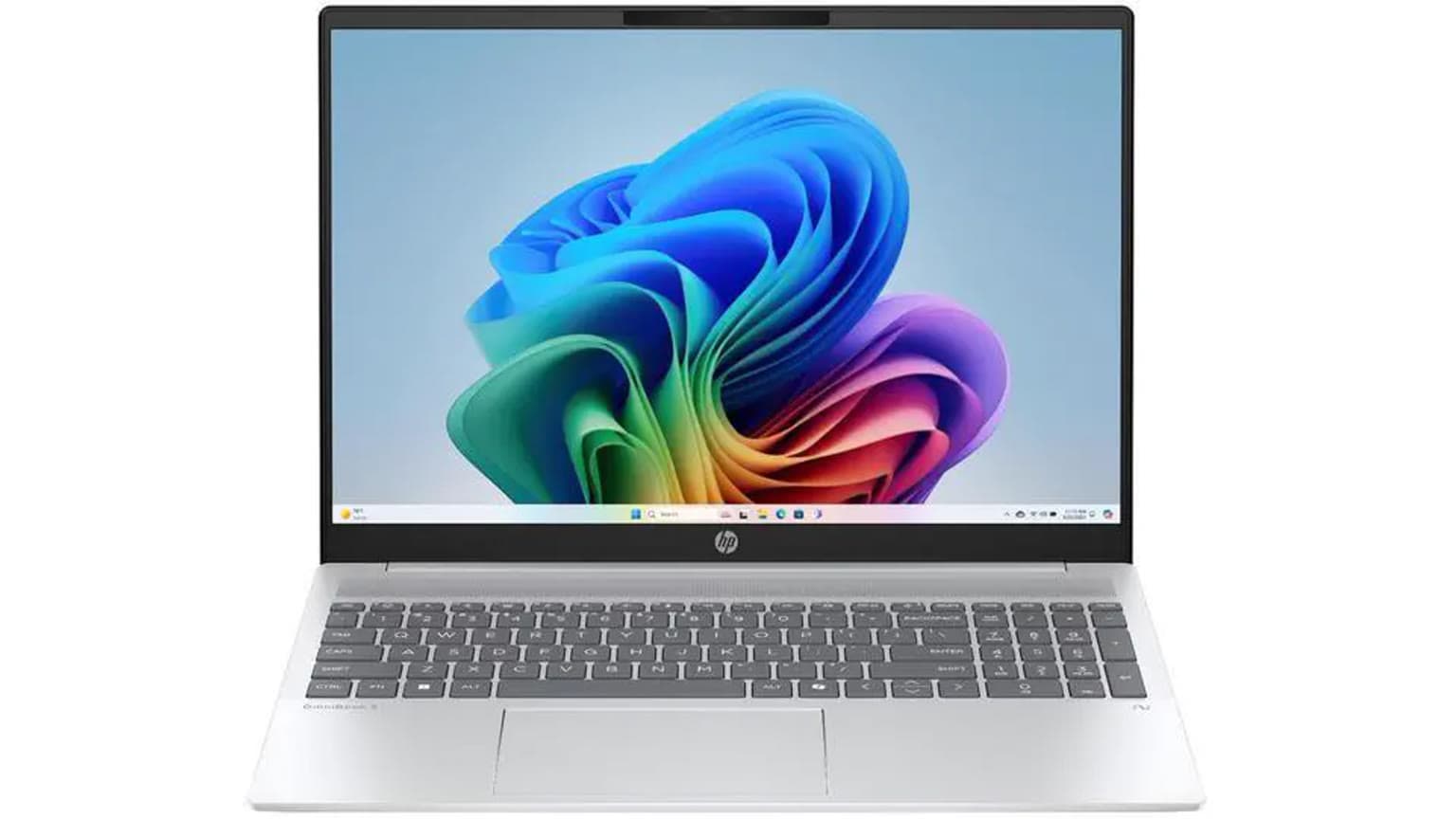
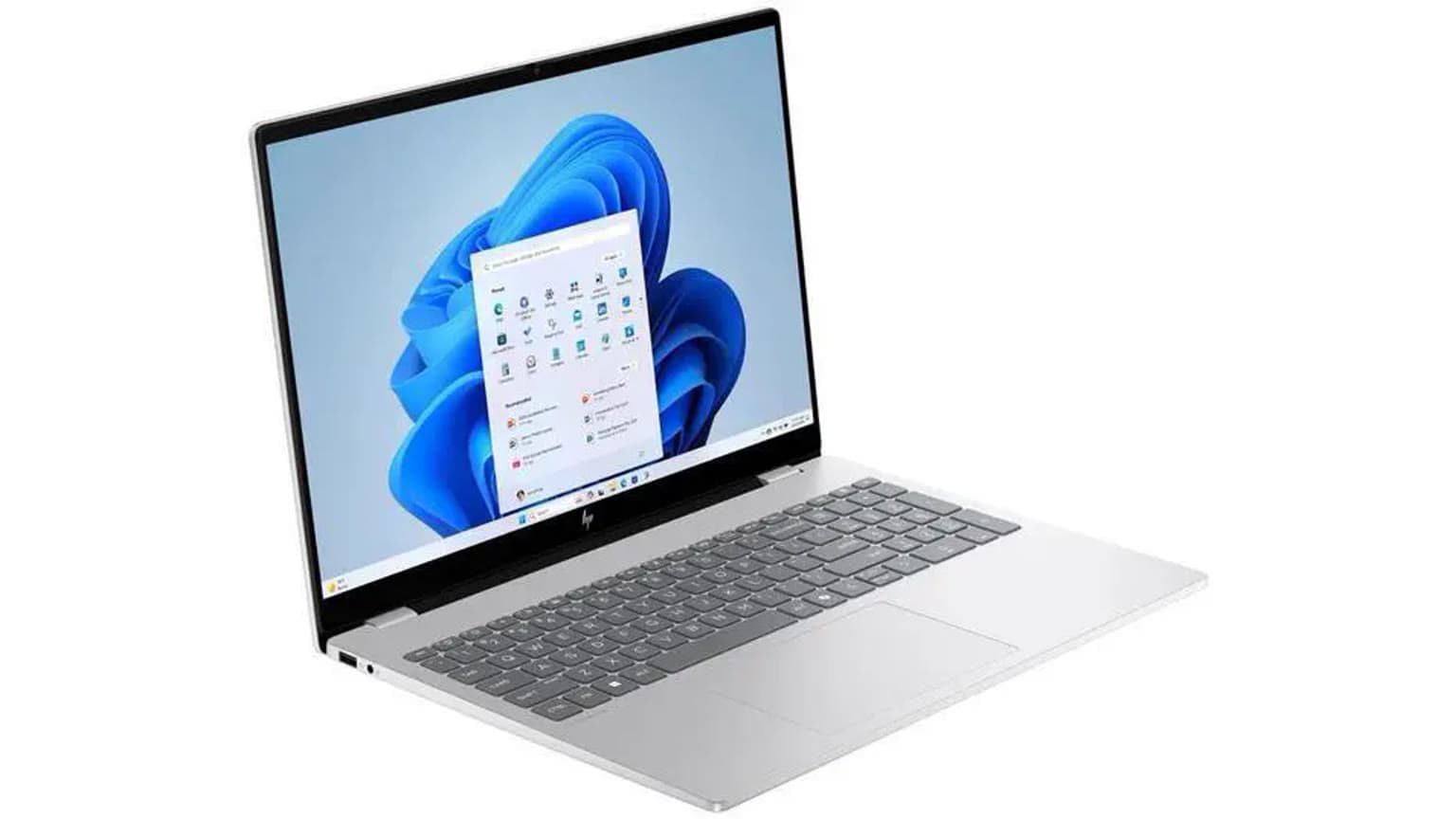
The Lenovo IdeaPad 5 2-in-1 Gen 10 is the most practical recommendation for students who learn by writing, sketching, annotating slides, and marking up PDFs. Current Lenovo listings show 14-inch IdeaPad 5 2-in-1 models with AMD Ryzen AI 300-series processors, and Lenovo’s PSREF pages show newer IdeaPad 5 2-in-1 variants continuing into 2026 with Ryzen AI configurations. That makes the line a strong fit for students who want a modern Windows machine with touch-first flexibility.
The main advantage is not raw speed; it is study workflow. Medical students can annotate diagrams, engineering students can sketch circuits, and law or social-science students can mark up long PDFs without printing everything. The 360-degree hinge also makes it easier to use in cramped lecture halls or hostels.
Check three things before buying: whether the pen is included, whether the hinge feels firm, and whether the display is OLED or IPS on the exact configuration being sold. A 2-in-1 hinge adds weight and another wear point, so warranty and return policy matter more than on a standard clamshell laptop.
Price and Value in Nigeria
Naira pricing changes quickly because most laptops are imported, and the same model name can appear in multiple configurations. Instead of treating any fixed price as permanent, compare the final landed value: processor generation, RAM, SSD, battery health if used, display type, charger authenticity, warranty length, and return window.
For 2026, the practical minimum for a serious student laptop is 16GB RAM and 512GB SSD unless your budget forces a compromise. An 8GB laptop can still work for essays and browsing, but it is no longer the comfortable recommendation for four years of Chrome tabs, Teams or Zoom, AI tools, Office apps, and background security software. For local buying context and stock, start from Ogabassey’s MacBook Pro M1 listing and compare newer options by actual condition and warranty, not just brand name.
Alternatives Worth Considering
If these three options are above your budget, consider a Chromebook only if your school workflow is mostly browser-based. The ASUS Chromebook CM14 battery-life guide explains where Chromebooks work well and where they become limiting.
If you use an iPhone and already plan to buy a Mac, Ogabassey’s MacBook apps guide is useful after purchase because the right software setup can matter as much as the hardware. If you are waiting for newer hardware later in the year, the 2026 tech releases roundup can help you decide whether to buy now or hold off.
Warranty, Returns, and Availability Checks
Before paying for any student laptop in Nigeria, ask for the exact model number and search it against the manufacturer specification page. Confirm the RAM is not soldered-only if you plan to upgrade, check SSD capacity, inspect ports, test the webcam and keyboard, and verify battery cycle count where possible. For used MacBooks, check activation lock, battery health, keyboard condition, screen marks, charger quality, and whether the serial number matches the device.
Warranty matters because repairs can erase any savings from a cheap deal. Ask whether the warranty is seller-backed or manufacturer-backed, what it excludes, and how returns work if the laptop has a fault within the first few days. Avoid deals that pressure you to pay before inspection.
FAQ
Is 8GB RAM enough for a student laptop in 2026?
It is enough only for light use. For a laptop you want to keep through school, 16GB RAM is the better floor, especially for Windows laptops and students who multitask heavily.
Should Nigerian students buy Mac or Windows?
Buy Mac if your course software supports macOS and you value battery life, silence, and resale value. Buy Windows if your department requires Windows-only software, specialist engineering tools, accounting packages, gaming, or easier peripheral compatibility.
Can these laptops handle gaming?
They can handle light games, but they are not gaming laptops. If gaming is a priority, buy a laptop with dedicated NVIDIA or AMD graphics and accept the extra weight, heat, and battery drain.
Which laptop is best during power outages?
The MacBook Air M5 is the strongest pick for battery-first buyers, but the ASUS Vivobook S14 and Lenovo IdeaPad 5 2-in-1 can still be good choices if you need Windows. Always use battery-saving settings and avoid running at maximum brightness when power is limited.
Final Verdict
Buy the MacBook Air M5 if battery life, portability, and long-term value are your top priorities. Buy the ASUS Vivobook S14 S3407 if you need a modern Windows laptop with OLED, practical ports, and good multitasking. Buy the Lenovo IdeaPad 5 2-in-1 Gen 10 if handwritten notes, diagrams, and tablet-style study are central to your course.
The smartest Nigerian student laptop purchase in 2026 is not the most expensive one. It is the one that matches your course software, power situation, warranty risk, and realistic budget.
Sources