Snapdragon X Elite laptops are no longer just a 2025 experiment. In 2026, they make the most sense for students, remote workers, executives, writers, researchers, and frequent travellers who want a thin Windows laptop with strong battery life, quiet operation, instant wake, and enough performance for serious everyday work. They are less convincing for gamers, Linux users, engineers with driver-heavy tools, and creators who depend on specific plug-ins, capture hardware, anti-cheat systems, or older x86 utilities.
The short answer: buy one if your core apps are browser-based, Microsoft 365, Teams, Zoom, Slack, Canva, light Adobe work, coding in supported tools, streaming, research, and general productivity. Be cautious if you need guaranteed compatibility with every Windows program. For a broader shopping shortlist, compare current Windows laptops on Ogabassey, MacBooks for macOS users, and gaming laptops with dedicated GPUs before choosing.
A buyer-fit diagram for Snapdragon X Elite laptops: strongest for mobile productivity, riskier for gaming, legacy software, Linux, and driver-heavy workflows.
What Changed Since The First Snapdragon X Elite Wave?
The original pitch was simple: bring Apple-style Arm efficiency to Windows laptops. The first wave proved that Qualcomm could deliver excellent battery life and responsive unplugged performance, but it also exposed the friction of Windows on Arm. Some apps ran natively, many ran through Microsoft Prism emulation, and a smaller but important group of programs, games, drivers, and peripherals caused problems.
By 2026, the platform is more mature. Microsoft has continued improving Prism, more developers now publish Arm64 Windows builds, and Copilot+ PC features have made the NPU more relevant than it was at launch. But this is still not the same buying decision as choosing an Intel Core Ultra, AMD Ryzen AI, or Apple M-series laptop. Snapdragon X Elite is a compatibility-first purchase: the hardware is strong, but the right answer depends on your software list.
Key Specs And Buying Context
Snapdragon X Elite is a laptop-focused Arm platform built around Qualcomm's custom Oryon CPU. Common X Elite configurations use 12 CPU cores, LPDDR5x memory, integrated Adreno graphics, and a Hexagon NPU rated up to 45 TOPS. That NPU matters because Microsoft defines Copilot+ PCs around a high-performance neural processor, with the current class requiring more than 40 TOPS for local AI features.
For buyers, the laptop around the chip matters as much as the chip itself. A Snapdragon X Elite notebook with 16GB RAM and 512GB storage can be a good productivity machine, but 32GB RAM and 1TB storage are better if you keep many browser tabs, run developer tools, edit large files, or plan to keep the laptop for several years. Storage is often not easily upgradeable, and memory is normally soldered, so treat the configuration you buy as the configuration you will live with.
Display quality also changes the value equation. OLED panels look excellent for media and design review, but they can reduce battery life compared with efficient IPS panels. A 13- or 14-inch model is better for portability, while 15- and 16-inch models suit spreadsheets, multitasking, and home-office use. Check ports carefully: some thin Snapdragon laptops rely heavily on USB-C, so buyers with monitors, older printers, external drives, SD cards, or Ethernet needs may need a dock.
Pros: Where Snapdragon X Elite Laptops Are Strong
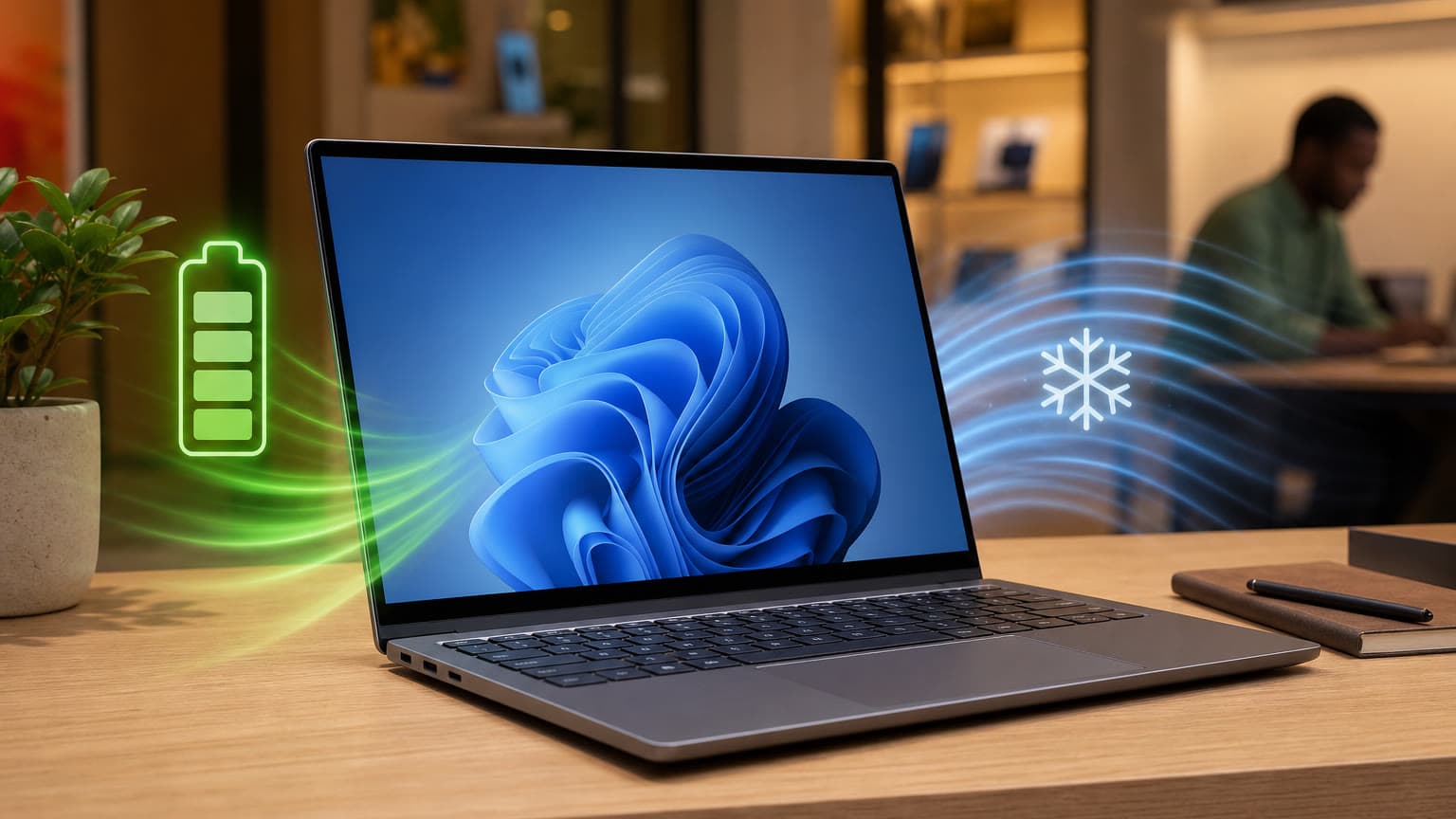
Battery life and unplugged speed are the main reasons to care. In many productivity workflows, Snapdragon X Elite laptops feel quick while running on battery, not just when plugged in. That makes them especially useful for campus days, meetings, travel, unreliable power situations, and remote work where charging points are not always available.
They are quiet and efficient. For everyday work, many models run cool with limited fan noise. If you hate hot palm rests, loud fans, and laptops that slow down as soon as you unplug them, Snapdragon X Elite has a real advantage.
The AI hardware is not just marketing, but it is not magic either. The 45 TOPS NPU clears the Copilot+ PC threshold and can accelerate supported local AI features more efficiently than a CPU. That matters for live captions, image features, background effects, and future Windows AI workflows. It does not mean every AI app will automatically run faster, and many AI services still depend on the cloud.
They are good for the right kind of Windows user. If you mostly live in Edge or Chrome, Microsoft Office, Google Workspace, web apps, email, Teams, Zoom, WhatsApp Desktop, Spotify, Netflix, and mainstream productivity tools, a Snapdragon laptop can feel modern and low-maintenance.
Cons: The Trade-Offs To Check Before You Buy
Compatibility remains the biggest risk. Windows on Arm can run many x86 and x64 apps through emulation, but drivers and low-level tools are different. VPN clients, antivirus utilities, printer/scanner software, audio interfaces, older accounting tools, engineering applications, and specialist business software should be checked before purchase. If a required app has no Arm64 version and behaves poorly under emulation, the fast processor will not save the buying decision.
Gaming is better than before, but still not the main reason to buy one. Integrated Adreno graphics can handle casual games, cloud gaming, and some older or lighter titles, but Snapdragon X Elite is not a replacement for an RTX gaming laptop. Anti-cheat support, game launchers, graphics drivers, and emulation overhead can still decide whether a specific game works well. Serious gamers should start from dedicated gaming laptops, not from Snapdragon ultrabooks.
Creative work depends on the exact app stack. Basic photo edits, light video work, Canva, web publishing, writing, and content planning are reasonable. Heavy Premiere Pro workflows, advanced plug-ins, capture cards, color tools, 3D rendering, CAD, and niche creator hardware need careful checking. A MacBook or an Intel/AMD workstation laptop may be safer for creators who cannot afford workflow surprises.
Linux and virtualization are not strong reasons to choose Snapdragon X Elite. Windows is the primary target platform. Developers who need Linux-first compatibility, kernel modules, Docker edge cases, x86 virtual machines, or broad peripheral support should be cautious and may be better served by a conventional x86 laptop.
A pre-purchase compatibility checklist for Windows on Arm laptops covering apps, drivers, games, ports, warranty, and return policy.
Who This Is For
Students: a good fit if your schoolwork is browser-based or uses Microsoft 365, Google Docs, PDF tools, Zoom, Teams, research databases, and light coding. Avoid buying blindly if your course requires AutoCAD, SolidWorks, MATLAB toolboxes, specialist exam software, or lab hardware.
Remote workers and business users: a strong fit if your company stack is modern and cloud-heavy. Before buying, verify VPN, endpoint security, printer drivers, Teams/Zoom requirements, password managers, and any industry-specific software. Business buyers should also consider warranty length, local support, and return windows.
Travellers: one of the best fits. Long battery life, instant wake, and quiet operation are useful on flights, in hotels, and during mobile workdays.
Gamers and creators: not the first choice unless you already know your games and apps work. For gaming, buy a GPU laptop. For creator work, compare against current MacBooks and Intel/AMD laptops with proven app support.
Price, Warranty, And Availability In 2026
Snapdragon X Elite laptops launched as premium Copilot+ PCs, often around the $999-and-up class internationally, with higher prices for OLED displays, 32GB RAM, and 1TB storage. In 2026, value depends heavily on discounts, local stock, open-box condition, and warranty coverage. A discounted Snapdragon X Elite laptop can be excellent value; a full-price first-generation model becomes harder to recommend if newer Snapdragon X2, Intel Core Ultra, AMD Ryzen AI, or Apple M-series options are close in price.
For Nigeria-based buyers, do not judge only by the processor name. Confirm keyboard layout, charger type, warranty terms, return policy, battery health for open-box units, storage capacity, RAM, display condition, and whether the seller will accept returns if a required app or peripheral does not work. If buying used, ask for screenshots of battery health where available and test Wi-Fi, Bluetooth, USB-C charging, webcam, speakers, and external display output.
Alternatives Worth Comparing
MacBook Air or MacBook Pro: better if you are comfortable with macOS and want mature Arm laptop performance, excellent battery life, strong resale value, and predictable creator-app support. Start with Ogabassey's MacBook vs Windows laptop guide if you are choosing between platforms.
Intel Core Ultra and AMD Ryzen AI laptops: better if you need maximum Windows software compatibility, stronger integrated graphics in some models, broader driver support, or more confidence with older peripherals. They may not always match Snapdragon battery life, but the compatibility trade-off is simpler.
Dedicated gaming laptops: better for AAA games, CUDA workloads, 3D rendering, and GPU-heavy editing. They are heavier and usually have shorter battery life, but they solve problems Snapdragon laptops are not designed to solve.
Newer Snapdragon X2 laptops: relevant if you are buying late in 2026 and pricing is close. Snapdragon X2 platforms raise the ceiling with newer CPU designs and higher NPU ratings, so first-generation X Elite machines should be priced accordingly.
How This Article Differs From Ogabassey's Earlier Snapdragon Coverage
Ogabassey already covered the early disappointment around Snapdragon X Elite in Snapdragon X Elite Laptops: The Big Swing That Missed in 2025. That article is more of a cautionary market reaction piece. This revision keeps the same product topic but focuses on the practical 2026 buying decision: who should still buy one, which specs matter, which compatibility checks to run, and which alternatives deserve a look.
Final Verdict
Snapdragon X Elite laptops are not overhyped if you buy them for the right job. They are excellent mobility laptops for modern productivity, travel, study, and battery-first Windows work. They are overhyped if you expect them to behave exactly like every Intel or AMD Windows laptop with every legacy app, every driver, every game, and every peripheral.
The best buying rule is simple: list your must-have apps and devices first, then choose the processor. If everything important is native Arm64, web-based, or known to work well under Prism, Snapdragon X Elite can be a smart 2026 purchase, especially at a discount. If your workflow depends on uncertain compatibility, buy a conventional Windows laptop or a MacBook instead.