Bassey John is a Performance Marketing Specialist at Ogabassey with cross-industry experience spanning e-commerce, gaming, and real estate. He focuses on paid acquisition, conversion-rate optimisation, and data-driven growth strategy, turning campaign performance into measurable revenue. At Ogabassey he writes about consumer technology, product buying guides, and the Nigerian gadget market to help shoppers make confident, informed decisions.
Continue shopping gaming
Compare Playstation verified prices, condition grading, and key specs in gaming.
The PS5 Media Remote makes sense for frequent console streaming, while a controller remains essential for gameplay. Ogabassey’s supplied 22 November 2026 snapshot lists it at ₦52,920 and available under unmanaged catalog stock. Buy for easier entertainment controls, after checking your TV, preferred apps and package contents.
Who this is for
This accessory suits a household that regularly uses a PlayStation 5 for films, video or music and wants familiar playback buttons. It is particularly useful when someone sharing the television prefers a remote to a game controller. Its value comes from making an existing entertainment routine easier; it does not improve graphics, frame rates or game compatibility.
If you mainly play games and rarely open media apps on the console, keep using your controller first. If you already watch everything through your television’s own apps, test whether you actually want to move that routine to the PS5 before adding another accessory. Buying a remote for a service you cannot access on your console would solve the wrong problem.
This guide connects the PS5 Media Remote listing with the wider Ogabassey Gaming range. Technical guidance comes from official PlayStation documentation; price, condition and availability come from the supplied catalog. The recommendations are editorial judgement, without hands-on testing.
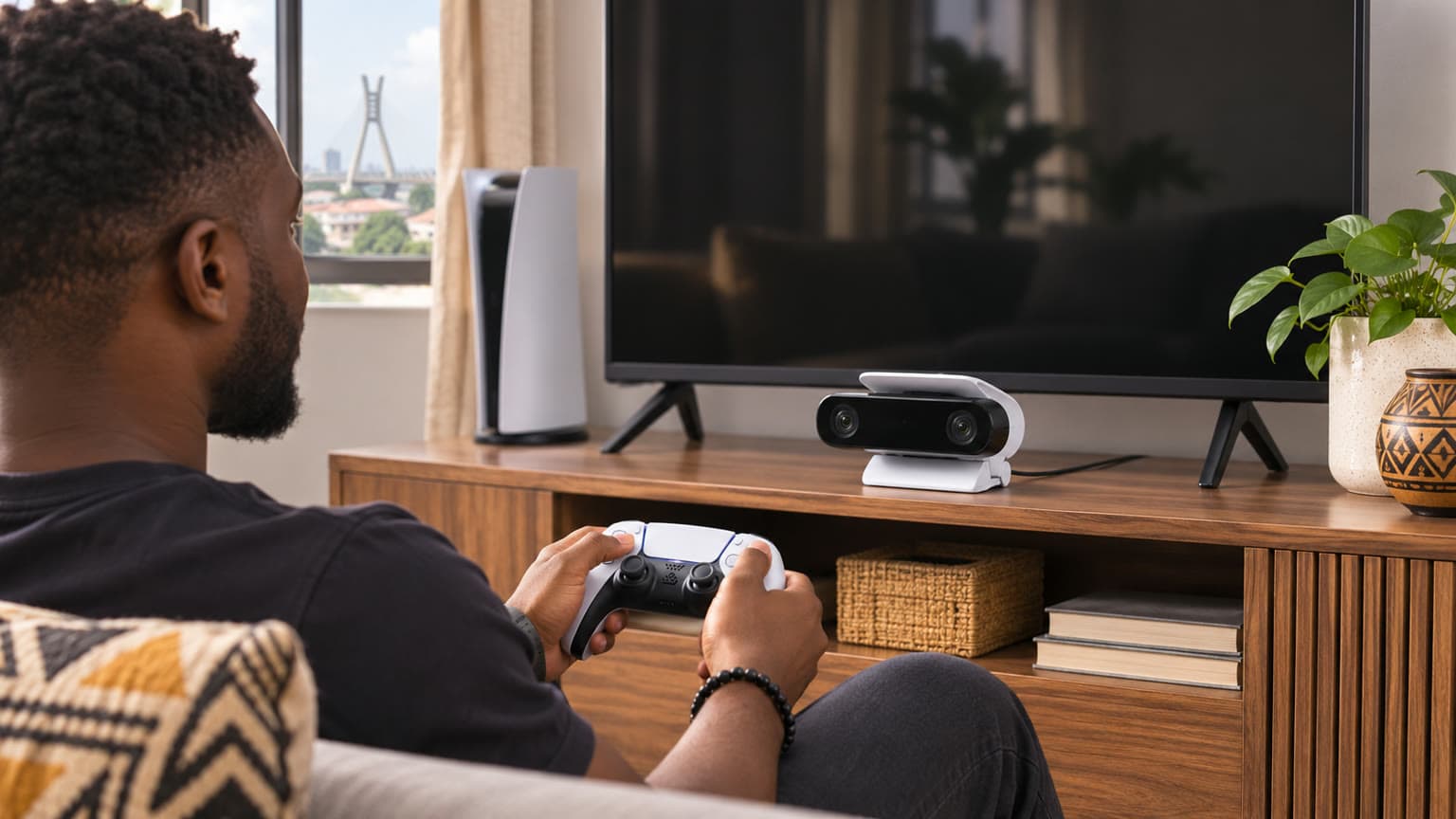
Illustration showing the two control options for a PS5 entertainment setup.
Key specs and buying context
The table separates useful purchasing facts from missing information. The price is an editorial snapshot from the first-party signal supplied as of 22 November 2026 at 06:12 UTC; the underlying product record was last updated on 4 November 2026. It is not a newly verified checkout quote. Use the linked live product card for the current offer.
Entity
Attribute
Value and buyer meaning
PS5 Media Remote
Nigeria price
₦52,920 in the supplied snapshot; reconfirm before payment.
PS5 Media Remote
Availability
Listed available: InStock.
PS5 Media Remote
Inventory policy
Unmanaged catalog stock; numeric stock of zero is not an out-of-stock instruction.
PS5 Media Remote
Condition
New; catalog metadata describes it as brand new.
PS5 Media Remote
Category and format
PlayStation 5; media remote accessory, rather than a game or console.
PS5 Media Remote
Platform compatibility
PS5. Official support explicitly excludes PS4.
PS5 Media Remote
Playback controls
Play/pause, fast forward and fast reverse, plus navigation controls.
PS5 Media Remote
TV controls
Infrared power and volume controls for compatible televisions.
PS5 Media Remote
Power source
Two AA batteries in the official CFI-ZMR1 manual; confirm what the merchant package includes.
PS5 Media Remote
Storage requirement
Not listed as a capacity figure; this is a control accessory, not storage expansion.
PS5 Media Remote
5G support
No, as recorded in the catalog; this does not describe the console’s internet connection.
PS5 Media Remote
Optical image stabilization
No, as recorded in the catalog; camera stabilization is irrelevant to its entertainment-control role.
PS5 Media Remote
Warranty, returns and delivery
Not listed in the supplied record; request terms and delivery details before payment.
Existing PS5 controller
Comparable alternative
Use the controller you already own for navigation before deciding whether dedicated media controls justify another purchase.
Do not rank this accessory by inherited camera or mobile-network fields. The meaningful questions are whether it supports your console, controls the television functions you need, and makes your preferred apps easier to use. Neither a missing mobile feature nor a generic specification row establishes remote performance.
Compatibility: console, television and region
Which PlayStation does it work with?
PlayStation’s official support identifies this as a PS5 accessory and says it is incompatible with PS4. If you are shopping for a console as well, start with the PlayStation 5 category and confirm the exact console model with Ogabassey. The supplied candidate contains no individually verified compatible-product list, so this guide does not claim a tested pairing with a particular console SKU.
The remote is not a substitute for a gameplay controller. Menu navigation and playback buttons do not provide the controls needed for ordinary PS5 gameplay. Likewise, “media remote” should not be confused with Remote Play: this product is not a handheld screen for playing your console elsewhere.
What region or edition works in Nigeria?
For this purchase, distinguish the hardware from the services printed on its buttons. PlayStation says streaming services are not available in every country and may require paid subscriptions. A shortcut button does not guarantee that its service is offered for your location or account, and buying the remote does not include a streaming subscription.
Ask for confirmation of the actual app-button layout, then check the services you intend to use on your own PS5 before paying. The supplied record does not establish a Nigeria-specific remote edition or account-region compatibility matrix. It therefore cannot support a promise that every pictured shortcut will be useful to every Nigerian buyer.
Will it replace the television remote?
Official documentation supports infrared control of power and volume on compatible TVs. That is narrower than a universal replacement for every television function. Confirm your TV model and intended controls, especially if replacing your existing remote is the main reason for buying. Do not assume soundbar, receiver or full TV-menu control from the PS5 compatibility label.
Setup and troubleshooting before requesting a return
PlayStation’s support instructions give this pairing route: Settings > Accessories > Media Remote > Set Up Media Remote. Follow the console’s prompts; if automatic setup fails, select Set Up Manually. Keep your existing controller available while completing the setup rather than expecting the new accessory to arrive already paired.
The official manual specifies two AA batteries. Check their orientation and condition if operation is unreliable. PlayStation notes that low batteries can reduce operating range or cause improper operation. For TV functions, point the infrared transmitter toward the television and remove obstructions. Console pairing and TV setup are separate checks.
These checks help describe a fault accurately. Tell support whether the remote cannot navigate the console, cannot control TV volume, or cannot open one particular service. Those symptoms involve different parts of the setup. Record the steps you tried, retain the packaging and follow the merchant’s stated return process; this guide cannot establish a fault or guarantee a remedy remotely.
Illustration highlighting battery checks and an unobstructed infrared path for TV controls.
Trade-offs: gameplay, storage and subscriptions
The main trade-off is spending money on convenience while retaining the controller for games. Before buying, identify the action you repeat most: pausing a programme, changing volume or opening a media app. If the controller already handles your routine comfortably, the remote may add little practical value.
There is no storage upgrade here. Buying the remote will not create space for PS5 games or remove an app’s download and update requirements. The catalog supplies no numeric storage requirement for the accessory, so no capacity figure is claimed. Treat console storage planning as a separate decision based on the games and apps you actually install.
Separate the accessory price from continuing entertainment costs. PlayStation’s product page states that internet access and an account are required for its advertised entertainment services, and subscriptions may apply. For a buyer budgeting in naira, a useful calculation includes the remote, any missing batteries, delivery and the services they already intend to pay for. No subscription price or data-use estimate is supplied here.
Alternatives: choose by the problem you need to solve
Your situation
Better starting point
Decision reason
You frequently watch media through PS5
Consider the PS5 Media Remote
Dedicated playback controls address that routine directly.
You mainly play PS5 games
Keep using your existing controller
The remote does not replace gameplay controls.
You watch through apps already available on your TV
Try the existing TV remote and apps first
Establish whether adding PS5 media control solves an actual inconvenience.
You want television power and volume control
Verify TV compatibility before choosing
Official support is conditional on a compatible television.
You own a PS4
Exclude this accessory
PlayStation explicitly says it is incompatible.
You searched for a gaming laptop
Choose the computer around your games and work needs
This PS5 accessory is neither a computer nor a supported laptop gaming controller.
The gaming laptop distinction matters when building a budget: a console media accessory cannot answer a need for portable gaming or programming. Avoid buying it simply because it appears in a broad Gaming category. For other accessory needs, browse Ogabassey Gaming Accessories and compare products against the specific function you require.
Price, availability, warranty and delivery checks
At the supplied ₦52,920 price, the strongest reason to buy is regular use of the dedicated controls. There is no transaction-history evidence here to show a discount, price trend or previous selling price. Describe it as the supplied offer, rather than a bargain established by historical comparisons.
Availability is listed as in stock under unmanaged inventory. This means the zero numeric stock count should not be interpreted as sold out. It also does not establish a reserved physical unit, dispatch date or delivery promise. Confirm live availability and the delivery cost and destination coverage with OgaBassey before completing payment.
Ask for the warranty provider and duration, the procedure for a unit that fails on arrival, and whether a TV-compatibility mismatch is eligible for return after opening. Also confirm batteries, included items and the actual button layout. These terms are not supplied in the snapshot, and official documentation does not establish the terms of this merchant sale.
Verdict
Choose the PS5 Media Remote if your PS5 is regularly used for entertainment and dedicated playback buttons would make that routine easier. Keep the existing controller if gaming is your priority, and try your television’s existing apps first if that is where you already watch. Confirm TV support, service access and sale terms before committing the snapshot price of ₦52,920.
FAQ
Can the PS5 Media Remote play PS5 games?
It provides entertainment and menu controls, rather than a replacement for a gameplay controller. Keep a compatible controller for playing PS5 games. It is also different from Remote Play and does not include a screen.
Does the PS5 Media Remote work with PS4?
No. PlayStation’s official support explicitly states that the media remote is a PS5 accessory and is not compatible with PS4 consoles.
Will every streaming shortcut work in Nigeria?
Do not assume so. PlayStation says services are not available in all countries and may require subscriptions. Check the actual button layout and service availability for your location and account before purchasing.
What is the PS5 Media Remote price in Nigeria?
The supplied Ogabassey snapshot as of 22 November 2026 lists ₦52,920 and in-stock availability under unmanaged inventory. Check the linked product listing for the current offer, package contents and delivery terms before payment.
Catalog-linked prices update automatically. Historical and other quoted prices remain as written. Open the product page to confirm the current price, selected variant and availability before buying.