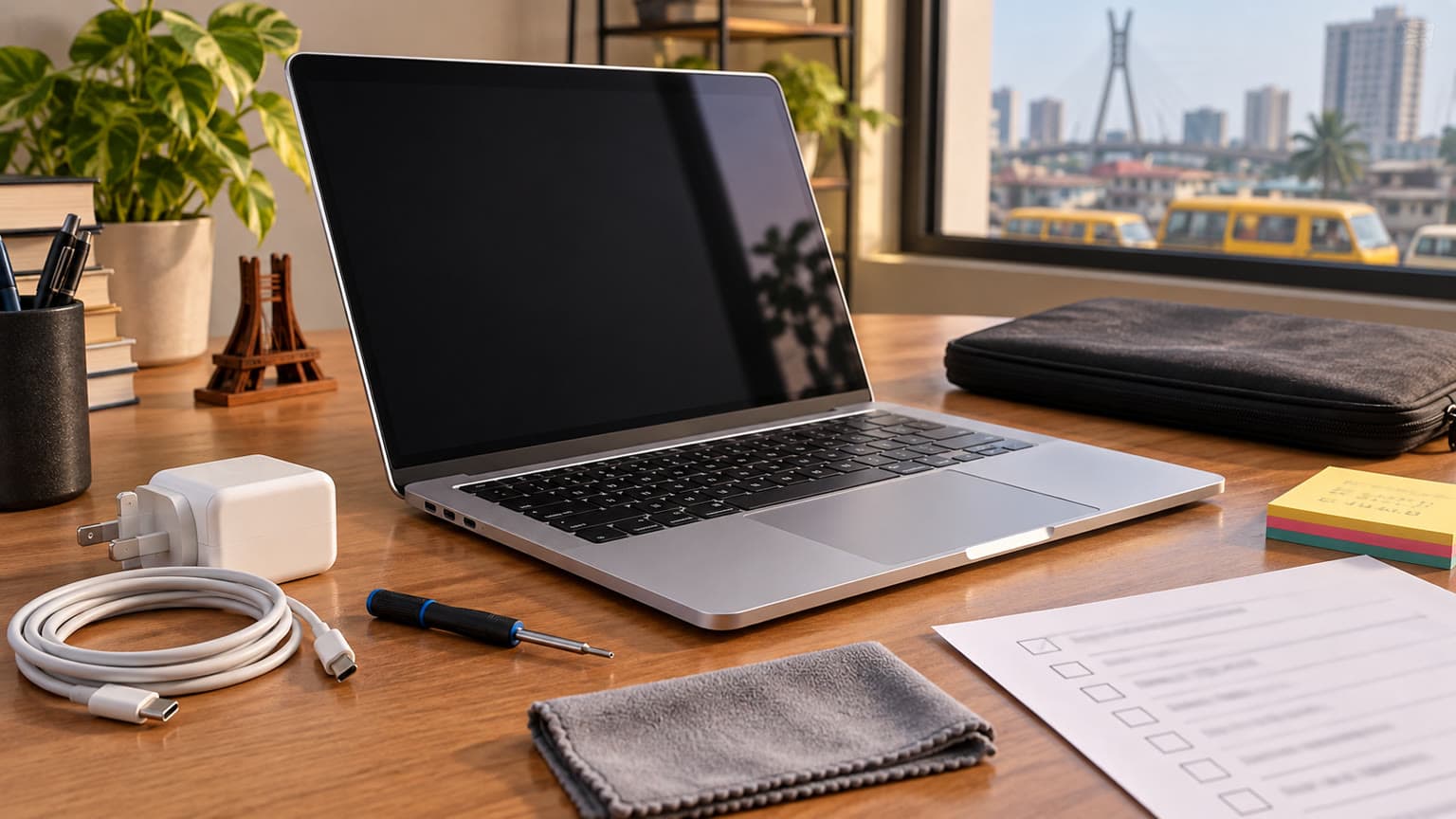
In a world where every new chip promises “the biggest leap ever,” the M3 Pro MacBook Pro does something far more interesting, it refines. It doesn’t scream for attention like the Max chips, and it doesn’t chase headlines like the newer M4, M5 series. Instead, it quietly positions itself as one of the most balanced professional laptops Apple has ever built.
Now in 2026, with newer machines on the market and competition heating up from Intel and AMD, the question is simple:
Is the MacBook Pro M3 Pro still worth your money?
Let’s break it down properly.
What Makes the M3 Pro MacBook Pro Special?
At first glance, the M3 Pro looks like a routine upgrade. But under the hood, there are meaningful changes that define how it performs in real life.
A Shift to 3nm: Efficiency Meets Speed
The move from 5nm (M2 Pro) to 3nm architecture is the foundation of everything good here. It’s not just about raw speed, it’s about how efficiently that speed is delivered.
In everyday usage, you’ll notice:
• Faster app launches
• Smoother multitasking
• Better sustained performance on battery
Single-core performance, what you feel most when using a laptop—is noticeably improved, making the system feel snappier and more responsive.
The GPU Upgrade That Actually Matters
The real story of the M3 Pro isn’t the CPU, it’s the GPU.
Apple introduced:
• Hardware-accelerated ray tracing
• Dynamic caching (smarter memory usage)
• Mesh shading
These are features typically associated with desktop-class GPUs, and they make a difference in:
• Video editing
• 3D rendering
• Motion graphics
• Even casual gaming
This was the first time Apple’s “Pro-tier” GPU starts to feel modern in a broader industry sense, not just fast within macOS.
The Display Still Sets the Standard
Apple didn’t need to reinvent the display—it was already ahead.
You still get:
• Liquid Retina XDR (mini-LED)
• 120Hz ProMotion
• Exceptional brightness and contrast
In 2026, this remains one of the best laptop displays available, especially for creators working with color-sensitive content.
Battery Life That Still Embarrasses the Competition
The M3 Pro continues Apple’s dominance in efficiency:
• All-day battery life is realistic
• Performance barely drops when unplugged
• Minimal heat and near-silent operation
While many Windows laptops still struggle to balance power and endurance, this machine simply delivers both.
Configurations: The “Flavours” That Matter
Apple offers the M3 Pro in multiple configurations, and unlike the Intel days, these actually impact real-world performance.
Size Options
• 14-inch (portable, powerful)
• 16-inch (larger screen, better thermals)
Chip Variants
• 11-core CPU / 14-core GPU
• 12-core CPU / 18-core GPU
Memory and Storage
• Up to 36GB unified memory
• Up to 4TB SSD
Finish
• Space Black (a standout addition)
• Silver
If you’re doing GPU-heavy work, the higher-tier M3 Pro configuration is worth the extra cost.
M3 Pro vs M2 Pro: Incremental or Meaningful?
This comparison is closer than you might expect.
Where M3 Pro Pulls Ahead
• Better single-core performance
• Improved efficiency (thanks to 3nm)
• Modern GPU features (ray tracing, AV1 decode)
• Slightly higher RAM ceiling
Where M2 Pro Still Holds Ground
• Higher memory bandwidth
• Strong performance in sustained workloads
The Real Verdict
If you’re already using an M2 Pro, this is not a must-upgrade.
But coming from M1 or Intel? The difference is significant and immediately noticeable.
M3 Pro vs M4 MacBook Pro: Newer Isn’t Always Better
With the arrival of the M4 series, the M3 Pro has technically been “replaced”—but not necessarily outclassed in every way.
Where M4 Wins
• Faster single core performance
• Better AI and neural processing
Where M3 Pro Still Competes
• Better value in 2026
• Faster multi core performance
• Stronger GPU configurations than base M4 models
• More balanced for professional workflows
Bottom Line
The M4 is newer and has a strong performance for single core tasks, but the M3 Pro often hits the sweet spot between price and performance, especially if you don’t need cutting-edge AI features.
The x86 Comparison: Where Does It Sit?
In the Windows ecosystem, the M3 Pro competes with machines powered by:
• Intel Core i7/i9 H-series chips
• AMD Ryzen 9 mobile processors
• Often paired with RTX 4050/4060 GPUs
On paper, those laptops can outperform the M3 Pro in raw GPU tasks. But in real-world usage, the story changes.
Where M3 Pro Dominates
• Battery life (by a wide margin)
• Noise and thermals
• Performance consistency on battery
• Overall efficiency
Where x86 Still Wins
• High-end gaming
• GPU-heavy rendering with dedicated GPUs
If you aren’t a gamer, the M3 Pro delivers a far more refined computing experience.
How It Holds Up in 2026
Two years later, the M3 Pro hasn’t faded into irrelevance and that says a lot.
It still excels at:
• Video editing
• Software development
• Content creation
• Heavy multitasking
Thanks to Apple’s tight hardware-software integration, performance remains consistent, and updates continue to optimize the experience.
This is not a laptop that feels “old”—it still feels premium and capable.
Our Verdict: The Quiet Champion
The MacBook Pro M3 Pro doesn’t try to be everything—it just gets the fundamentals right.
It’s not the fastest Mac anymore.
It’s not the newest either.
But it might still be the smartest buy.
Buy it if:
• You want pro-level performance without overspending
• Battery life and efficiency matter to you
• You’re upgrading from Intel, M1or M1 Pro
•
Skip it if:
• You already own an M2 Pro
• You need the absolute best performance (go M5 Pro/Max)
Related reading: Samsung Galaxy A37 Review: The Midrange Sweet Spot — Almost.