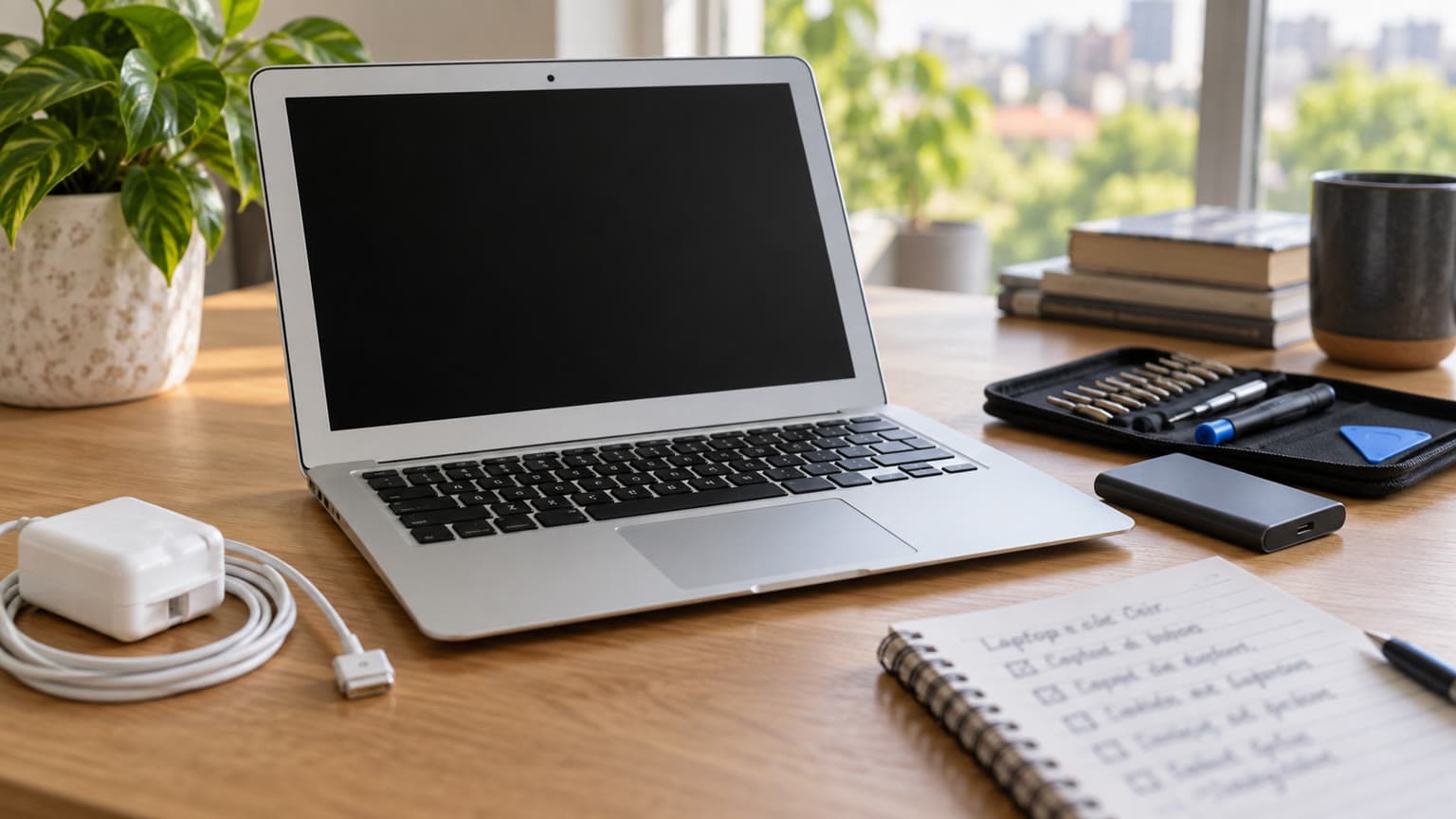
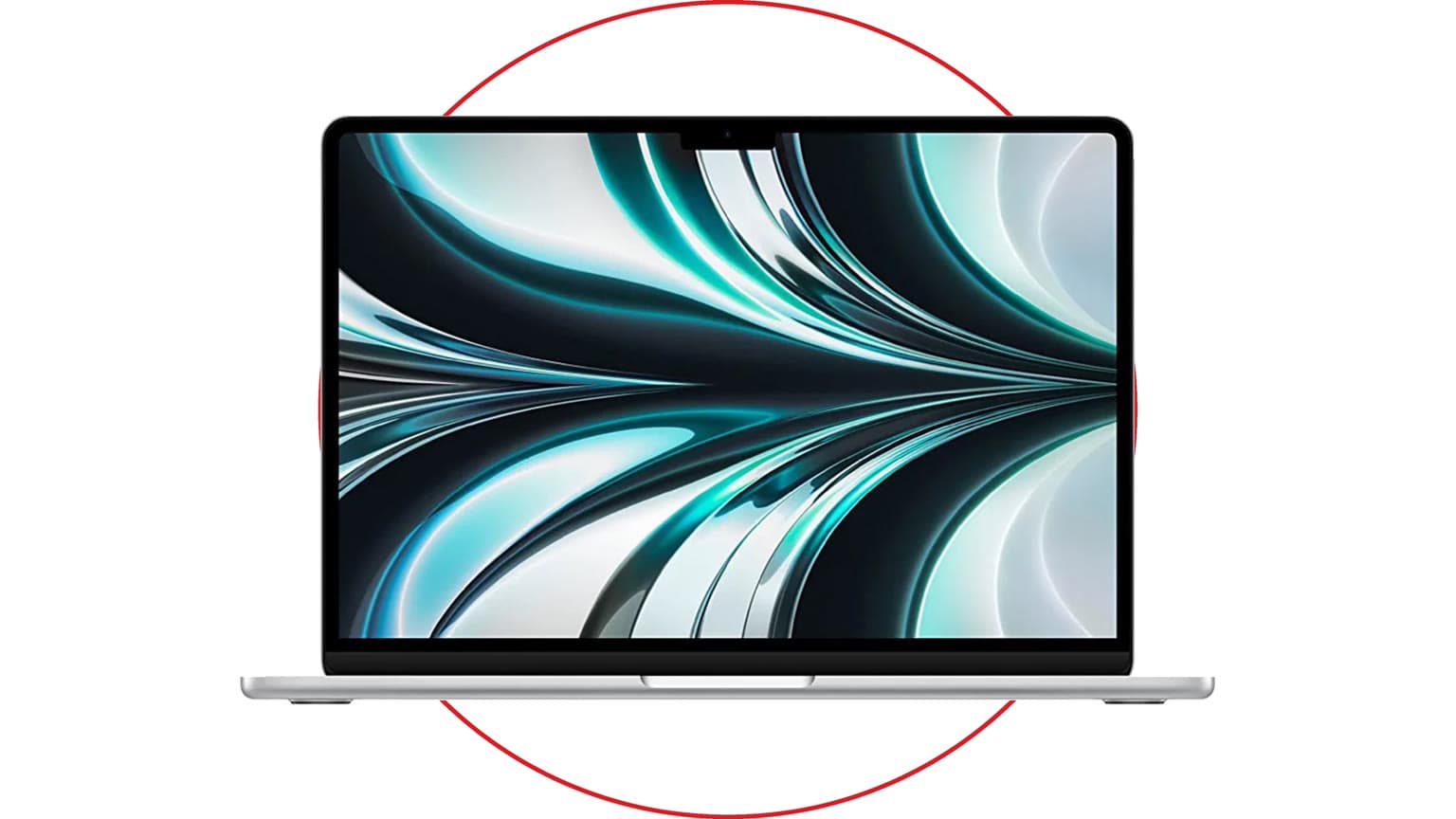
In 2017, the MacBook Pro still looked like the future: thin aluminum body, sharp Retina display, huge Force Touch trackpad, USB-C ports, and, on some models, the Touch Bar. In 2026, the same laptop sits in a very different place. It is no longer a modern pro machine, but it can still make sense for a narrow group of buyers if the price, battery health, keyboard condition, and intended workload are realistic.
The short answer: the 2017 MacBook Pro is worth keeping if you already own one and it still works. It is only worth buying used if it is cheap, clean, recently serviced, and meant for light work. If you need a dependable everyday laptop for school, business, coding, design, video editing, or travel, an Apple silicon Mac is the smarter buy.
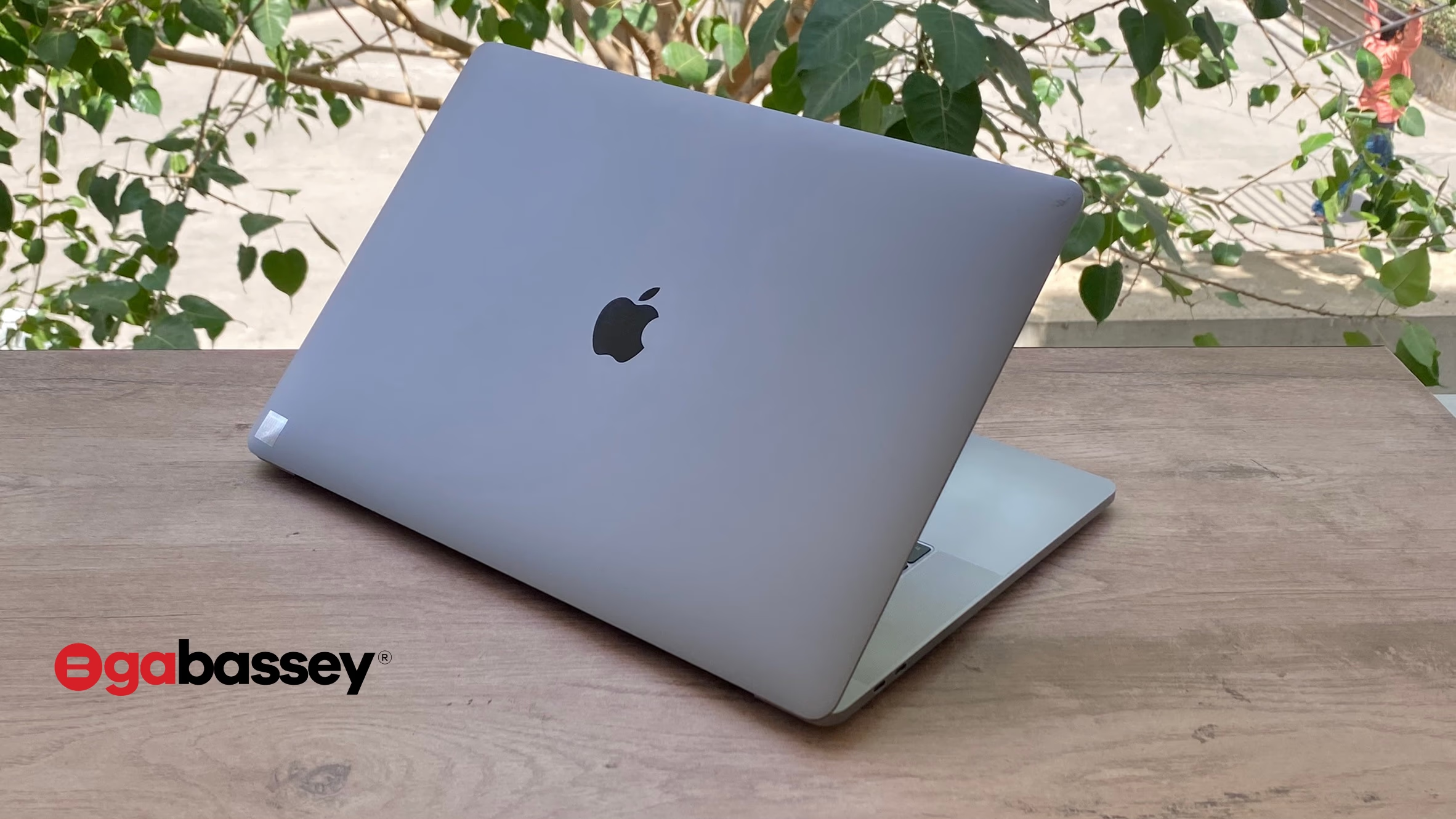
2026 Verdict: Who Should Still Consider It?
The 2017 MacBook Pro is no longer a good default recommendation, but it is not useless. It can still work for students writing documents, home users browsing the web, people who want a clean secondary laptop for streaming, and tinkerers who understand the risk of running an unsupported Intel Mac.
For a Nigeria-focused used-laptop buyer, the pricing line matters. A very clean 13-inch unit under about ₦500,000 can be tempting, especially if the screen is perfect and the battery cycle count is low. But once the price starts approaching the used Apple silicon range, it stops making sense. A used MacBook Pro 13-inch M1 from 2020 is faster, quieter, cooler, more efficient, and officially compatible with macOS Tahoe 26.
Buy the 2017 model only if your workload is light and the seller allows proper inspection. Keep it if it already belongs to you. Skip it if you are buying one machine to carry your work, business, or school life for the next few years.
Key Specs and 2026 Buying Context
The most common 2017 MacBook Pro models are the 13-inch versions with either two or four Thunderbolt 3 ports, plus the larger 15-inch version. The 13-inch four-port model uses 7th-generation dual-core Intel Core i5 or i7 chips, 8GB or 16GB of soldered LPDDR3 memory, Intel Iris Plus graphics, and onboard PCIe SSD storage. Its 13.3-inch Retina display remains one of the strongest reasons to keep it: 2560 by 1600 resolution, 227 pixels per inch, P3 wide color, and up to 500 nits brightness on the four-port model.
In daily terms, that means the display still feels premium, the speakers are still respectable, and the trackpad is still excellent. The weak points are now the processor age, limited graphics power, soldered memory, non-upgradeable storage, 720p webcam, aging battery, and butterfly keyboard risk.
| Area | What it means in 2026 |
|---|
| Processor | Fine for documents, email, web apps, light photo edits, and streaming; weak for heavy multitasking, virtual machines, 4K editing, and modern creative workloads. |
| RAM | 8GB is workable but tight; 16GB is the only version to consider if you keep many browser tabs open. |
| Storage | 256GB is usable only with cloud storage or external drives; 512GB and 1TB units are more practical. |
| Display | Still a major strength, especially compared with many cheap Windows laptops. |
| Ports | USB-C/Thunderbolt 3 only; budget for adapters if you use HDMI, USB-A, SD cards, or Ethernet. |
| Battery | Apple originally rated the 13-inch model for up to 10 hours, but real used units in 2026 depend heavily on battery age and cycle count. |
| Software | Officially capped at macOS Ventura for 2017 MacBook Pro models. |
The Biggest Trade-Offs
1. Official macOS Support Has Moved On
The key software fact is simple: Apple lists the 2017 MacBook Pro models as officially supporting macOS Ventura as their newest compatible operating system. They are not on Apple’s macOS Tahoe 26 compatibility list. Tahoe supports all Apple silicon Macs plus only a small set of later Intel Macs, including the 2019 16-inch MacBook Pro and the 2020 13-inch MacBook Pro with four Thunderbolt 3 ports.
That does not mean a 2017 MacBook Pro immediately stops working. It does mean you should treat it as a legacy Mac. Security updates, app compatibility, browser support, banking websites, school software, and business tools will become less forgiving over time. OpenCore Legacy Patcher can be useful for experimenters, but it is not the same as official Apple support and should not be the reason a non-technical buyer chooses this laptop.
2. The Butterfly Keyboard Is the Deal-Breaker
The 2017 generation uses Apple’s butterfly keyboard design. Some units are fine; others develop repeating keys, stuck keys, or dead keys. Apple’s keyboard service program covered affected models for a limited period, but by 2026 you should assume free coverage is gone. If a seller says the keyboard was replaced, ask for proof. If any key feels inconsistent during inspection, walk away.
This matters because a keyboard or top-case repair can cost more than the laptop is worth. For writers, students, developers, and anyone who types all day, keyboard reliability should outrank the Retina display.
3. Battery Health Is More Important Than Age on Paper
A 2017 MacBook Pro with a fresh, genuine-quality battery can still be pleasant for light use. A tired battery turns it into a desk-only machine. Before buying, check the battery cycle count, service warning, swelling, charging behavior, and whether the USB-C charger is original or a reputable replacement. If the battery is swollen, avoid the unit completely.
Apple’s expired-warranty service guidance also matters: older Mac laptops may still receive battery-only service for longer than general repairs, but only subject to parts availability. That is not a guarantee you should build a purchase around, especially in markets where official parts and service access can vary.
4. It Looks Faster Than It Is
The aluminum body still feels premium, which can hide the performance gap. Modern websites are heavier, browser tabs use more memory, and many current apps are optimized first for Apple silicon. A 2017 MacBook Pro can still run Microsoft Office, Google Workspace, Zoom, WhatsApp Desktop, Spotify, and light browser work. It is not the right choice for serious Final Cut, DaVinci Resolve, large Photoshop files, Android Studio, Docker-heavy development, 3D work, or long battery sessions away from power.
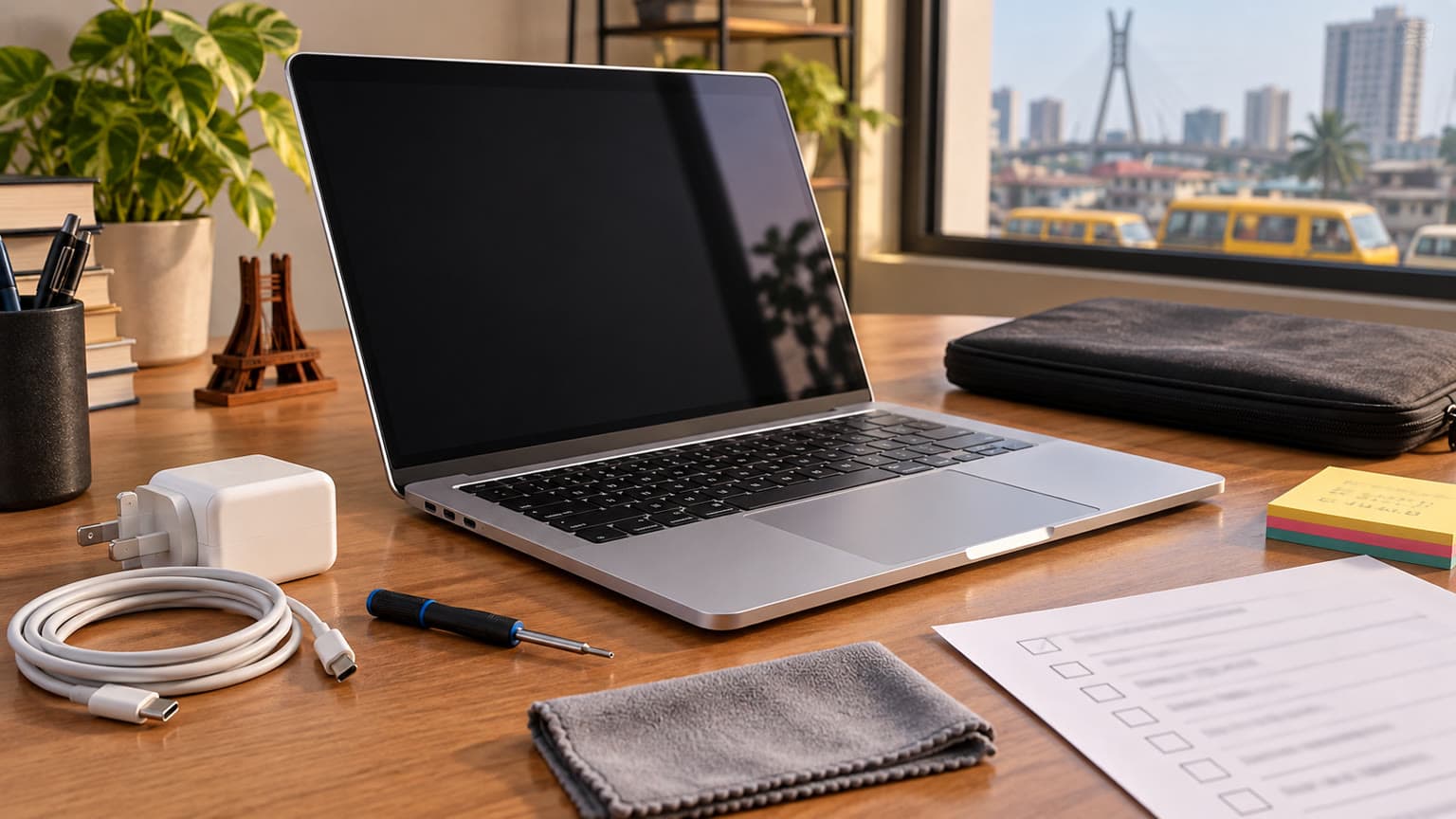
Used-Buying Checklist
- Confirm the exact model identifier: MacBookPro14,1 for the 13-inch two-port model, MacBookPro14,2 for the 13-inch four-port model, or MacBookPro14,3 for the 15-inch model.
- Prefer 16GB RAM if the price difference is small. RAM is soldered and cannot be upgraded later.
- Test every keyboard key repeatedly, including spacebar, command, shift, delete, and arrow keys.
- Check battery cycle count and condition in System Information.
- Inspect the screen for coating wear, pressure marks, dead pixels, and uneven backlight.
- Test every USB-C port for charging and data, not just one side.
- Verify Touch ID on Touch Bar models if you care about it.
- Make sure Find My Mac and Activation Lock are removed before payment.
- Budget for a USB-C hub, replacement charger, and possible battery service.
Better Alternatives in 2026
The most obvious upgrade is the 2020 M1 MacBook Air or M1 MacBook Pro. Even with 8GB RAM, the M1 models feel dramatically faster in everyday use, run cooler, offer far better battery life, and use the more reliable Magic Keyboard. If your budget can stretch, start there before considering any Intel MacBook Pro.
If you need more pro headroom, a newer MacBook Pro is a more durable long-term purchase. Ogabassey’s MacBook Pro M3 Pro 2026 review is a better reference point for buyers doing development, editing, creative work, and heavier multitasking. For shoppers comparing old Pro value against newer AI-era performance, the 2026 MacBook showdown between M4 Pro and M5 gives more future-facing context.
A Windows alternative can also make sense if your priority is warranty, new battery health, and ports rather than macOS. At the same used price band, look for a recent business-class Lenovo ThinkPad, HP EliteBook, Dell Latitude, or a Snapdragon/Intel ultrabook with at least 16GB RAM and a seller warranty. You may lose the MacBook display and trackpad polish, but you gain easier servicing and newer components.
Should You Keep It or Sell It?
Keep it if it still performs your everyday tasks, the battery is healthy, and you can live without the latest macOS features. It remains a good writing laptop, media machine, backup computer, kitchen laptop, or lightweight family device. Back it up frequently with Time Machine or another reliable backup method because older Intel Mac repairs are becoming less predictable.
Sell it if the keyboard is starting to fail, the battery needs service, the screen coating is damaged, or you are already hitting performance limits. The longer you wait, the harder it becomes to recover value from a 2017 Intel MacBook Pro, especially as more buyers shift to Apple silicon.
Bottom Line
The 2017 MacBook Pro is a beautiful legacy laptop, not a 2026 pro recommendation. Its Retina display, trackpad, speakers, and build quality still make it feel premium, but official macOS support, keyboard reliability, battery aging, and Apple silicon competition have changed the buying equation.
If you already own one, keep using it for light work while planning your next upgrade. If you are buying used, only consider it at a low price after a strict inspection. For most buyers, the smarter move is a used M1 MacBook or newer, even if it costs more upfront.
Shop related Ogabassey options: MacBook Pro 13-inch M1 (2020).
Sources