Bassey John is a Performance Marketing Specialist at Ogabassey with cross-industry experience spanning e-commerce, gaming, and real estate. He focuses on paid acquisition, conversion-rate optimisation, and data-driven growth strategy, turning campaign performance into measurable revenue. At Ogabassey he writes about consumer technology, product buying guides, and the Nigerian gadget market to help shoppers make confident, informed decisions.
The used HP EliteBook x360 830 G8 is listed at ₦632,500 and available in Ogabassey’s supplied catalog snapshot. Buy it for portable work and touchscreen flexibility only after checking battery condition, hinges, charging and ownership clearance. The listed 16GB RAM and 512GB SSD are useful starting points; the individual unit’s condition decides its value.
HP EliteBook x360 830 G8 price in Nigeria: what does ₦632,500 cover?
The supplied first-party record, as of 3 November 2026 at 05:20 UTC, reports ₦632,500 for this configuration. The underlying product record was last updated on 3 October 2026; this is a supplied snapshot, not a fresh checkout inspection. Open the HP EliteBook x360 830 G8 product page for the current offer, selected configuration and availability before paying.
Availability is recorded as in stock under unmanaged catalog stock. The numeric quantity of zero does not mean this listing is sold out. It also does not establish how many inspected units are ready for dispatch. Ask Ogabassey to confirm the actual unit, accessories and delivery arrangement for your location.
This is a catalog-verified buying guide supplemented by HP’s model-family Maintenance and Service Guide. We have not tested this unit, measured its battery runtime or inspected its cosmetic grade. Buyer-fit recommendations below are editorial judgements based on the supplied configuration and the checks a used convertible needs.
Key specs and buying context
Entity
Attribute
Supplied value or buying implication
HP EliteBook x360 830 G8
Nigeria price
₦632,500 in the supplied first-party snapshot; check the live product page
HP EliteBook x360 830 G8
Availability
In stock; unmanaged catalog stock; confirm dispatch availability
HP EliteBook x360 830 G8
Condition
Used/pre-owned; cosmetic grade and repair history not listed
HP EliteBook x360 830 G8
Brand and category
HP; Laptops
HP EliteBook x360 830 G8
Processor
Intel i5-11th Gen; exact processor suffix not listed
HP EliteBook x360 830 G8
RAM
16GB
HP EliteBook x360 830 G8
Storage
512GB SSD; installed drive model not listed
HP EliteBook x360 830 G8
Graphics
Integrated Graphics; exact configuration not listed
HP EliteBook x360 830 G8
Display
Catalog: 13.0 inches; 13-inch FHD Touchscreen Display. HP’s family guide specifies 13.3 inches; confirm the unit’s panel
HP EliteBook x360 830 G8
Battery health and runtime
Not listed; request a report and unplugged demonstration
HP EliteBook x360 830 G8
Optical image stabilization
No in the catalog; this does not establish webcam quality
HP EliteBook x360 830 G8
Warranty, returns and delivery
Not listed; obtain written unit-specific terms
Buying alternatives
Comparison direction
Consider the x360 830 G9 guide or a conventional laptop if touch is unnecessary; current alternative prices not verified here
HP’s Maintenance and Service Guide documents soldered, non-upgradeable RAM, serviceable M.2 storage, USB-C charging and multiple display options. It also documents an audio combo jack and stereo speakers, conflicting with the catalog’s audio fields. Treat those fields as unresolved and have the seller demonstrate the actual unit’s ports and sound.
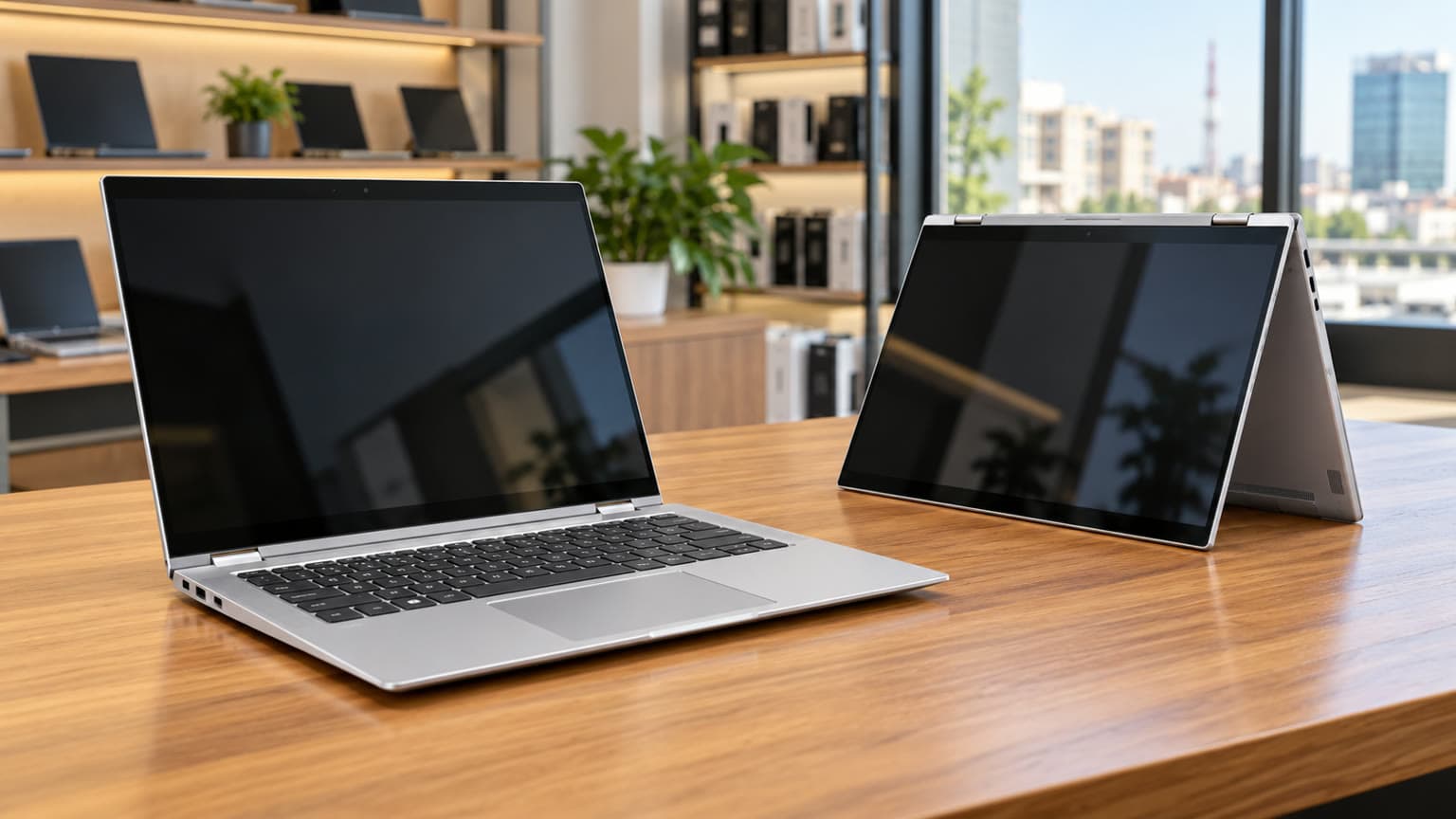
Illustration: request battery evidence for the actual unit rather than assuming runtime from its specifications.
Who this is for: school, office work or design?
The listed Core i5, 16GB RAM and 512GB SSD make this configuration a reasonable candidate for documents, browser research, spreadsheets, presentations and remote classes. Touch becomes useful when you actually annotate documents, present across a table or switch working positions. If your day is entirely keyboard-based, compare conventional laptops before paying for a convertible’s flexibility.
For students, confirm your department’s software requirements first. A laptop that handles essays may still be unsuitable for a course requiring a particular graphics application. For remote work, test the conferencing app, headset and Wi-Fi connection you expect to use. An apparently clean laptop can still have a poor microphone or an intermittent wireless connection.
For design, distinguish layout and occasional image editing from demanding rendering or colour-critical production. The catalog does not identify panel brightness, colour coverage or the exact integrated GPU. Do not buy on an assumption that every FHD touchscreen provides the same display quality. Take a familiar project or image to the inspection and check it at your normal working distance.
Battery verdict: require evidence before planning around power cuts
No battery-health percentage, measured runtime or replacement history is supplied. That makes an all-day battery claim unjustified. For a buyer who regularly works away from mains power, battery evidence should be a purchase condition rather than something to investigate after delivery.
Request a recent battery report. Ask for design capacity, full-charge capacity and cycle count where reported. Ensure it belongs to the offered unit.
Ask for an unplugged demonstration. Run representative work at an agreed brightness with Wi-Fi enabled. Record starting charge, elapsed time and ending charge.
Watch for interruption. Sudden shutdowns, charging instability or unusually abrupt percentage changes need explanation before purchase.
Price the uncertainty. If replacement is needed, obtain a separate quotation, part identification and service terms. Replacement availability and cost are not established here.
A battery-capacity percentage is a screening tool, not a promise of hours. Browser load, calls, brightness and battery condition affect the result. A brief demonstration can expose obvious problems, but it cannot prove a full working day of endurance.
Likewise, a charger’s wattage does not tell you inverter runtime. Ask what else shares the inverter, its usable energy and conversion losses. If your working arrangement depends on a power bank, test that exact bank and cable before making the laptop your only work machine.
Charging and accessory compatibility: prove the complete setup
HP lists 65W USB-C adapters for this family. No specific compatible charger, dock, pen or power bank is supplied in the candidate record, so this guide cannot endorse an accessory pairing.
Accessory or connection
What to confirm
Purchase decision
Included charger
Adapter identity, output label, cable condition and charging under normal work
Resolve warnings or intermittent charging before accepting the unit
USB-C GaN charger or power bank
USB Power Delivery profiles, laptop requirements, cable rating and output when other devices share the charger
Do not assume a USB-C connector or advertised total wattage proves compatibility
External monitor or projector
Actual video output using your display and cable
Demonstrate the presentation setup before relying on it for work
Pen
Exact supported pen model, inclusion and working input
A touchscreen listing alone does not confirm an included or compatible active pen
Headset and webcam
Call recording, microphone input and speaker playback
Judge the actual call result rather than catalog camera fields
Bring a USB drive and your most important accessory to an inspection. Test each connection you need, then repeat charging after gently repositioning the cable without forcing the socket. For delivery purchases, request a continuous demonstration showing the laptop identity and the relevant connections.
Trade-offs: fixed RAM, touch wear and the small screen
Choose enough RAM at purchase. With 16GB listed, judge whether that capacity suits your expected workload throughout ownership. Do not budget for adding another memory stick later. If your software already strains 16GB, compare a verified higher-memory configuration instead.
Separate capacity from drive condition. A 512GB listing tells you storage size, not drive health or remaining free space. Ask for drive identification and a diagnostic result. Before commissioning a storage replacement, confirm the replacement specification, backup plan and effect on seller warranty.
Inspect the convertible mechanism. Move the screen slowly through its intended positions. Check for uneven resistance, separation around the hinge mounts and flicker as the display moves. Draw across the touchscreen in a simple drawing application, including the corners, to look for missed input or unwanted touches.
Check comfort and thermals. Read a document and use the keyboard for several minutes. A compact display may suit travel but feel cramped for large spreadsheets. Run ordinary work and listen for persistent fan noise; a brief desktop demonstration does not establish sustained performance or cooling condition.
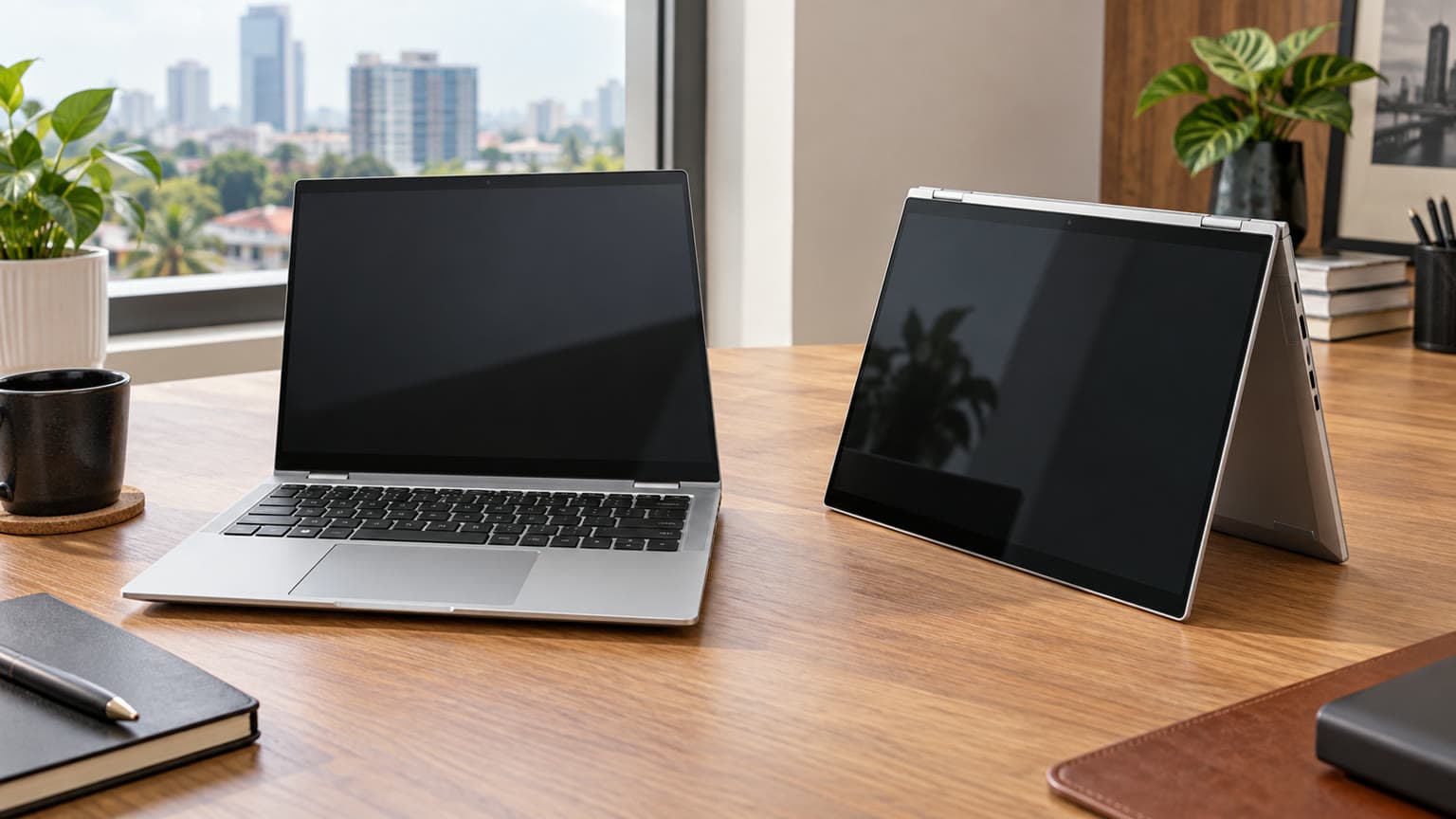
Illustration: inspect hinge movement and charging, and confirm the storage service plan before purchase.
Used versus open-box: what must be written down?
The OgaBassey catalog records this product as used. Do not reinterpret that as open-box, unused or manufacturer-refurbished. If a seller offers a different condition, ask for a separate written description covering previous use, cosmetic grade, battery expectations, repairs and included accessories.
Ask the seller to demonstrate that the laptop can be set up for you without a previous organisation’s account or enrolment requirement. Confirm that necessary BIOS settings are accessible and that no undisclosed administrator password blocks normal ownership. Have the seller resolve restrictions before payment.
Record the unit’s identifying details on the invoice or order documentation. Obtain the warranty duration, covered faults, battery exclusions, return process and responsibility for return transport. A model’s original business warranty does not establish current coverage for a used unit. For delivery outside the seller’s immediate area, agree on inspection timing and how a fault should be reported.
Alternatives: another x360, a standard laptop or a MacBook?
Start with the Ogabassey Laptops range and compare complete offers: configuration, condition, charger, battery evidence and written cover. An apparently cheaper laptop may require additional spending before it meets your needs.
The HP EliteBook x360 830 G9 buying guide is a useful next comparison if you want another compact convertible. That link is comparison reading, not a verified live quote. Request the exact G9 configuration and current offer before deciding whether a price difference buys something useful to you.
Your priority
Direction to compare
Deciding evidence
Touch annotation and flexible positioning
This x360 830 G8 versus another verified convertible
Touch accuracy, hinge condition, battery evidence and total price
Typing and spreadsheets
A conventional laptop, potentially with a larger display
Keyboard comfort, screen space and equivalent condition
Demanding games or GPU-heavy design
A system with a verified dedicated GPU
Application requirements and relevant performance evidence
macOS applications
A suitable MacBook configuration
Software compatibility, memory, condition and support terms
Is a MacBook worth it in Nigeria? It can be if its software and complete ownership cost suit your work. The country alone does not determine the answer. Check required applications, peripherals and service arrangements; this HP guide contains no verified MacBook configuration or price for a direct value verdict.
Verdict
At the supplied ₦632,500 price, shortlist the HP EliteBook x360 830 G8 when you will use touch and the listed 16GB/512GB configuration meets your workload. Proceed only when the seller provides satisfactory battery evidence, working hinges and touch input, reliable charging and written ownership and warranty terms. If touch adds little to your work, compare a conventional laptop before committing.
FAQ
What is the HP EliteBook x360 830 G8 price in Nigeria?
The supplied Ogabassey snapshot reports ₦632,500 and in-stock catalog availability as of 3 November 2026 at 05:20 UTC. The product record was last updated on 3 October. Check the linked live product page for the current configuration, price and dispatch availability.
What specs matter before buying a used or open-box laptop?
Confirm the exact processor, RAM, storage, display and required ports, then check battery condition, charging, ownership restrictions and warranty terms. This listing specifies an 11th-generation Intel i5, 16GB RAM and 512GB SSD. Its recorded condition is used, and its RAM is not an ordinary upgrade option.
Is this HP EliteBook suitable for school and remote work?
It is a reasonable candidate for documents, research, presentations and calls, subject to your software requirements and the actual unit’s condition. Test the webcam, microphone, Wi-Fi, keyboard and battery before relying on it. Demanding games and specialist design software need a separate requirements check.
Can the HP EliteBook x360 830 G8 charge through USB-C?
HP’s family service guide documents USB-C charging and 65W USB-C adapter options. Confirm the offered unit and test the intended charger, cable or power bank. A USB-C plug alone does not establish compatible power delivery.
Catalog-linked prices update automatically. Historical and other quoted prices remain as written. Open the product page to confirm the current price, selected variant and availability before buying.