Bassey John is a Performance Marketing Specialist at Ogabassey with cross-industry experience spanning e-commerce, gaming, and real estate. He focuses on paid acquisition, conversion-rate optimisation, and data-driven growth strategy, turning campaign performance into measurable revenue. At Ogabassey he writes about consumer technology, product buying guides, and the Nigerian gadget market to help shoppers make confident, informed decisions.
If you want a safer everyday work laptop with newer business features, choose the Dell Latitude 5450. If you want a larger screen, more storage, and stronger multi-core headroom for creative or heavy office work at a lower listed price, the used Dell XPS 15 9520 is the better value, but only after condition checks.
Decision summary
This comparison is not a simple “newer is always better” decision. The Dell Latitude 5450 is the newer, new-condition option in Ogabassey’s catalog, listed with Intel Core Ultra 7 155U, 16GB DDR5 RAM, 256GB PCIe NVMe SSD, a 14-inch FHD IPS display, integrated Intel graphics, and a catalog price of NGN 1,405,000. The Dell XPS 15 9520 is a used premium creator laptop listed with Intel Core i7-12700H, 16GB DDR5 RAM, 512GB SSD, a 15.6-inch FHD+ 1920x1200 display, Intel Iris Xe graphics, and a catalog price of NGN 1,200,000.
The Latitude is the more practical pick for buyers who move between class, office, meetings, client visits, and home power setups. It is lighter at about 1.4kg, has a smaller 14-inch screen, and Dell’s official Latitude 5450 support/spec family validates business-friendly options such as Thunderbolt 4, HDMI, Ethernet, DDR5 SODIMM memory support up to 64GB, and M.2 storage paths. The XPS is the better pick for buyers who value screen space, premium build, and a higher-performance 12th Gen H-series processor, but its used condition makes physical inspection, battery health, charger verification, and warranty terms more important.
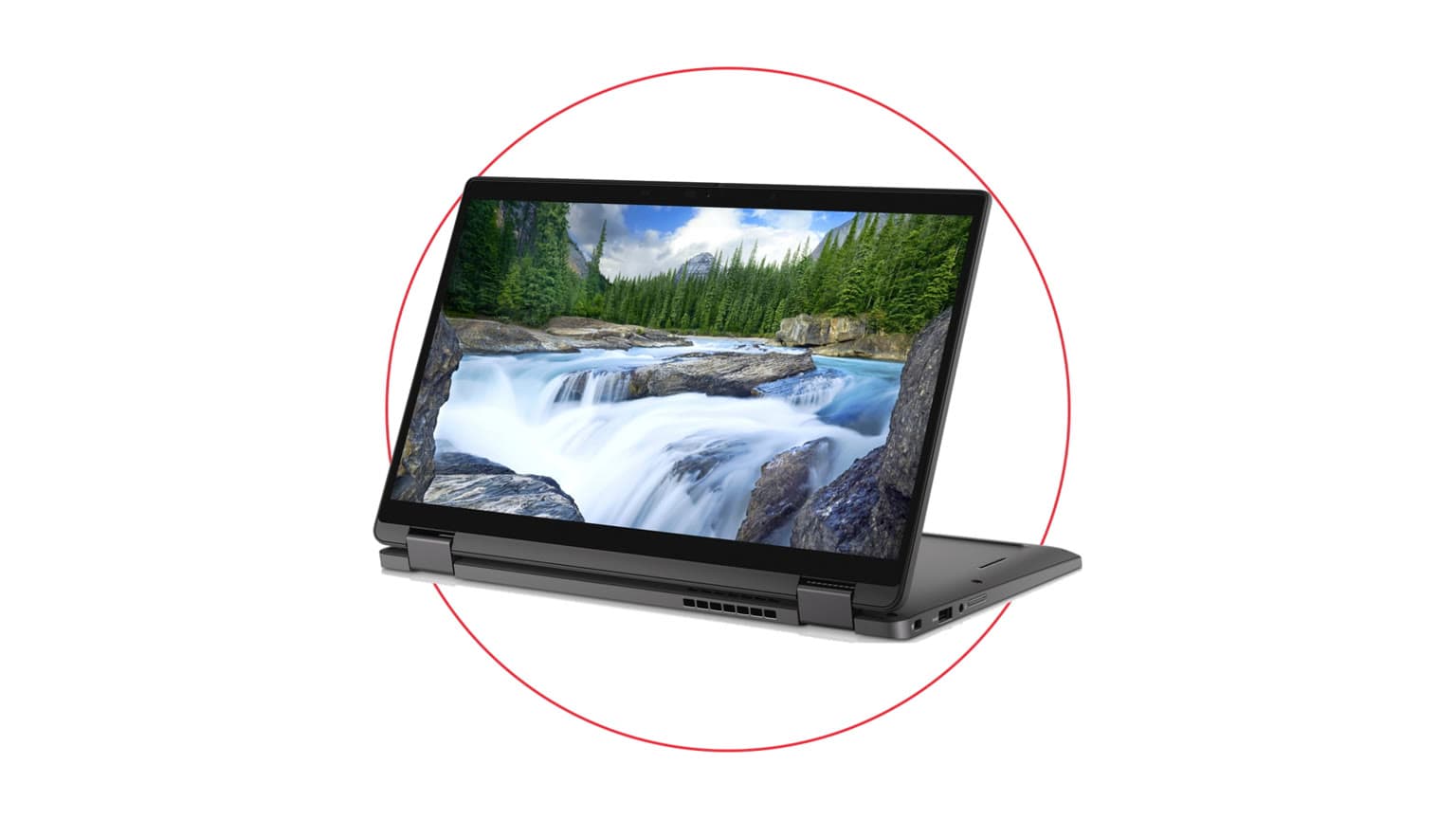
The Latitude 5450 angle is portability, business practicality and fewer used-device unknowns.
Catalog-verified comparison table
Decision point
Dell Latitude 5450
Dell XPS 15 9520
Buyer meaning
Condition
New
Used
Latitude is safer for warranty and battery confidence; XPS needs stronger inspection.
Listed price
NGN 1,405,000
NGN 1,200,000
XPS costs less in the supplied catalog snapshot despite being the larger premium model.
Processor
Intel Core Ultra 7 155U
Intel Core i7-12700H
Latitude targets efficient modern work; XPS has stronger heavy-load potential from its H-series class.
RAM
16GB DDR5
16GB DDR5
Both are suitable for office work, school tabs, presentations, and moderate multitasking.
Storage
256GB PCIe NVMe SSD
512GB SSD
XPS gives more room for design files, documents, apps, and offline media.
Screen size
14 inches
15.6 inches
Latitude is easier to carry; XPS is better for spreadsheets, timelines, and split-screen work.
Display resolution
1920x1080 FHD IPS
1920x1200 FHD+
XPS has extra vertical pixels, useful for documents, code, and creative panels.
Refresh rate
60Hz
60Hz
Neither listing is positioned as a high-refresh gaming laptop.
Graphics
Intel integrated graphics
Intel Iris Xe Graphics
Both are integrated-GPU machines; do not buy either as a dedicated gaming workstation.
Weight
About 1.4kg
About 1.84kg
Latitude is better for daily commuting and students carrying a bag all day.
Headphone jack
Listed
Listed
Both support common wired headsets without relying only on Bluetooth.
Stock in snapshot
0 listed stock quantity
0 listed stock quantity
Confirm live availability before checkout on either product page.
Price and value in Nigeria
The XPS 15 9520 has the stronger value headline in this snapshot: lower listed price, double the storage, bigger display, and a premium XPS chassis. For a buyer in Nigeria who wants a laptop for Microsoft Office, browser-heavy work, Canva, light Adobe use, accounting software, presentations, and media, that can be attractive. The catch is that the XPS is used. A lower price is only a real saving if the battery is healthy, the screen has no pressure marks, the keyboard and trackpad are clean, the charger is correct, and the seller’s warranty/return terms are clear.
The Latitude 5450 is more expensive here, but the value is different. You are paying for a new-condition business laptop, a newer Core Ultra platform, a more portable body, and business-class practicality. If the laptop is for a staff member, student, remote worker, or frequent traveller, the fewer-condition-unknowns argument matters. In Nigerian buying reality, warranty trust, charger authenticity, keyboard layout, and local after-sales support can matter as much as raw specs.
Both listings show 0 stock quantity in the supplied snapshot, so the correct buying action is not to assume either price is checkout-ready. Use the product pages to confirm live availability, final configuration, charger, condition, and warranty terms. If both are unavailable, browse the broader Ogabassey laptops category rather than forcing a stale deal.
Performance and daily use
The Dell Latitude 5450’s Intel Core Ultra 7 155U is a newer efficient processor class. From the catalog angle, its best fit is business productivity: Microsoft 365, Google Workspace, Teams or Zoom calls, CRM dashboards, browser tabs, light image editing, coding coursework, and admin work. The 16GB RAM helps it avoid the cramped feel of 8GB systems, but the 256GB SSD is the first compromise. If you store many videos, design assets, phone backups, or offline course files, confirm whether the selected Latitude variant can be upgraded and what that would cost.
The Dell XPS 15 9520’s Core i7-12700H is older but performance-focused. Dell’s support-family documentation for the XPS 15 9520 supports Core i7-12700H and FHD+ configurations, while the Ogabassey listing identifies this unit with 16GB RAM, 512GB SSD, and Intel Iris Xe graphics. The H-series CPU gives the XPS a stronger case for heavier multitasking and bursty creator workloads. It is not a dedicated RTX creator or gaming listing, so avoid assuming smooth 3D rendering, AAA gaming, or GPU-heavy editing. Its advantage is more about CPU headroom and screen space than gaming graphics.
For students, the Latitude is easier to live with because it is lighter and new. For office staff, the Latitude also makes sense where the laptop will be used every day and downtime is expensive. For a designer, analyst, content manager, or business owner who wants a larger canvas and more internal storage, the XPS is more tempting, provided the used condition checks out.
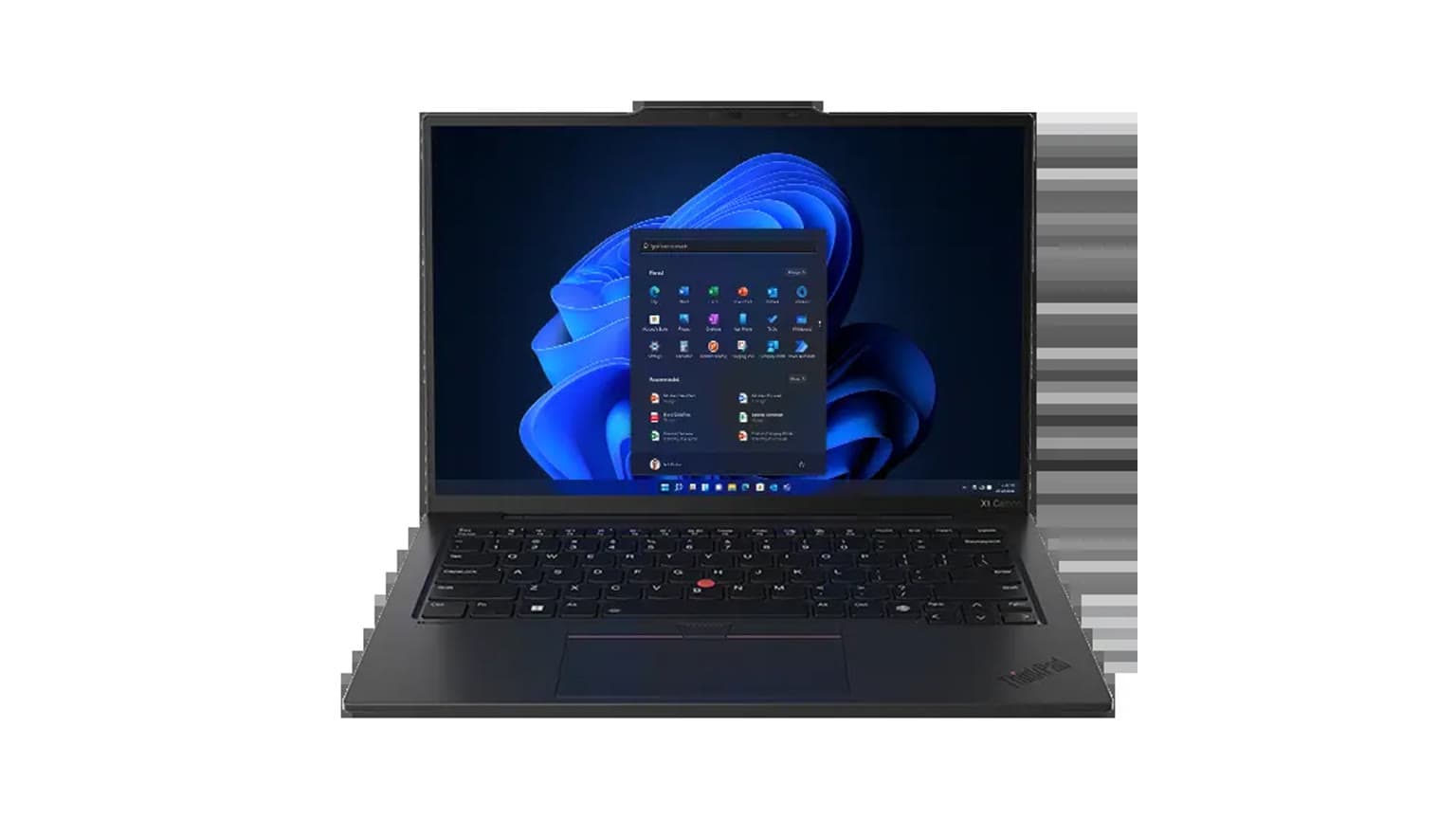
The XPS 15 9520 angle is bigger screen space, more storage and used premium value.
Battery, display, and build
Battery is where the condition difference becomes more important than the processor names. The Latitude 5450 is listed as new, so the buyer should reasonably expect better battery confidence after confirming the exact unit, warranty terms, and charger. The XPS 15 9520 is used, and used premium laptops can vary widely depending on previous owner habits, heat exposure, charging cycles, and whether the original adapter is still present. Before paying for the XPS, ask for battery health or cycle information where available, test charging, and check that it does not throttle or shut down under load.
Display choice depends on work style. The Latitude’s 14-inch FHD IPS panel is the safer mobile-work size. It is fine for documents, calls, browser work, and school assignments, but it is not the spacious option. The XPS 15 9520’s 15.6-inch FHD+ 1920x1200 panel gives more vertical space, which helps with long documents, dashboards, spreadsheets, coding, and editing timelines. If you often work from a desk, the XPS screen advantage is real. If you often work from buses, classrooms, shared offices, and client sites, the Latitude’s size and weight advantage is easier to feel.
Build expectations are also different. Latitude laptops are business machines, often chosen for serviceability and office deployment. The supplied Dell Latitude support note validates DDR5 SODIMM memory support up to 64GB and M.2 storage family support, but exact upgrade options still depend on the selected configuration. XPS laptops are premium consumer/creator machines, usually chosen for screen, chassis feel, and desk appeal. On a used unit, inspect the hinge, palm rest, keyboard shine, speaker condition, webcam, USB-C ports, and any marks around the chassis edges.
Who should buy each option
Buy the Dell Latitude 5450 if...
Choose the Latitude 5450 if you want a new Dell work laptop for school, office, remote work, sales, admin, accounting, coding basics, or everyday business travel. It is the better fit if you value lower carry weight, current business-platform practicality, and fewer used-device risks. It is also the more sensible option for companies buying for staff because a predictable condition and support path can be worth more than extra storage.
Buy the Dell XPS 15 9520 if...
Choose the XPS 15 9520 if you want a larger premium laptop for desk-heavy work, spreadsheets, documents, content planning, light creative apps, and heavy multitasking. It is especially attractive if the lower listed price is still available and the unit passes inspection. The XPS is not the better choice for buyers who cannot inspect used-device condition or who need the safest warranty path.
Alternatives worth checking
If your priority is a bigger Dell business machine rather than a compact new one, Ogabassey’s existing comparison of Dell Latitude 3540 vs Latitude 5450 is a useful next read. It keeps the decision within the Latitude family and focuses on bigger used value versus newer work-laptop practicality.
If you are open to non-Dell options, compare this decision with ThinkPad T14s Gen 6 or Yoga Slim 7 14APU8. That article frames a similar new-business-laptop versus used-premium-value decision, which is the real buying pattern here. For buyers specifically looking for GPU power or high-refresh gameplay, neither of these Dell listings should be treated as the final stop; check Ogabassey gaming laptops instead.
Verdict
Buy the Dell Latitude 5450 if your priority is a new, lighter, safer work laptop with business practicality and a cleaner support story. Buy the Dell XPS 15 9520 if you can inspect the used unit properly and want more screen space, more storage, and stronger H-series CPU headroom for less money in this catalog snapshot. The biggest differences are condition and portability on the Latitude side, versus price, display size, storage, and performance potential on the XPS side. Because both products show 0 stock quantity in the supplied data, the final step is to confirm live availability and exact variant details before treating either as the better deal.
FAQ
Which laptop should I buy for school or office work?
For most school and office buyers, the Dell Latitude 5450 is the safer pick because it is listed as new, lighter, and more business-focused. The XPS 15 9520 is better if you need a larger screen and more storage, but its used condition needs careful checking.
Is the Dell XPS 15 9520 still worth buying used in 2026?
Yes, it can be worth buying used if the battery, charger, display, ports, keyboard, and warranty terms are sound. Its Core i7-12700H, 16GB RAM, 512GB SSD, and 15.6-inch FHD+ screen still suit heavy office and light creative work.
Are these Dell laptops good for gaming?
Neither listing should be treated as a gaming-first laptop. Both use integrated graphics in the supplied catalog data, and both list 60Hz displays. For gaming, check dedicated gaming laptop options with stronger GPUs and cooling.
What specs matter most before buying a used laptop?
Check processor, RAM, SSD size, battery health, display condition, charger authenticity, ports, keyboard, hinge, warranty terms, and upgrade path. For a used XPS, also watch heat, fan noise, chassis dents, and whether the exact configuration matches the seller listing.
Catalog-linked prices update automatically. Historical and other quoted prices remain as written. Open the product page to confirm the current price, selected variant and availability before buying.